Skip to navigation Skip to main content
  • Fields
  • Features
  • Addons
  • WordPress CRM Plugin
Auto Form Builder
  • Fields
  • Features
  • Addons
  • WordPress CRM Plugin
Live Preview
Download FREE
Auto Form Builder
Download FREE

How to Collect Names in WordPress Forms

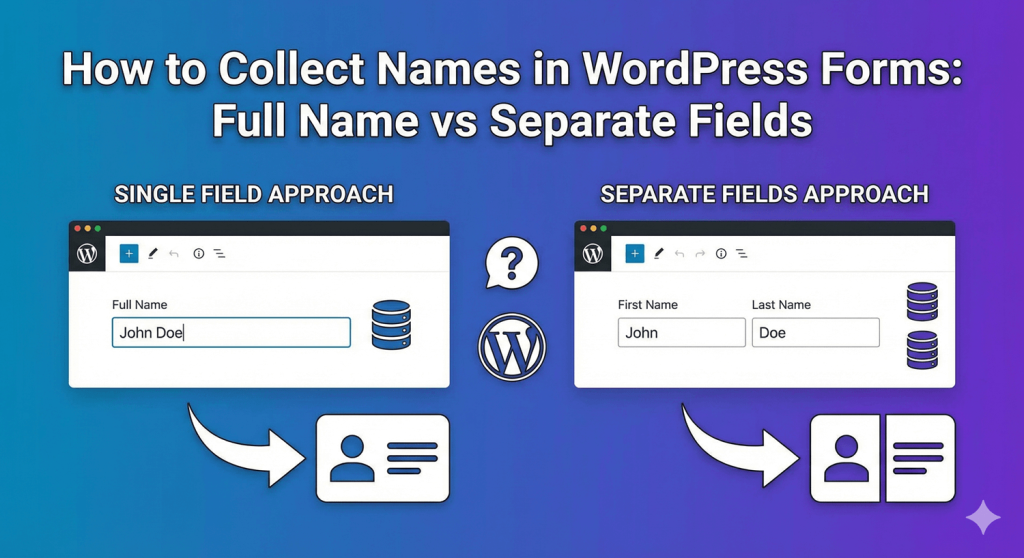
How to Collect Names in WordPress Forms: Full Name vs Separate Fields

Should you use one field or multiple fields for names? Learn the pros and cons of each approach and how to set up name fields in WordPress.

Continue reading
Percentage Input Fields for Surveys and Ratings

Percentage Input Fields for Surveys and Ratings

Learn how to create percentage input fields in WordPress forms for surveys and ratings. Collect satisfaction scores, completion rates, and allocation percentages.
Continue reading
How to Add Number Fields to WordPress Forms

How to Add Number Fields to WordPress Forms

Learn how to add number fields to WordPress forms. Configure min/max values, step sizes, currency formats, and slider mode for better numeric data collection.
Continue reading
US Phone Number Format

US Phone Number Format: Setting Up (123) 456-7890 in Forms

Learn how to set up US phone number format (123) 456-7890 in WordPress forms. Auto-format phone numbers as users type for consistent data collection.
Continue reading

autoformbuilder logo

We build WordPress form tools that save you time, look beautiful, and convert visitors into leads—without the complexity.

Fields

  • Address
  • Checkbox
  • Date
  • Dropdown
  • Email
  • File Uploads
  • Name Field
  • Number
  • Phone
  • Radio Buttons
  • Text Area
  • Text Input
  • Time

Features

  • Conditional Logic
  • Drag Drop Builder
  • Form Styling
  • Submission Management

Add-Ons

  • Addons
  • Entry Tags
  • Google Sheets

Auto Form Builder

  • About
  • Download FREE
  • Blog
  • Contact
  • PHP Development
  • Development Services
  • WordPress CRM Plugin
  • Support

© 2026 Auto Form Builder. A product of Amora Digital (KVK: 99536811).

  • Fields
  • Features
  • Addons
  • WordPress CRM Plugin