Skip to navigation Skip to main content
  • Fields
  • Features
  • Addons
  • WordPress CRM Plugin
  • Account
Auto Form Builder
  • Fields
  • Features
  • Addons
  • WordPress CRM Plugin
  • Account
Live Preview
Download FREE
Auto Form Builder
Download FREE

How to Show and Hide Form Fields Based on User Answers

How to Show and Hide Form Fields Based on User Answers

Learn how to create dynamic forms that show or hide fields based on user selections. Use conditional logic to create smarter, shorter forms.

Continue reading
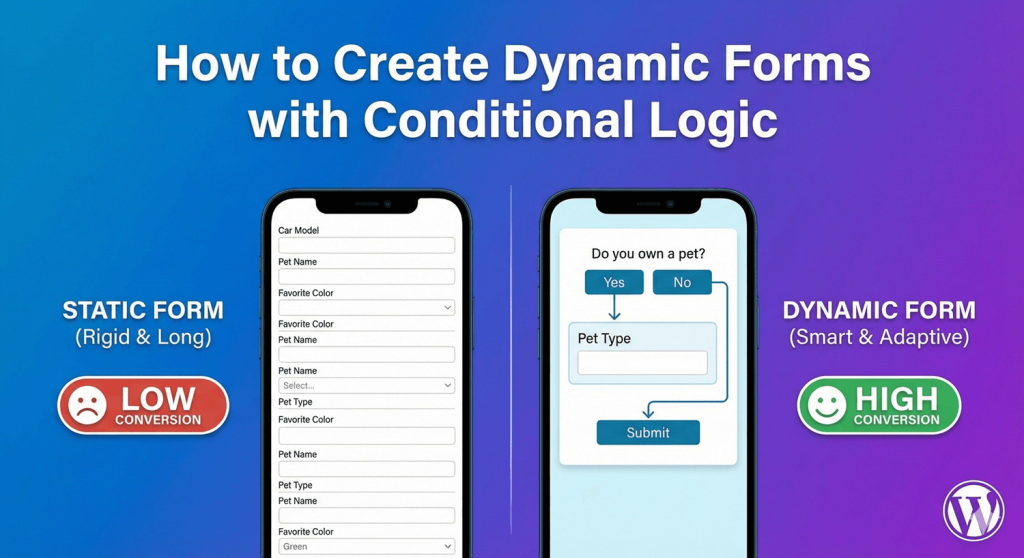
How to Create Dynamic Forms with Conditional Logic

How to Create Dynamic Forms with Conditional Logic

Learn how to create dynamic forms with conditional logic in WordPress. Build smart forms that show and hide fields based on user responses.
Continue reading
What is Conditional Logic

What is Conditional Logic in WordPress Forms?

Learn what conditional logic is and how it works in WordPress forms. Understand how smart forms show and hide fields based on user responses.
Continue reading

autoformbuilder logo

We build WordPress form tools that save you time, look beautiful, and convert visitors into leads—without the complexity.

Fields

  • Address
  • Checkbox
  • Date
  • Dropdown
  • Email
  • File Uploads
  • Name Field
  • Number
  • Phone
  • Radio Buttons
  • Text Area
  • Text Input
  • Time

Features

  • Conditional Logic
  • Drag Drop Builder
  • Form Styling
  • Submission Management

Add-Ons

  • Addons
  • Entry Tags
  • Google Sheets

Auto Form Builder

  • About
  • Download FREE
  • Account
  • Blog
  • Contact
  • Support

© 2026 Auto Form Builder. A product of Amora Digital (KVK: 99536811).
  • Fields
  • Features
  • Addons
  • WordPress CRM Plugin
  • Account