Skip to navigation Skip to main content
  • Fields
  • Features
  • Addons
  • WordPress CRM Plugin
Auto Form Builder
  • Fields
  • Features
  • Addons
  • WordPress CRM Plugin
Live Preview
Download FREE
Auto Form Builder
Download FREE

How to Delete Multiple Form Submissions at Once

How to Delete Multiple Form Submissions at Once

Learn how to bulk delete form submissions in WordPress. Remove multiple entries at once to clean up spam, test data, and old submissions efficiently.

Continue reading
How to Search Form Submissions in WordPress

How to Search Form Submissions in WordPress

Learn how to search and find form submissions in WordPress. Filter by date, form, status, and search across all submission data.
Continue reading
Character Limits

Character Limits: Minimum and Maximum Length Validation

Learn how to set character limits on WordPress form fields. Configure minimum and maximum length validation for text fields and textareas.
Continue reading
Managing Contact Form Submissions in WordPress

Managing Contact Form Submissions in WordPress

Learn how to view, organize, search, filter, and export your WordPress form submissions. Complete guide to submission management.
Continue reading
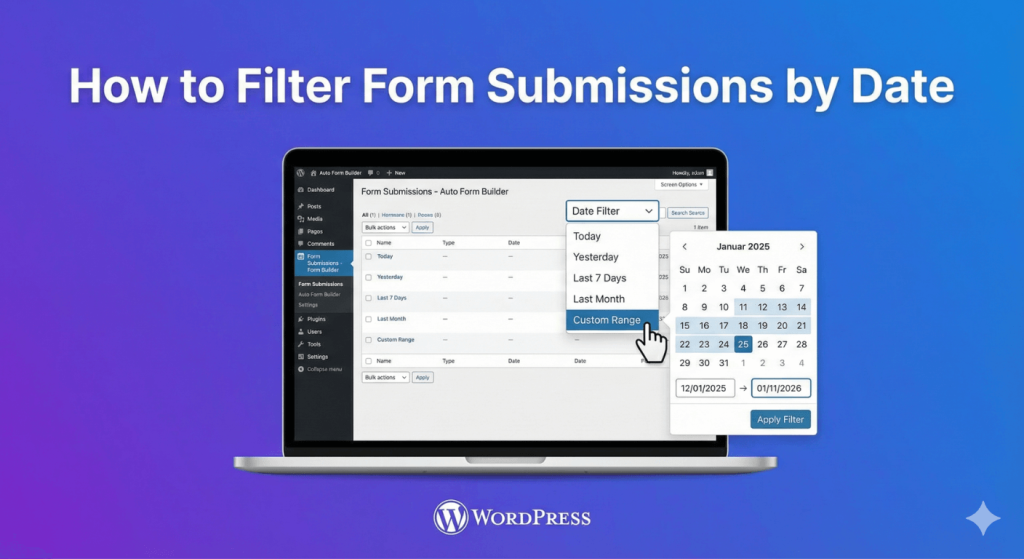
How to Filter Form Submissions by Date

How to Filter Form Submissions by Date

Learn how to filter WordPress form submissions by date. Find entries from specific time periods quickly using date range filters.
Continue reading
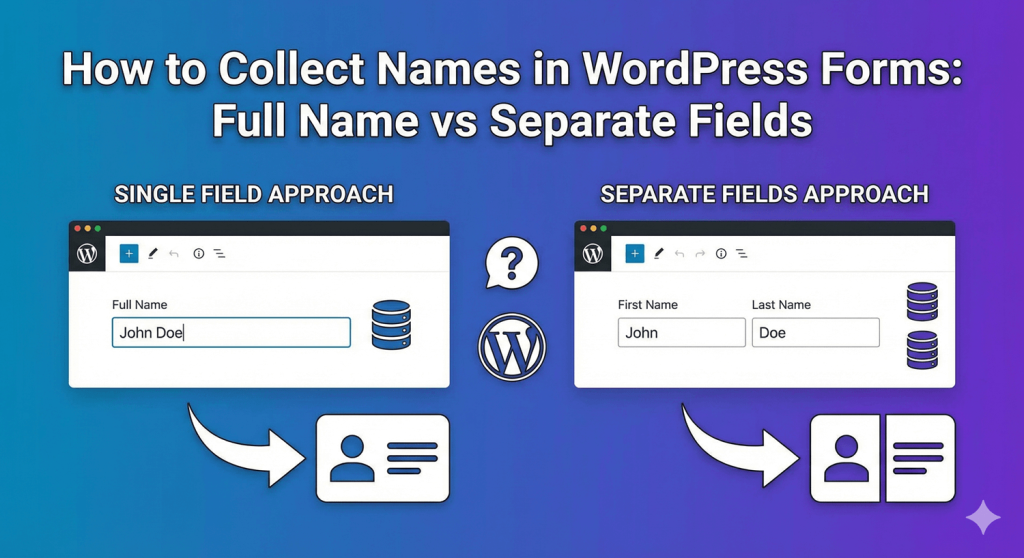
How to Collect Names in WordPress Forms

How to Collect Names in WordPress Forms: Full Name vs Separate Fields

Should you use one field or multiple fields for names? Learn the pros and cons of each approach and how to set up name fields in WordPress.
Continue reading
How to Show and Hide Form Fields Based on User Answers

How to Show and Hide Form Fields Based on User Answers

Learn how to create dynamic forms that show or hide fields based on user selections. Use conditional logic to create smarter, shorter forms.
Continue reading
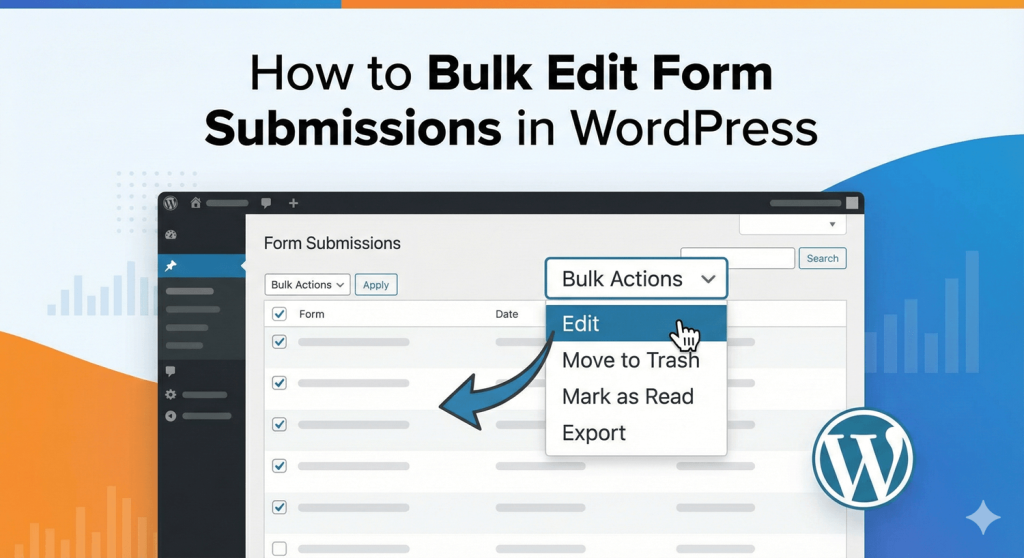
How to Bulk Edit Form Submissions in WordPress

How to Bulk Edit Form Submissions in WordPress

Learn how to bulk edit, delete, and manage form submissions in WordPress. Save time with mass actions on multiple entries at once.
Continue reading
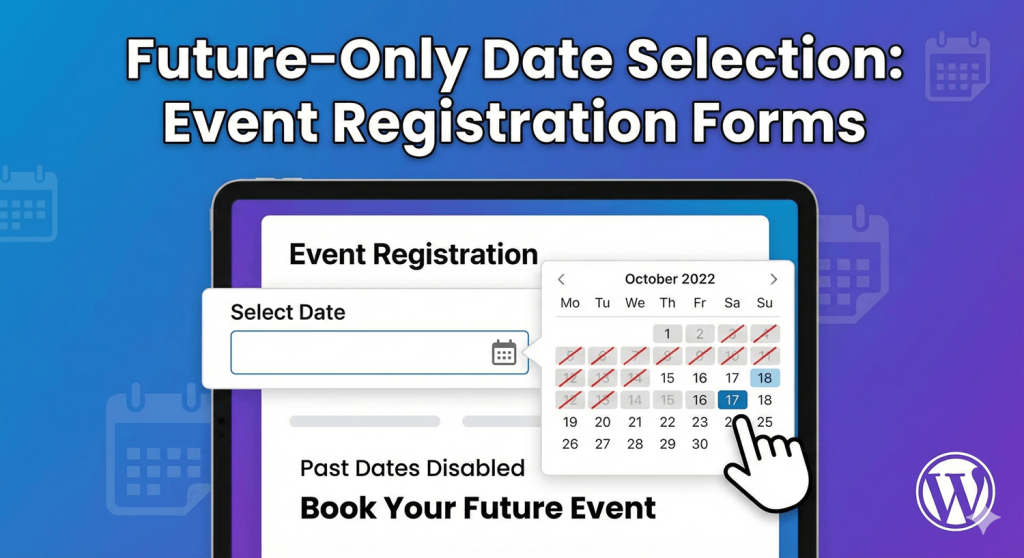
Future-Only Date Selection

Future-Only Date Selection: Event Registration Forms

Learn how to restrict date fields to future dates only for event registration forms. Block past dates and set booking windows in WordPress.
Continue reading
Building Quantity Fields

Building Quantity Fields: Number of Guests, Items, etc.

Learn how to create quantity fields in WordPress forms. Collect numbers for guests, items, tickets, and more with proper validation and limits.
Continue reading
  • 1
  • 2
  • 3
  • ›
  • »

autoformbuilder logo

We build WordPress form tools that save you time, look beautiful, and convert visitors into leads—without the complexity.

Fields

  • Address
  • Checkbox
  • Date
  • Dropdown
  • Email
  • File Uploads
  • Name Field
  • Number
  • Phone
  • Radio Buttons
  • Text Area
  • Text Input
  • Time

Features

  • Conditional Logic
  • Drag Drop Builder
  • Form Styling
  • Submission Management

Add-Ons

  • Addons
  • Entry Tags
  • Google Sheets

Auto Form Builder

  • About
  • Download FREE
  • Blog
  • Contact
  • PHP Development
  • Development Services
  • WordPress CRM Plugin
  • Support

© 2026 Auto Form Builder. A product of Amora Digital (KVK: 99536811).

  • Fields
  • Features
  • Addons
  • WordPress CRM Plugin