Skip to navigation Skip to main content
  • Fields
  • Features
  • Addons
  • WordPress CRM Plugin
Auto Form Builder
  • Fields
  • Features
  • Addons
  • WordPress CRM Plugin
Live Preview
Download FREE
Auto Form Builder
Download FREE

How to Show and Hide Form Fields Based on User Answers

How to Show and Hide Form Fields Based on User Answers

Learn how to create dynamic forms that show or hide fields based on user selections. Use conditional logic to create smarter, shorter forms.

Continue reading
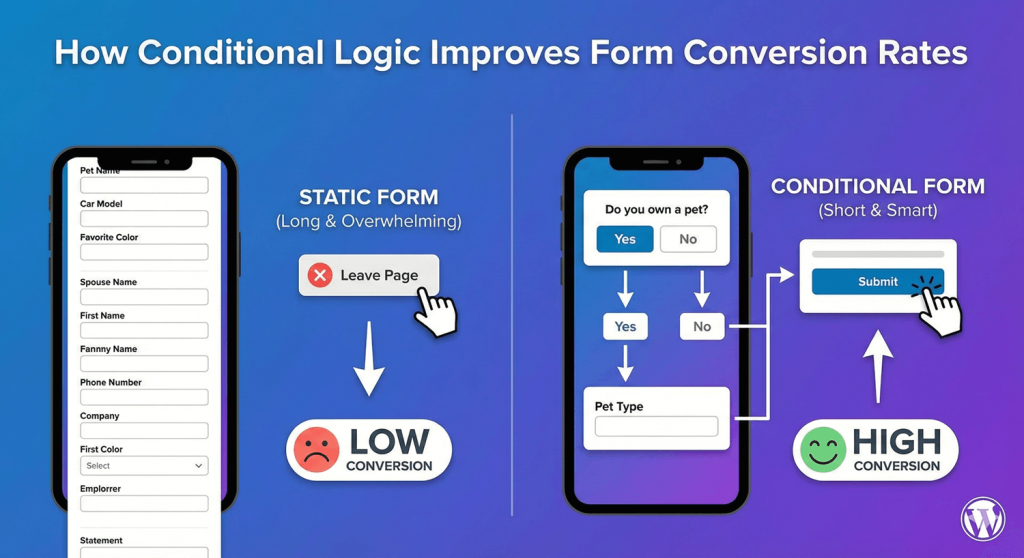
How Conditional Logic Improves Form Conversion Rates

How Conditional Logic Improves Form Conversion Rates

Learn how conditional logic improves form conversion rates. Discover why shorter, personalized forms get more completions and better quality leads.
Continue reading
International Name Formats

International Name Formats: Western vs Eastern Name Order

Learn about Western vs Eastern name order in form design. Create inclusive forms that handle international name formats correctly.
Continue reading
How to Add Range Sliders to WordPress Forms

How to Add Range Sliders to WordPress Forms

Learn how to add range sliders to WordPress forms. Create interactive number selection with visual sliders for budgets, ratings, quantities, and more.
Continue reading
Conditional Logic Best Practices for Better UX

Conditional Logic Best Practices for Better UX

Learn conditional logic best practices for WordPress forms. Create better user experiences by showing relevant fields and hiding unnecessary ones.
Continue reading
Creating Form Sections with HTML Blocks

Creating Form Sections with HTML Blocks

Learn how to create form sections using HTML blocks in WordPress. Organize long forms with headings, dividers, and visual groupings for better UX.
Continue reading
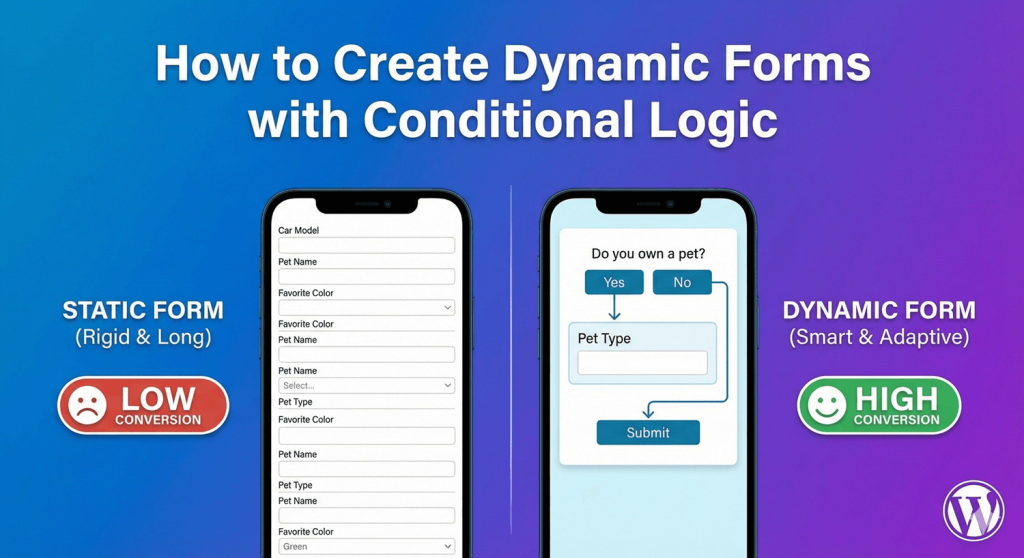
How to Create Dynamic Forms with Conditional Logic

How to Create Dynamic Forms with Conditional Logic

Learn how to create dynamic forms with conditional logic in WordPress. Build smart forms that show and hide fields based on user responses.
Continue reading
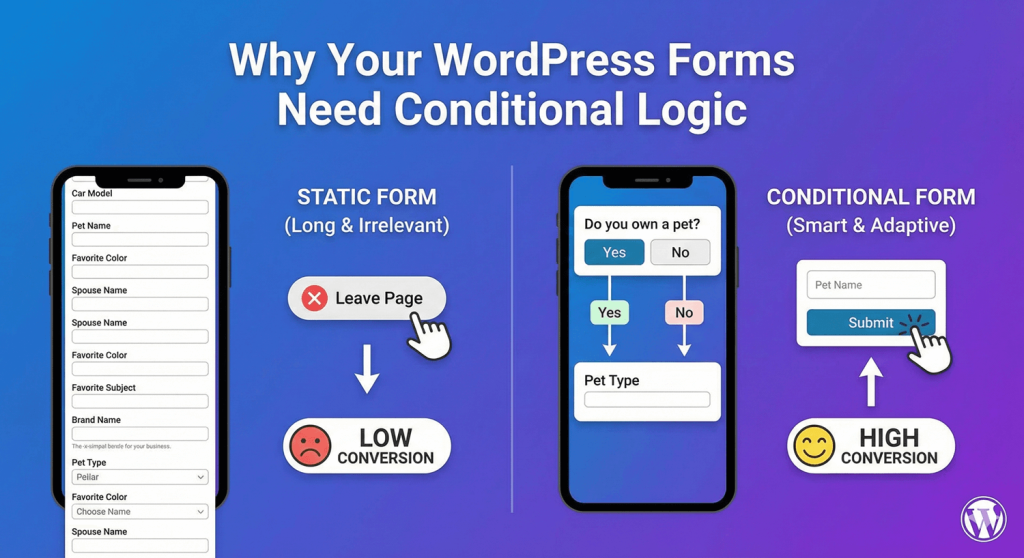
What Is Conditional Logic

What Is Conditional Logic – Why Your WordPress Forms Need Conditional Logic

Discover why conditional logic is essential for WordPress forms. Boost conversions, collect better data, and create personalized user experiences.
Continue reading
How to Add a Date Picker to WordPress Forms

How to Add a Date Picker to WordPress Forms

Learn how to add a date picker to WordPress forms. Create user-friendly date selection with calendars, format options, and date restrictions.
Continue reading
How to Add 'Select All' to Checkbox Lists

How to Add ‘Select All’ to Checkbox Lists

Learn how to add a 'Select All' option to checkbox lists in WordPress forms. Let users quickly select every option with one click for better UX.
Continue reading
  • 1
  • 2

autoformbuilder logo

We build WordPress form tools that save you time, look beautiful, and convert visitors into leads—without the complexity.

Fields

  • Address
  • Checkbox
  • Date
  • Dropdown
  • Email
  • File Uploads
  • Name Field
  • Number
  • Phone
  • Radio Buttons
  • Text Area
  • Text Input
  • Time

Features

  • Conditional Logic
  • Drag Drop Builder
  • Form Styling
  • Submission Management

Add-Ons

  • Addons
  • Entry Tags
  • Google Sheets

Auto Form Builder

  • About
  • Download FREE
  • Blog
  • Contact
  • PHP Development
  • Development Services
  • WordPress CRM Plugin
  • Support

© 2026 Auto Form Builder. A product of Amora Digital (KVK: 99536811).
  • Fields
  • Features
  • Addons
  • WordPress CRM Plugin