
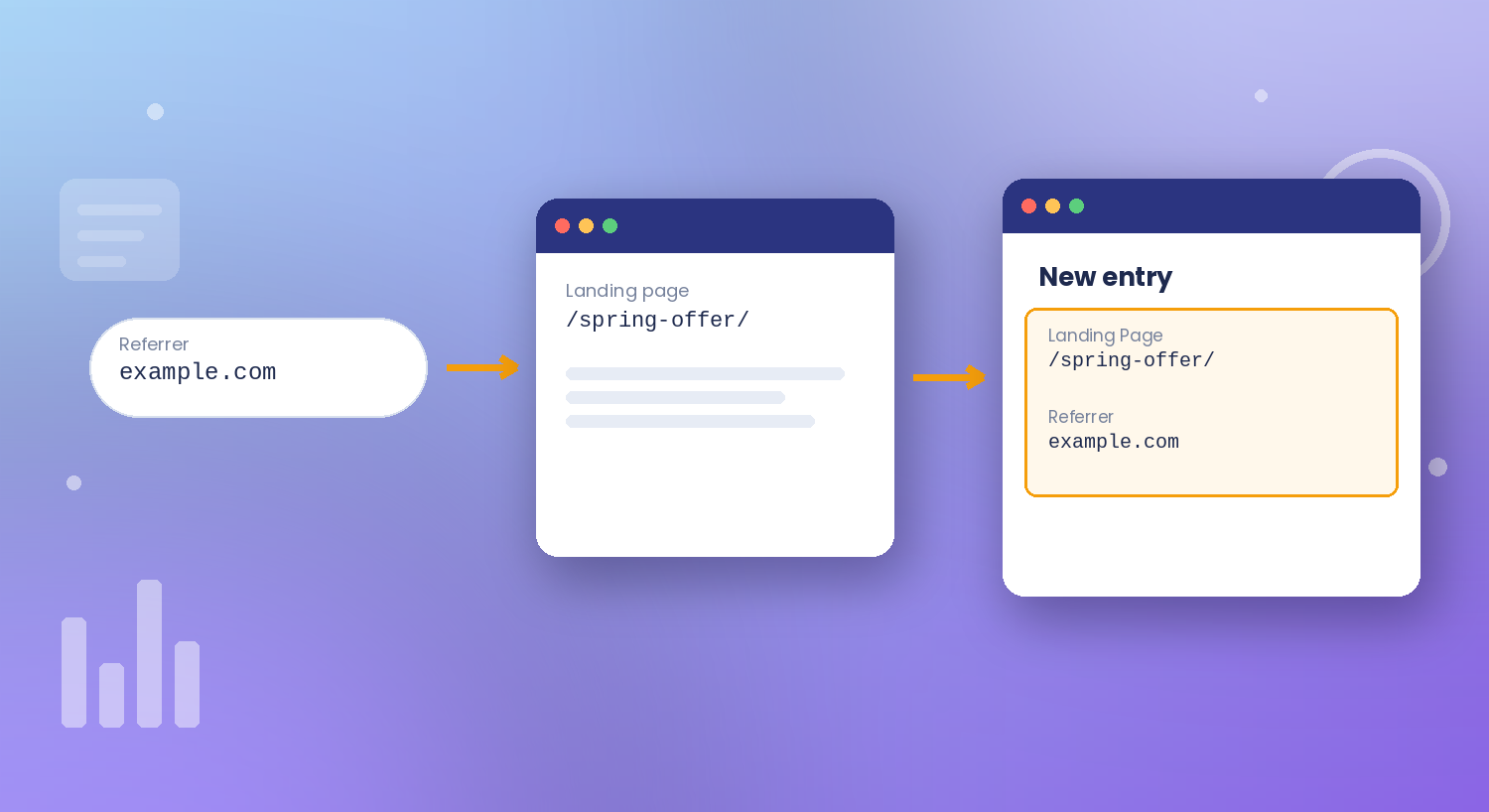
How to See Which Page and Website a Lead Came From
Knowing that a lead came from “Facebook” is useful. Knowing they landed on your spring offer page after clicking a link on a partner’s website is much more useful. With the free Ad Tracking add-on in Auto Form Builder, you can save both the landing page and the referrer (the website that sent the visitor) with every form entry. It’s one more part of a setup to track leads from your WordPress forms.
Related video: How to Track Which Ad Brought Each WordPress Form Lead
Landing page, referrer and “submitted from”: what’s the difference?
- Landing page is the page on your site where the visitor arrived.
- Referrer is the website the visitor came from, such as a partner’s blog or a newsletter site.
- Submitted from is the page where the visitor sent the form. Auto Form Builder already shows it in the Details box of every entry.
The landing page and the form page are often different. A visitor may land on a blog post, read two more pages, and only then open your contact page. Without a landing page field, you’d never know which post started it.
Which visits are saved?
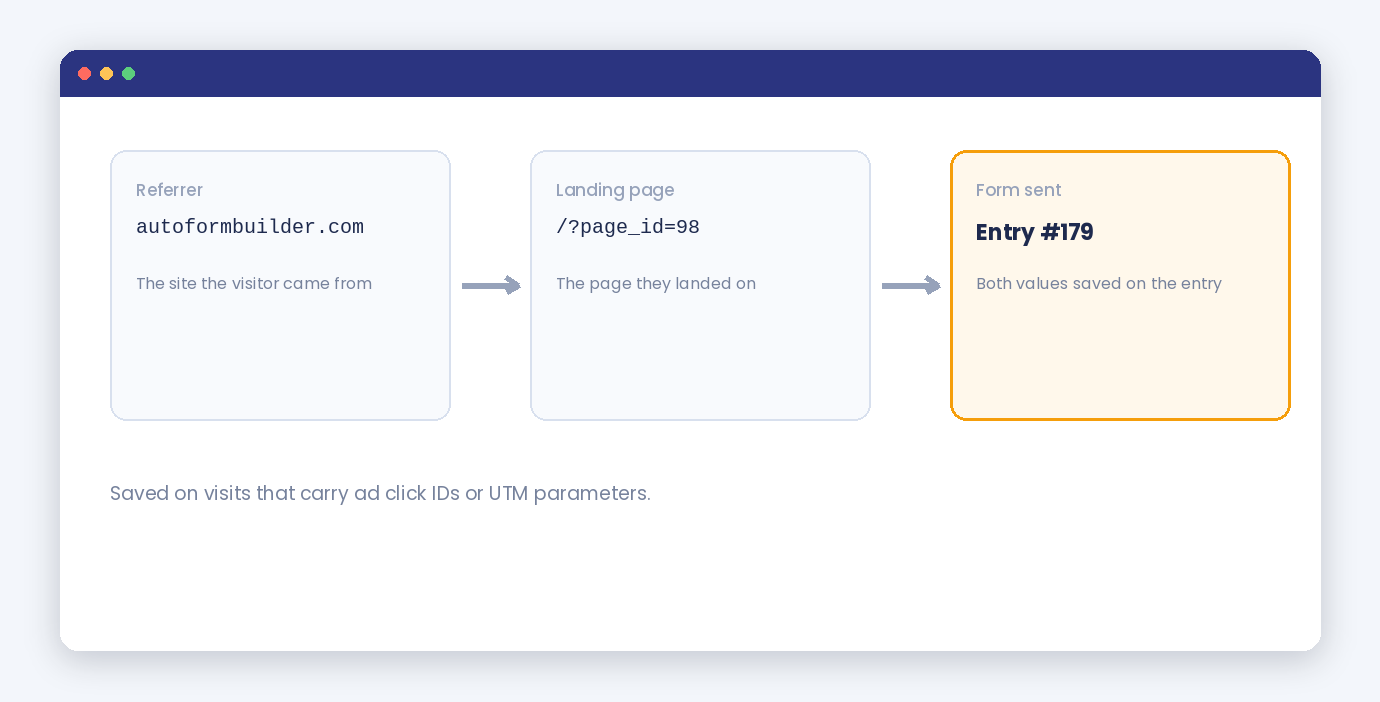
Ad Tracking saves these values on visits that carry ad click IDs or UTM parameters, the same visits that set the source and campaign. A visit without them, such as someone typing your address, doesn’t change the saved values.
So if you want to know which partner sites send you leads, add UTM parameters to the links you give them, for example ?utm_source=partner_blog. Then the referrer and the landing page are saved too.
Step 1: Activate the Ad Tracking add-on
Go to Auto Form Builder → Add-Ons, find Ad Tracking and click Activate. On its settings page, keep Capture ticked and choose a Cookie lifetime in days. Ask your visitors for consent first where the law requires it.
Step 2: Add the hidden fields
Open your form in the form builder and add a Text Input field. In Field Properties:
- Set Field Label to
Landing Page. - Tick Hidden Field.
- In Hidden Value, type
{last_landing_url}.
Add a second Text Input with the label Referrer, tick Hidden Field, and type {last_referrer} as its Hidden Value. Leave the Default Value box as it is: it shows the same tag, and clearing it also clears the Hidden Value. Click Save Form.
Step 3: Test it
We tested this on our own test site. We opened our main website, then clicked a link to the form page with a made-up click ID and UTM source:
https://afb.afc.wiki/?page_id=98&fbclid=IwTestFb123&utm_source=facebook&utm_campaign=spring_sale
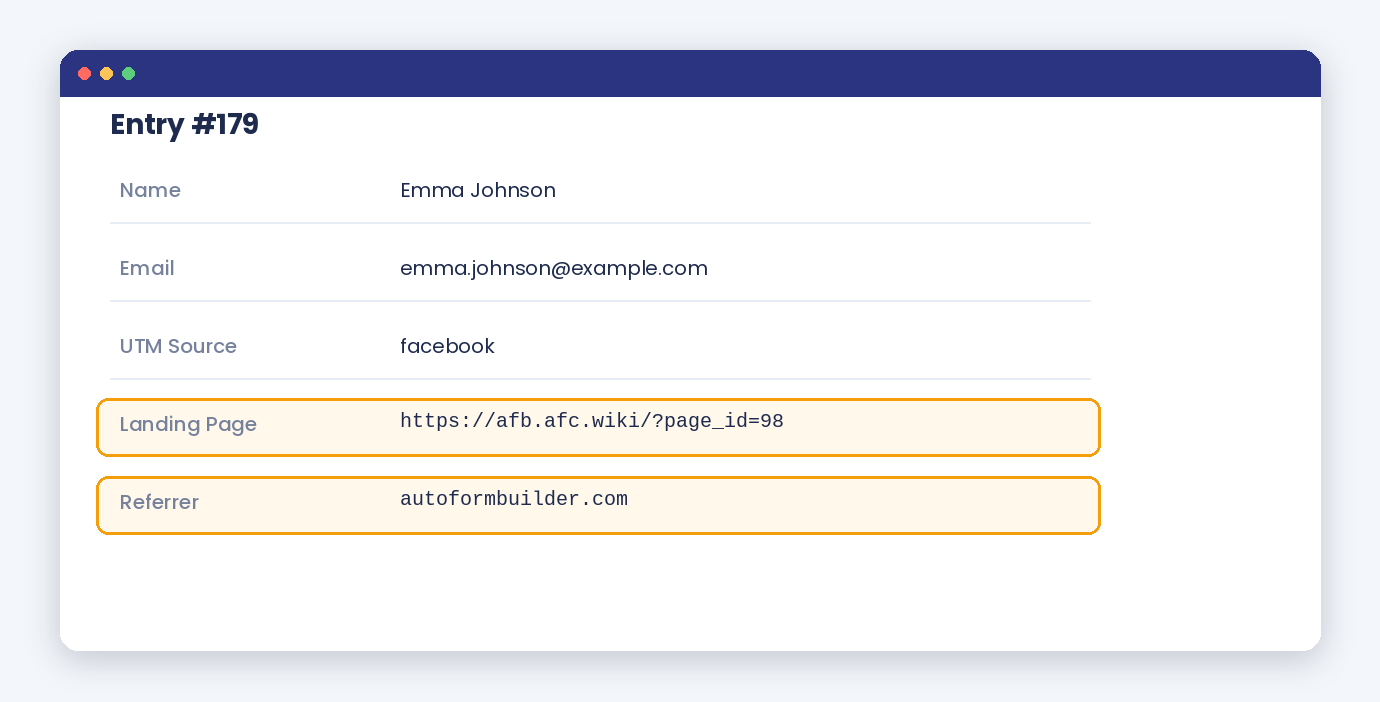
Then we filled in the form and sent it. The new entry showed:
- Landing Page:
https://afb.afc.wiki/?page_id=98 - Referrer:
autoformbuilder.com
Two things to notice. The landing page was saved without the click ID and UTM values, so it stays short and clean. And the referrer was saved as the domain of the site that sent the visitor, not the full address of the page.
First visit or latest visit?
The two tags above hold the latest visit with campaign parameters. To keep the first one, use these instead, or add them as extra fields:
{first_landing_url}: the landing page of the first visit with campaign parameters{first_referrer}: the referring site of the first visit with campaign parameters
The difference is explained in first-touch vs. last-touch.
What to do with this data
- Find your best landing pages. If most leads land on one page, give it more traffic or copy what works on it.
- See which partners send leads. Referrers show which websites, newsletters or directories are worth your time.
- Pass it on. The same tags work in webhook JSON templates, so you can send them to your CRM with a webhook, or to a spreadsheet with the free Google Sheets add-on.
Summary
To see which page and website a lead came from, activate the free Ad Tracking add-on and add two hidden fields with {last_landing_url} and {last_referrer}. The values are saved on visits with ad click IDs or UTM parameters, so use UTM links when you share your site. Every new entry then shows a clean landing page address and the referring domain.
Related reading:
FAQ
Is the referrer saved for every visitor?
No. The landing page and referrer tags are saved on visits that carry ad click IDs or UTM parameters. Add UTM parameters to the links you share so these visits are captured.
Does the landing page include the UTM parameters?
No. In our test, the click ID and UTM values were removed from the saved landing page, so you get a clean page address.
Is it free?
Yes. The Ad Tracking add-on is built into Auto Form Builder at no cost, like every other add-on.