How to Add Title Prefixes (Mr/Mrs/Dr) to Name Fields

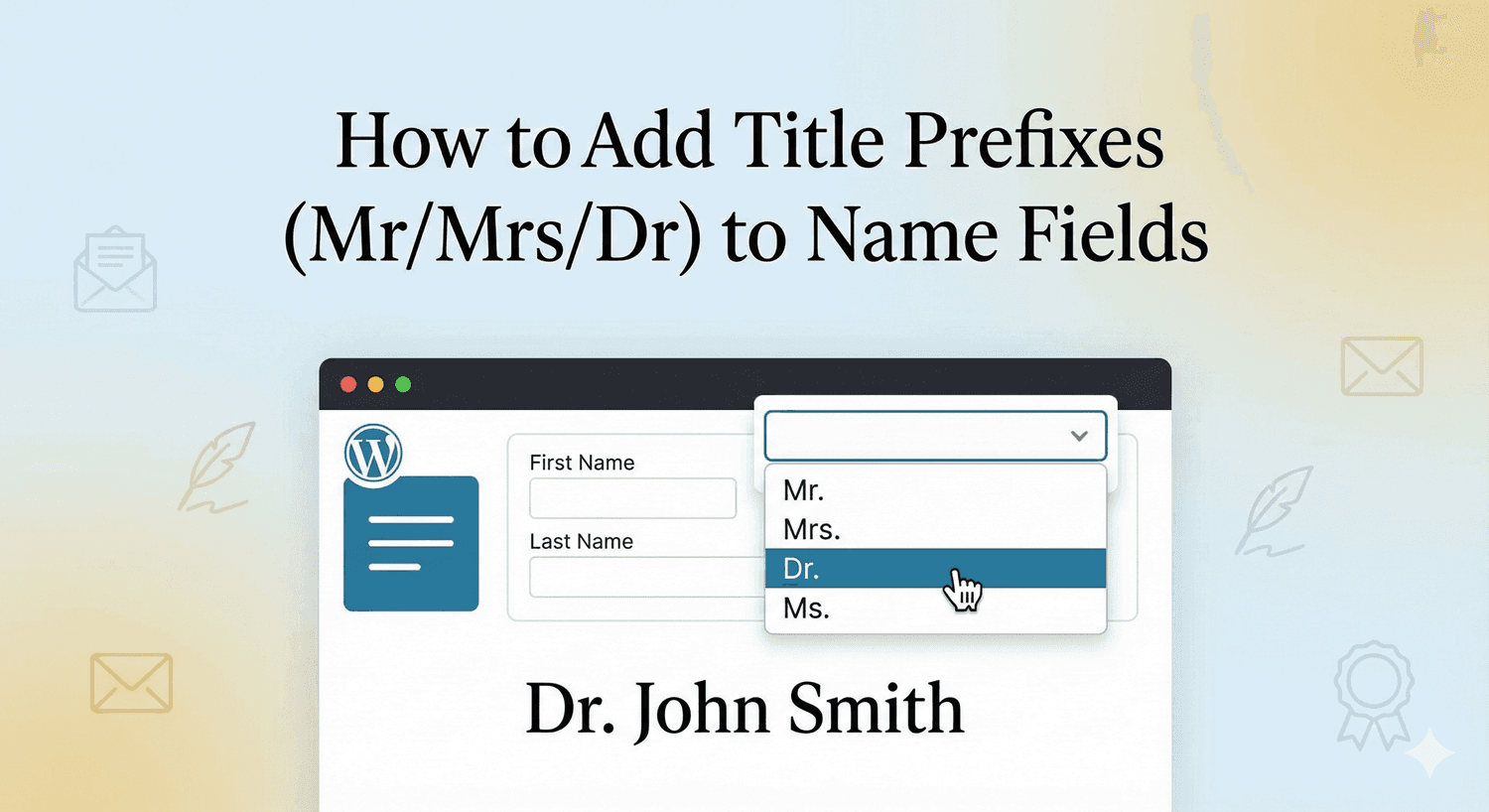
How to Add Title Prefixes

Sometimes “John Smith” isn’t formal enough. Professional correspondence, official documents, and respectful communication often require “Dr. John Smith” or “Mrs. Jane Smith.” Title prefixes—also called honorifics or salutations—add that professional touch to name collection.

In this guide, you’ll learn how to add title prefix options to your WordPress form name fields.

Why Include Title Prefixes

Professional Communication

  • Address people correctly in emails
  • Show respect for titles and achievements
  • Match formal business standards

Personalization

  • Customize greetings: “Dear Dr. Johnson”
  • Proper mail merge for documents
  • CRM data that addresses people correctly

Required for Certain Industries

  • Healthcare (Dr., medical titles)
  • Legal (Esq., Judge)
  • Military (ranks)
  • Academia (Prof., Dean)
  • Government (Hon., Senator)

User Preference

  • Some people prefer specific titles
  • Allows gender-neutral options (Mx.)
  • Respects individual identity

Common Title Prefixes

Standard Titles

Title Usage
Mr. Adult males
Mrs. Married women (traditional)
Ms. Women (marital status neutral)
Miss Unmarried women (traditional)
Mx. Gender-neutral option

Professional Titles

Title Usage
Dr. Doctors (medical or PhD)
Prof. Professors
Rev. Religious leaders
Hon. Judges, politicians
Sir/Dame Knighted individuals (UK)

Military Ranks

  • Capt. (Captain)
  • Col. (Colonel)
  • Gen. (General)
  • Lt. (Lieutenant)
  • Sgt. (Sergeant)

Academic Titles

  • Prof. (Professor)
  • Dean
  • Chancellor

Adding Title Prefixes to Name Fields

Here’s how to add title prefixes with Auto Form Builder:

Step 1: Install Auto Form Builder

  1. Go to Plugins → Add New
  2. Search for “AFB” (the short name for Auto Form Builder)
  3. Find “AFB – Auto Form Builder – Drag & Drop Form Creator
  4. Click Install Now, then Activate

Step 2: Add a Name Field

  1. Create or edit your form
  2. Drag the Name field onto your form
  3. Click to open field settings

Step 3: Enable Prefix Component

  1. Find the Field Components section
  2. Enable Prefix (title/honorific)
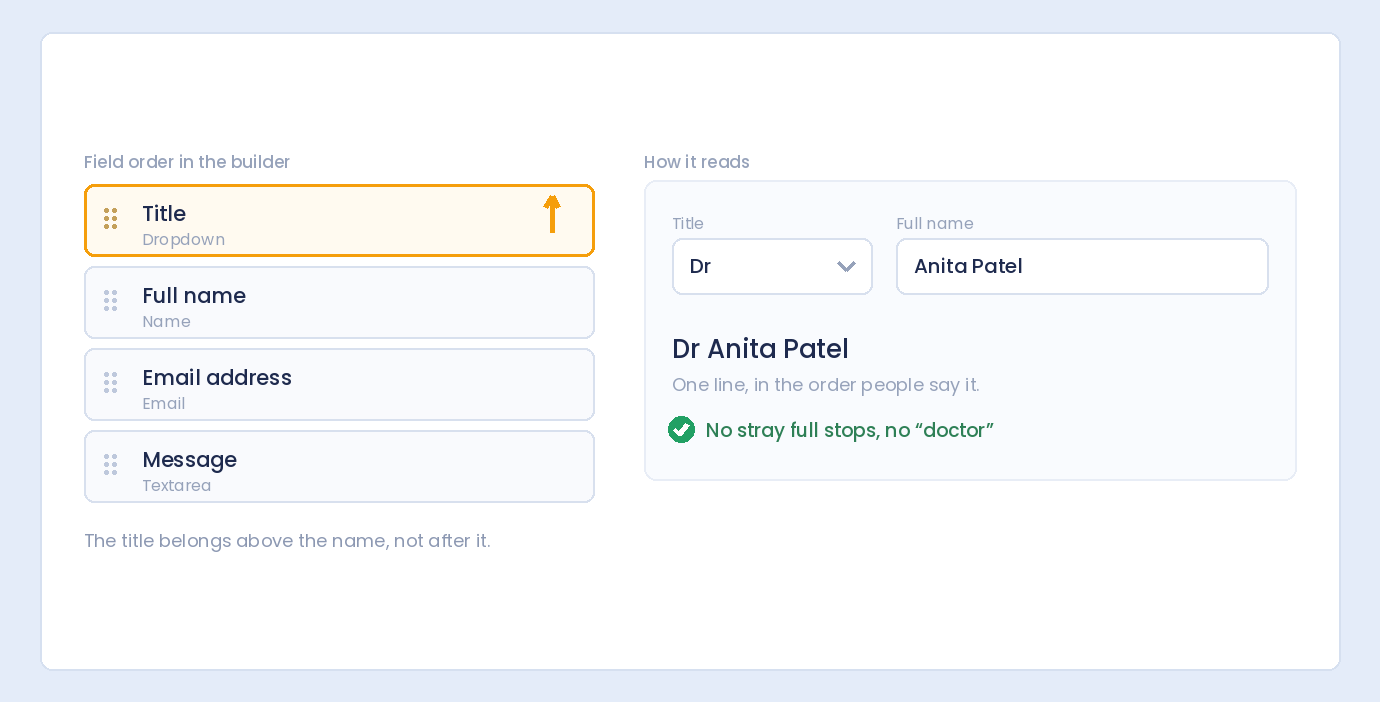
  3. The prefix dropdown will appear in your name field

Step 4: Configure Prefix Options

Customize available titles:

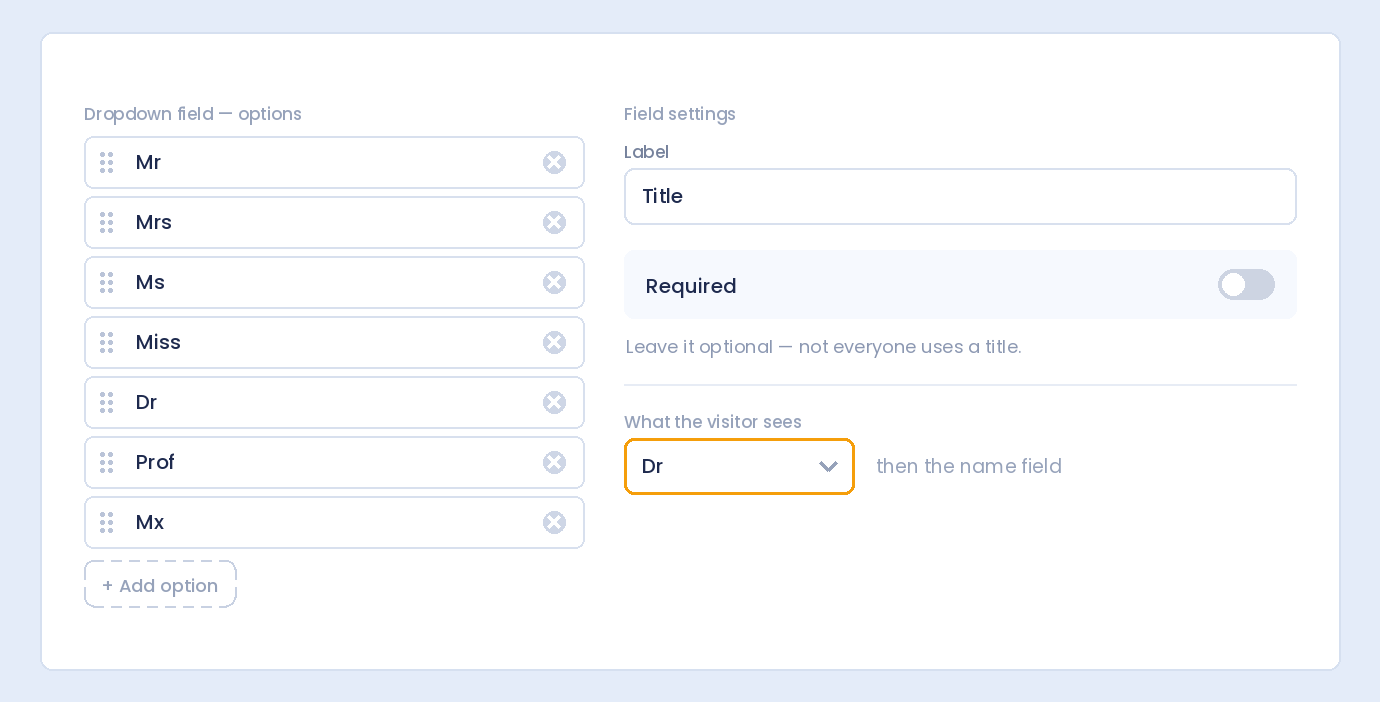
Default Options

Most name fields include standard options:

  • Mr.
  • Mrs.
  • Ms.
  • Miss
  • Dr.

Add Custom Options

Add industry-specific titles as needed:

  • Prof. (academia)
  • Rev. (religious)
  • Mx. (gender-neutral)
  • Military ranks

Step 5: Set Required/Optional

Decide if prefix is mandatory:

  • Optional: Users can leave blank (most common)
  • Required: Must select a title to submit

Step 6: Configure Other Name Components

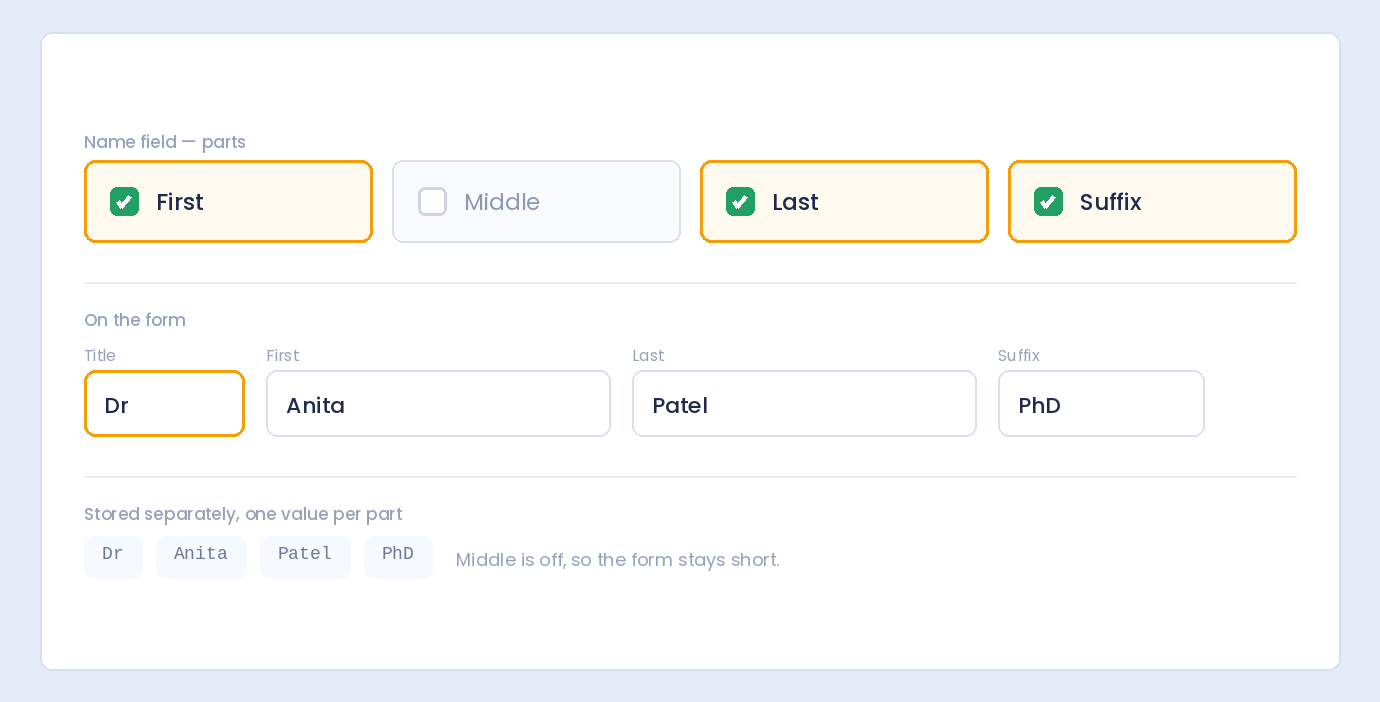
Set up the full name structure:

  • Prefix: Dr., Mr., etc.
  • First Name: Required
  • Middle Name: Optional
  • Last Name: Required
  • Suffix: Jr., PhD, etc. (if needed)

Title Prefix Examples by Industry

General Business Form

Prefix options:

  • Mr.
  • Mrs.
  • Ms.
  • Dr.

Settings:

  • Required: No
  • First option: “(Select)” or blank

Healthcare/Medical Form

Prefix options:

  • Mr.
  • Mrs.
  • Ms.
  • Dr.
  • Prof.
  • Rev.

Settings:

  • Required: Optional
  • Note: Patients selecting “Dr.” may be physicians

Academic/University Form

Prefix options:

  • Mr.
  • Mrs.
  • Ms.
  • Dr.
  • Prof.
  • Dean
  • Chancellor

Settings:

  • Required: Yes (for formal correspondence)

Legal Form

Prefix options:

  • Mr.
  • Mrs.
  • Ms.
  • Dr.
  • Hon.
  • Judge

Suffix options (also useful):

  • Esq.
  • J.D.

Military/Government Form

Prefix options:

  • Mr.
  • Mrs.
  • Ms.
  • Dr.
  • Capt.
  • Col.
  • Gen.
  • Lt.
  • Sgt.
  • Sen.
  • Rep.

Inclusive/Modern Form

Prefix options:

  • Mr.
  • Mrs.
  • Ms.
  • Mx.
  • Dr.
  • Prefer not to say

Settings:

  • Required: No
  • Include gender-neutral option (Mx.)

Best Practices for Title Prefixes

1. Make It Optional (Usually)

Not everyone uses titles:

  • Some people prefer informal address
  • Forcing selection feels intrusive
  • Required only for formal/official forms

2. Include a Blank/Skip Option

First option should allow skipping:

  • “(Select title)” as placeholder
  • Or simply leave first option blank
  • Don’t force a selection if optional

3. Offer Gender-Neutral Options

Be inclusive:

  • Include Mx. as an option
  • Or “Prefer not to say”
  • Respects all users

4. Keep the List Manageable

Too many options overwhelm users:

  • 5-8 options for general forms
  • More for specialized industries
  • Most people use Mr./Mrs./Ms./Dr.

5. Use Consistent Formatting

Standardize with or without periods:

  • Either: Mr., Mrs., Ms., Dr.
  • Or: Mr, Mrs, Ms, Dr
  • Don’t mix formats

6. Consider Your Audience

Match titles to who’s filling the form:

  • Consumer forms: Basic titles
  • Professional registration: Include credentials
  • International forms: Consider cultural titles

Prefix + Suffix: Complete Formal Names

When to Include Both

Prefix (before name) + Suffix (after name) captures full formal identity:

  • Dr. Jane Smith, PhD
  • Mr. John Doe, Jr.
  • Prof. Sarah Johnson, MD

Common Suffixes

Suffix Meaning
Jr. Junior (same name as father)
Sr. Senior
II, III, IV Generational (second, third, fourth)
PhD Doctor of Philosophy
MD Medical Doctor
Esq. Esquire (attorney)
CPA Certified Public Accountant

Form Structure with Both

[Prefix ▼] [First Name    ] [Middle    ] [Last Name    ] [Suffix ▼]
   Dr.        Jane            Marie        Smith          PhD

Using Collected Titles

Email Greetings

Personalize communication:

  • “Dear Dr. Smith,”
  • “Hello Mr. Johnson,”
  • “Good morning, Prof. Williams,”

Document Generation

Formal letters and certificates:

  • Certificates of completion
  • Official correspondence
  • Name badges and placards

CRM Records

Store complete formal names:

  • Proper addressing in future contact
  • Respect for professional status
  • Accurate record-keeping

Mail Merge

Automated document personalization:

  • Insert title + name into templates
  • “Dear {Title} {LastName},”

International Considerations

Different Cultures, Different Titles

UK/Commonwealth

  • Sir, Dame (knighthood)
  • Lord, Lady

German-Speaking Countries

  • Herr (Mr.)
  • Frau (Mrs./Ms.)
  • Multiple titles used together (Dr. Dr.)

Spanish-Speaking Countries

  • Sr. (Señor)
  • Sra. (Señora)
  • Srta. (Señorita)

Japan

  • -san, -sama (suffixes, not prefixes)
  • Different name order (family name first)

For International Forms

  • Offer common English titles
  • Include “Other” or text input for unique titles
  • Consider if title is necessary at all

Troubleshooting Title Fields

Users Skipping Title When Required

Solutions:

  • Add “Prefer not to say” option
  • Make it optional instead
  • Clear instruction why it’s needed

Title Not Saving with Submission

Check:

  • Prefix component is enabled
  • Field is properly configured
  • Form saves correctly

Title Dropdown Too Long

Solutions:

  • Reduce to essential options
  • Use searchable dropdown for long lists
  • Group by category if many options

Users Want Title Not Listed

Solutions:

  • Add “Other” option with text field
  • Add the missing title to options
  • Provide contact option for special cases

Privacy and Sensitivity

Title Can Reveal Personal Information

Be aware that titles may indicate:

  • Gender (Mr./Mrs./Ms.)
  • Marital status (Mrs. vs Miss)
  • Professional status

Respecting Preferences

  • Always include gender-neutral option (Mx.)
  • Make title optional when possible
  • Don’t assume based on name

Data Usage

  • Only collect if you’ll use it
  • Store securely with other personal data
  • Honor preferences in communication

Frequently Asked Questions

Should title be required or optional?

Optional for most forms. Only require it for formal/official purposes where proper addressing is essential (legal documents, academic correspondence).

What titles should I include?

For general forms: Mr., Mrs., Ms., Mx., Dr. Add industry-specific titles (Prof., Rev., military ranks) only when relevant to your audience.

Should I include “Miss”?

It’s traditional but increasingly rare. “Ms.” serves as a universal option for women regardless of marital status. Include “Miss” if your audience expects it.

What is “Mx.” and should I include it?

Mx. (pronounced “mix” or “mux”) is a gender-neutral title. Including it shows inclusivity and respects users who don’t identify with traditional gendered titles.

How do I handle very long title lists?

Keep the dropdown to common options (5-8). For specialized forms with many titles, use a searchable dropdown or group options by category.

Summary

Adding title prefixes to name fields:

  1. Enable prefix component in name field settings
  2. Configure title options – Standard and industry-specific
  3. Make it optional – Unless formally required
  4. Include blank/skip option – Don’t force selection
  5. Add gender-neutral option – Mx. for inclusivity
  6. Match your audience – Relevant titles only
  7. Consider suffixes too – For complete formal names

Conclusion

Title prefixes add a layer of professionalism and respect to your forms. Whether you need “Dr.” for a medical registration or “Mr./Ms.” for business correspondence, properly configured name fields capture complete formal identities.

Auto Form Builder’s name field includes a prefix component that’s easy to enable and customize. Add titles, make it optional, include gender-neutral options—all with a few clicks.

Ready for formal name collection? Download Auto Form Builder and add title prefixes to your name fields today.

Leave a Reply

Your email address will not be published. Required fields are marked *