
Blog
Blog
Practical WordPress form tutorials, field deep-dives and product tips — written by the Auto Form Builder team. Subscribe via RSS.
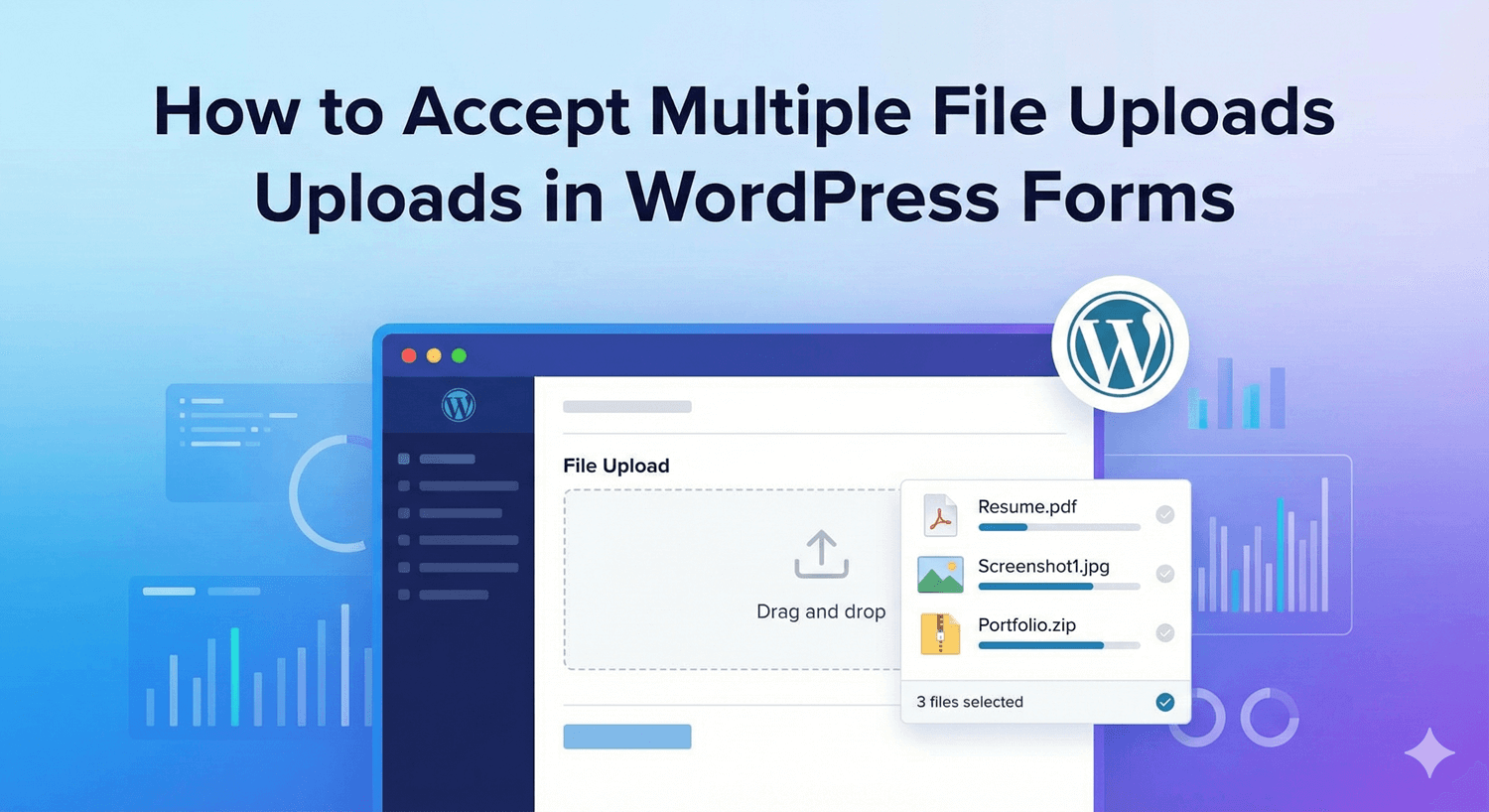
How to Accept Multiple File Uploads in WordPress Forms
Need people to attach several files at once? Turn on multiple uploads in a single field — with type and size controls — so everything arrives together.
Read post →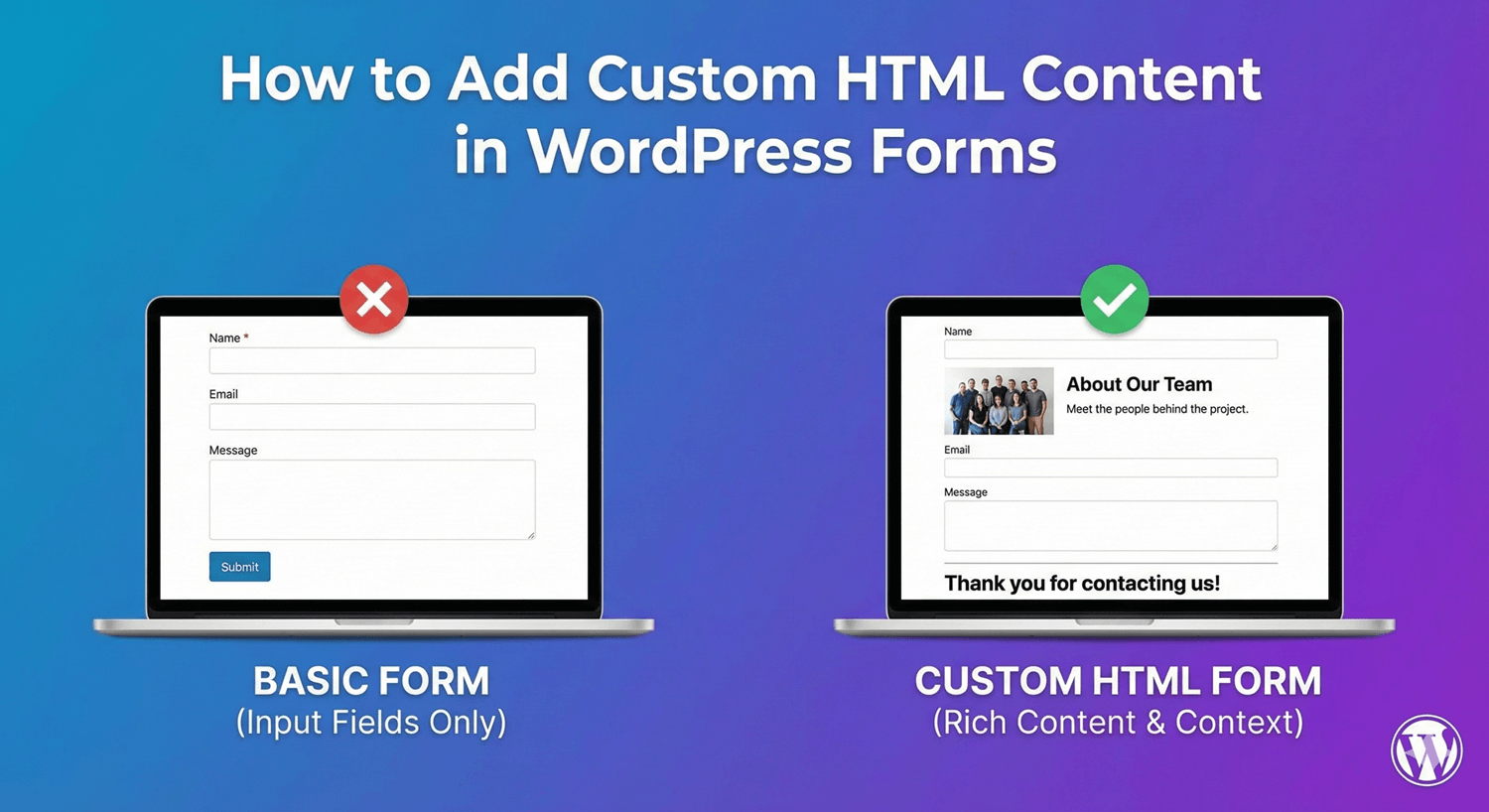
How to Add Custom HTML Content in WordPress Forms
Sometimes a form needs more than fields — instructions, section headings, a divider, a link. Here's how to add custom HTML content anywhere in your form.
Read post →
How to Add Email Fields to WordPress Forms
The email field is on nearly every form — and it does more than you think. Here's how to add one and use its options for clean, valid, reachable addresses.
Read post →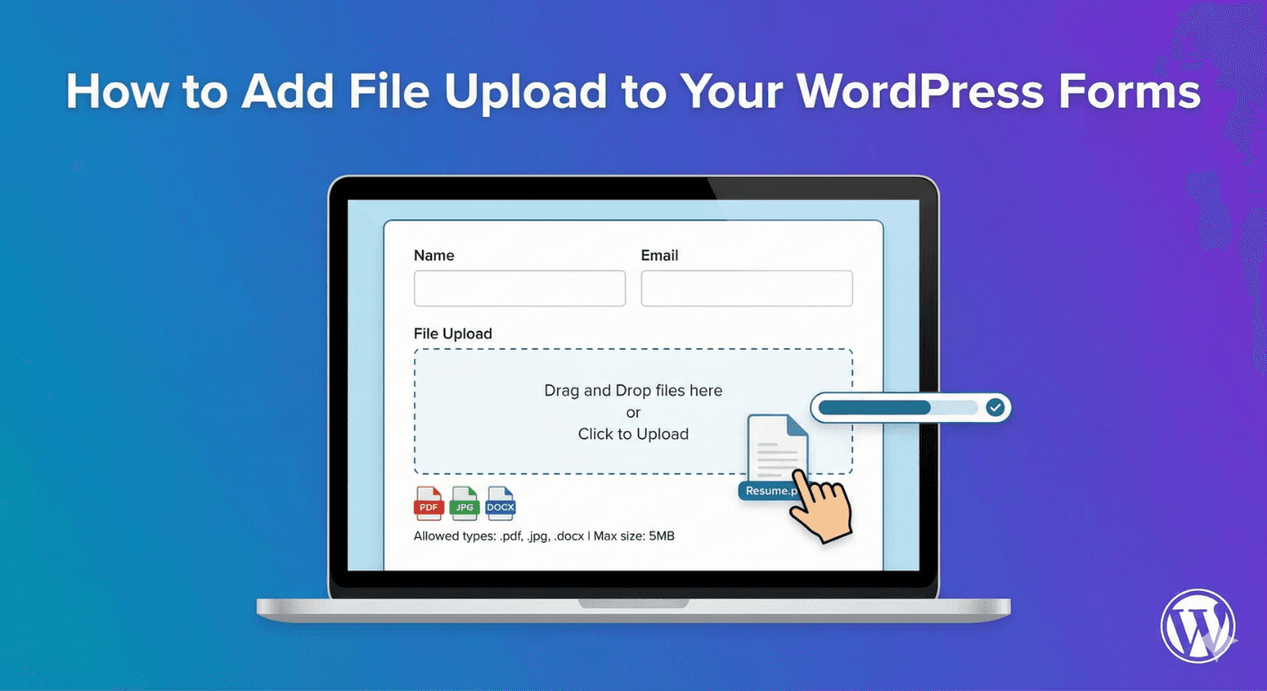
How to Add File Upload to WordPress Forms
The essential settings for a file upload field done right — allowed types, size limits, security, and the options that make uploads smooth. A practical checklist.
Read post →
How to Add Phone Number Fields to WordPress Forms
A phone field is more than a text box for digits. Here's how to add one that collects clean, consistent, dialable numbers with the right format and validation.
Read post →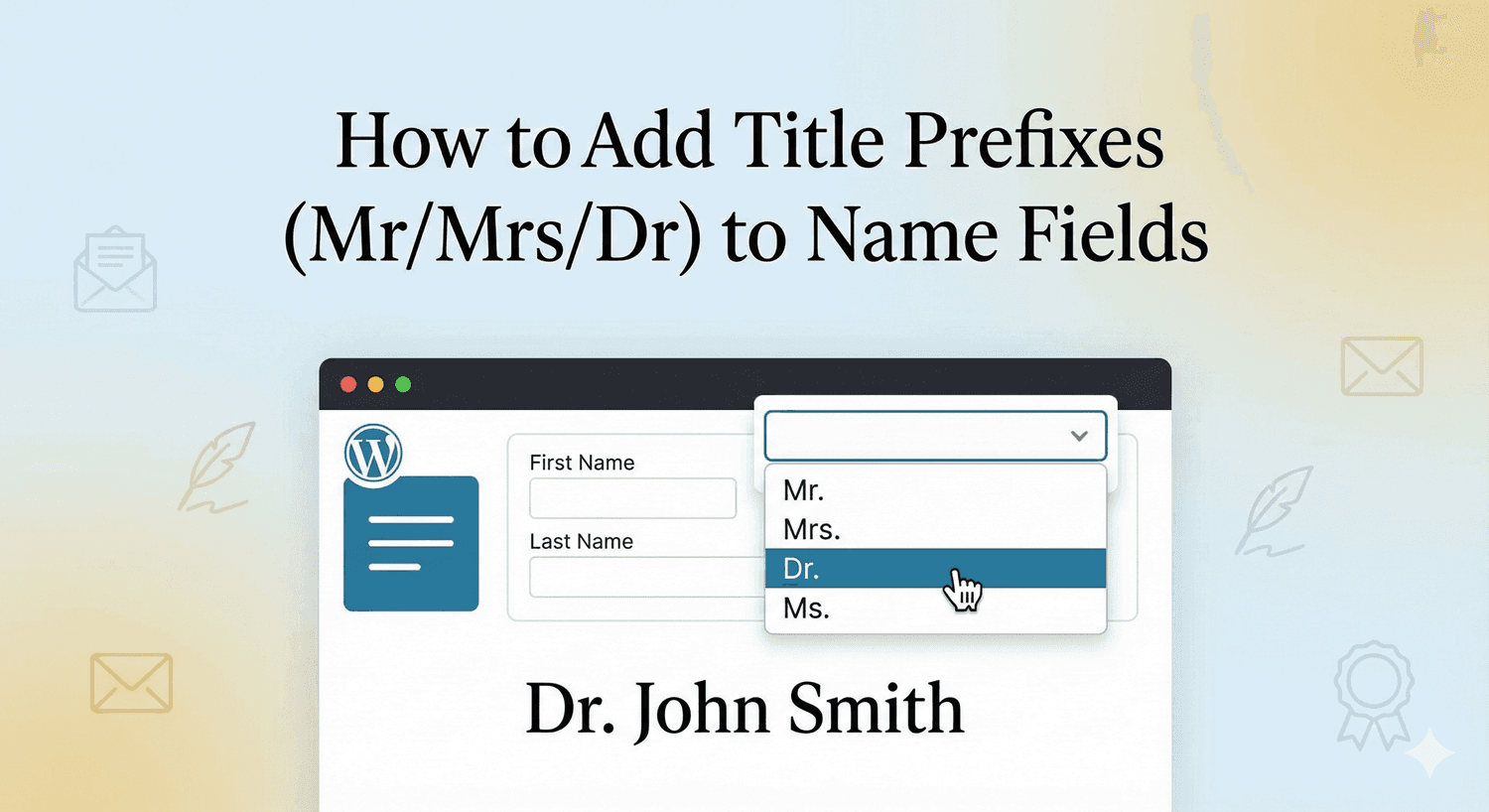
How to Add Title Prefixes (Mr/Mrs/Dr) to Name Fields
A title like Mr, Mrs, or Dr adds a professional, personal touch. Here's how to collect it cleanly with a dropdown alongside your name field.
Read post →
Using Multiple Conditions: AND vs OR Logic in Forms
One condition is simple. Combining several with AND and OR is where conditional logic gets powerful — here's how to use them to build precise, smart forms.
Read post →
Auto Form Builder vs. Contact Form 7: Which is Better?
Contact Form 7 is a WordPress classic, but it works very differently from a visual builder. An honest look at how the two compare — and who each suits.
Read post →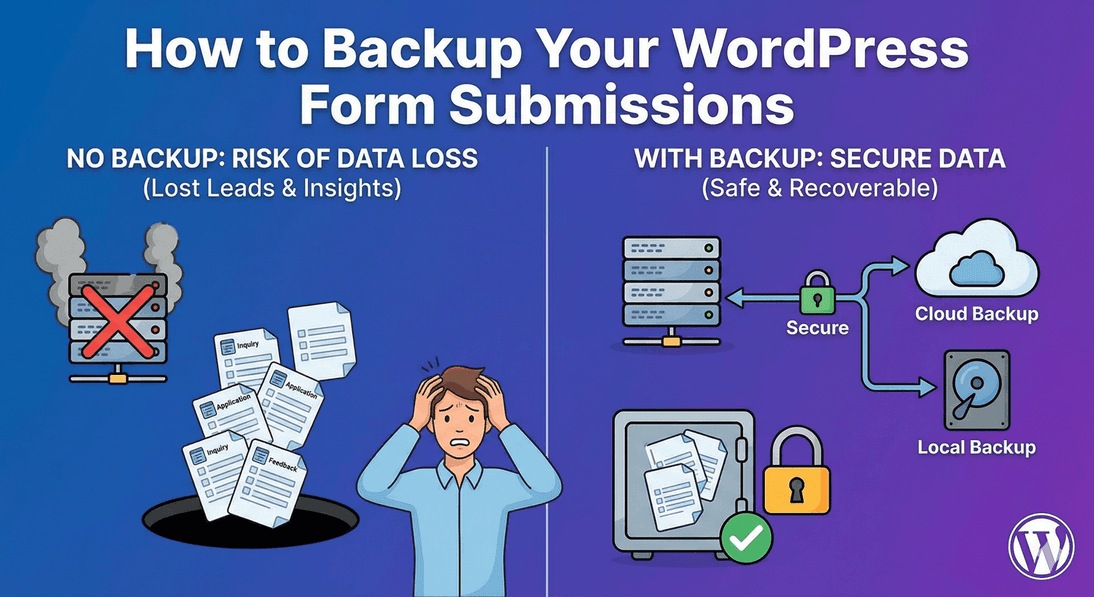
How to Backup Your WordPress Form Submissions
Your form submissions are valuable data — don't risk losing them. Here's how to back them up by exporting to CSV or JSON, and why you should do it regularly.
Read post →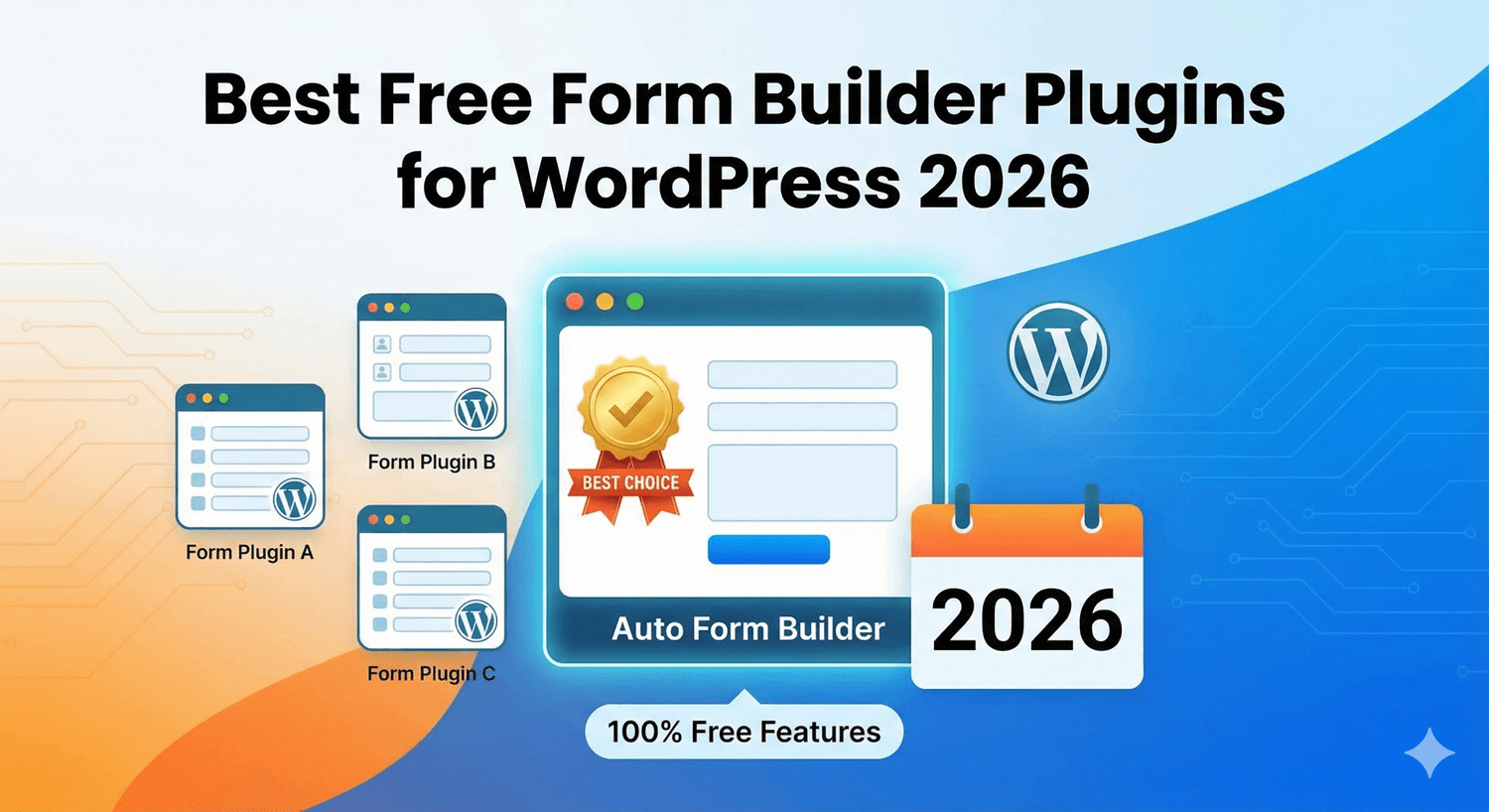
Best Free Form Builder Plugins for WordPress 2026
Not all 'free' form plugins are equally free. Here's an honest look at what to look for, where free plugins draw the line, and how to pick one that won't upsell you.
Read post →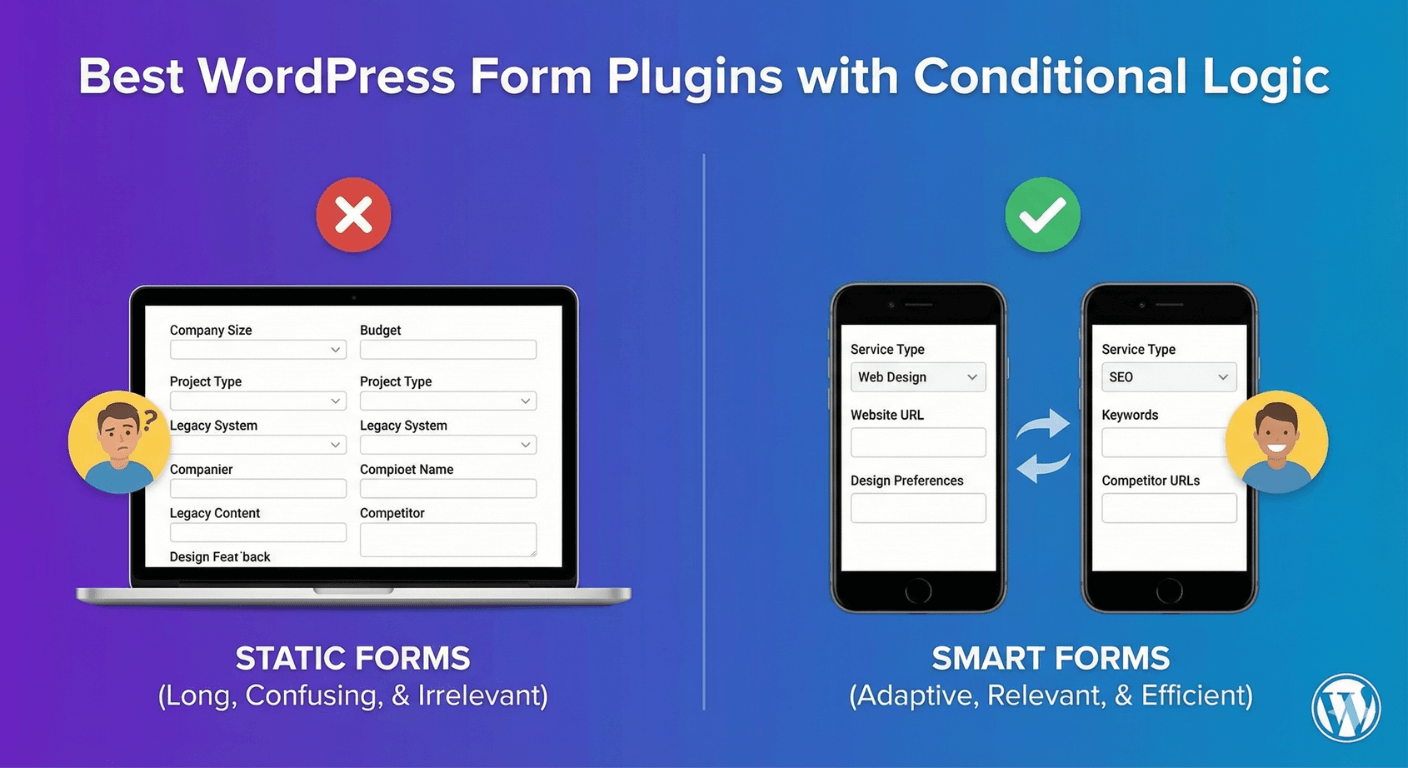
Best WordPress Form Plugins with Conditional Logic
Conditional logic is often locked behind paid tiers. Here's what to look for in a form plugin that offers it — and how to get it free.
Read post →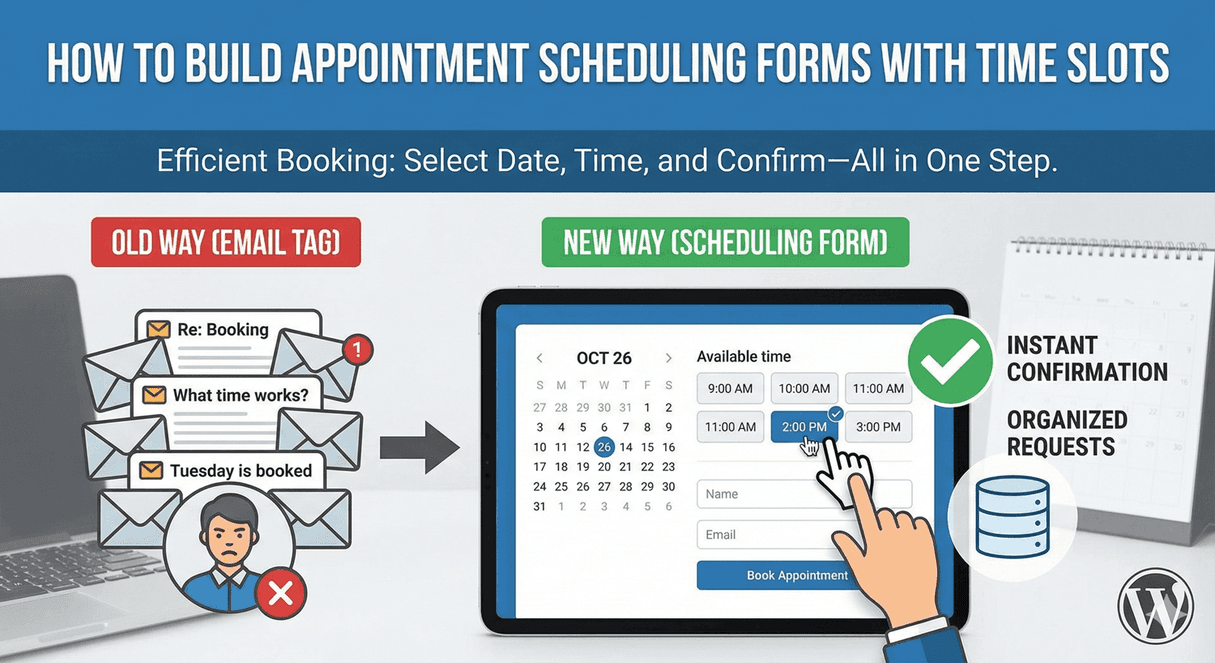
How to Build Appointment Scheduling Forms with Time Slots
Let people request appointments in clean time slots instead of endless back-and-forth. Here's how to build a scheduling form with the right date and time controls.
Read post →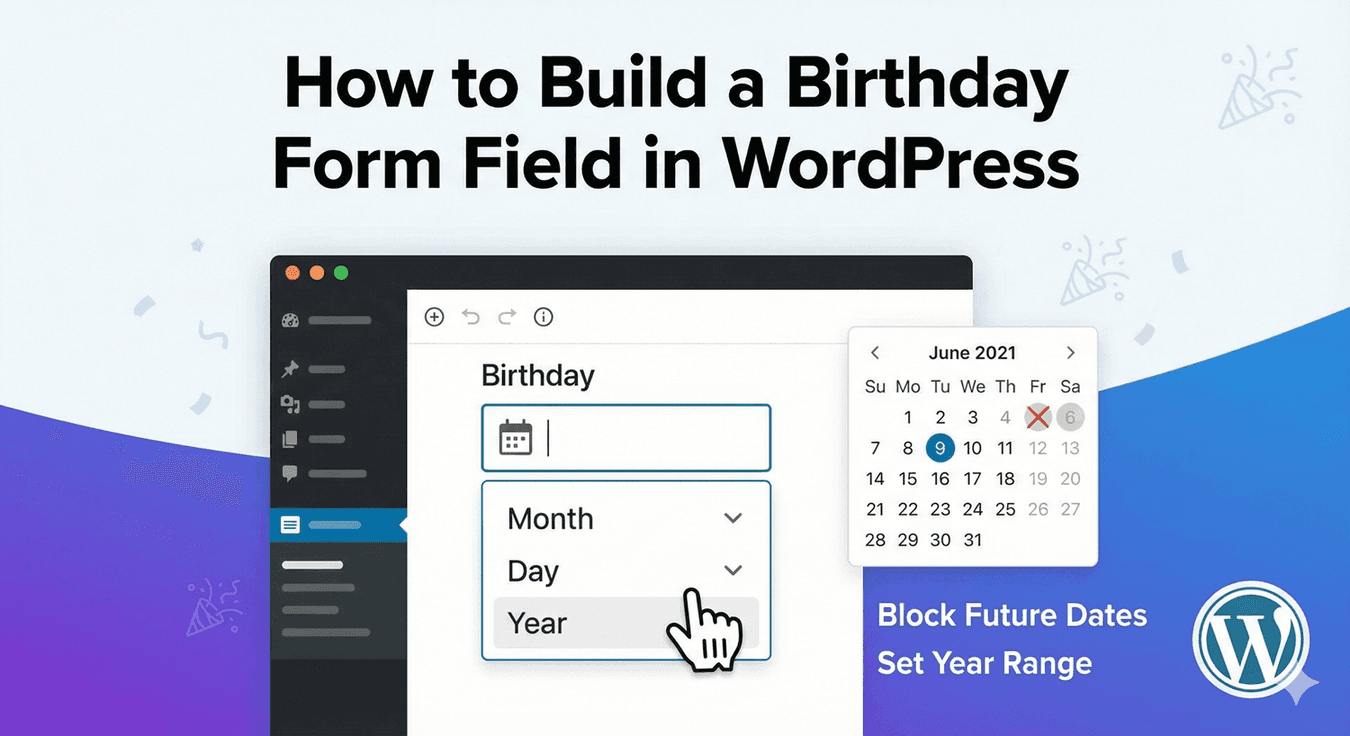
How to Build a Birthday Form Field in WordPress
Collecting a date of birth needs a clean picker and the right format — here's how to build a birthday field that gives you consistent, usable dates.
Read post →
How to Build a Photo Gallery Submission Form
Running a photo contest, gallery, or user-submission drive? Here's how to build a form that collects multiple images cleanly — with previews, limits, and drag-and-drop.
Read post →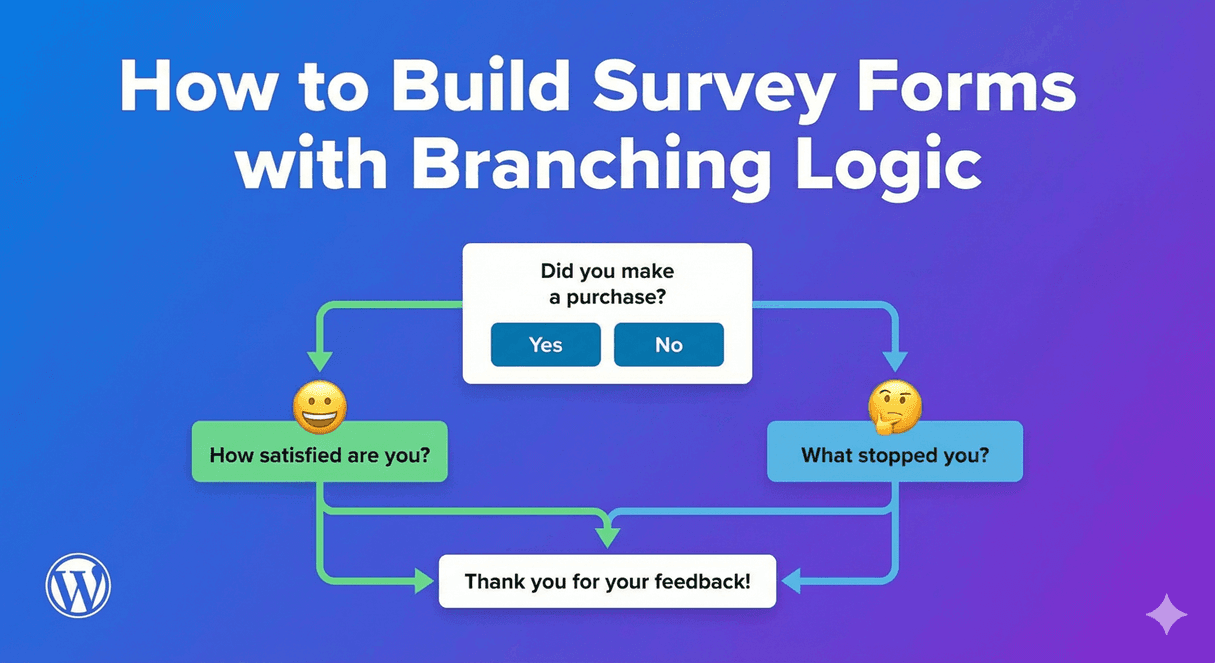
How to Build Survey Forms with Branching Logic
The best surveys feel short because they skip what doesn't apply. Here's how to build a WordPress survey that branches based on answers — and reads results visually.
Read post →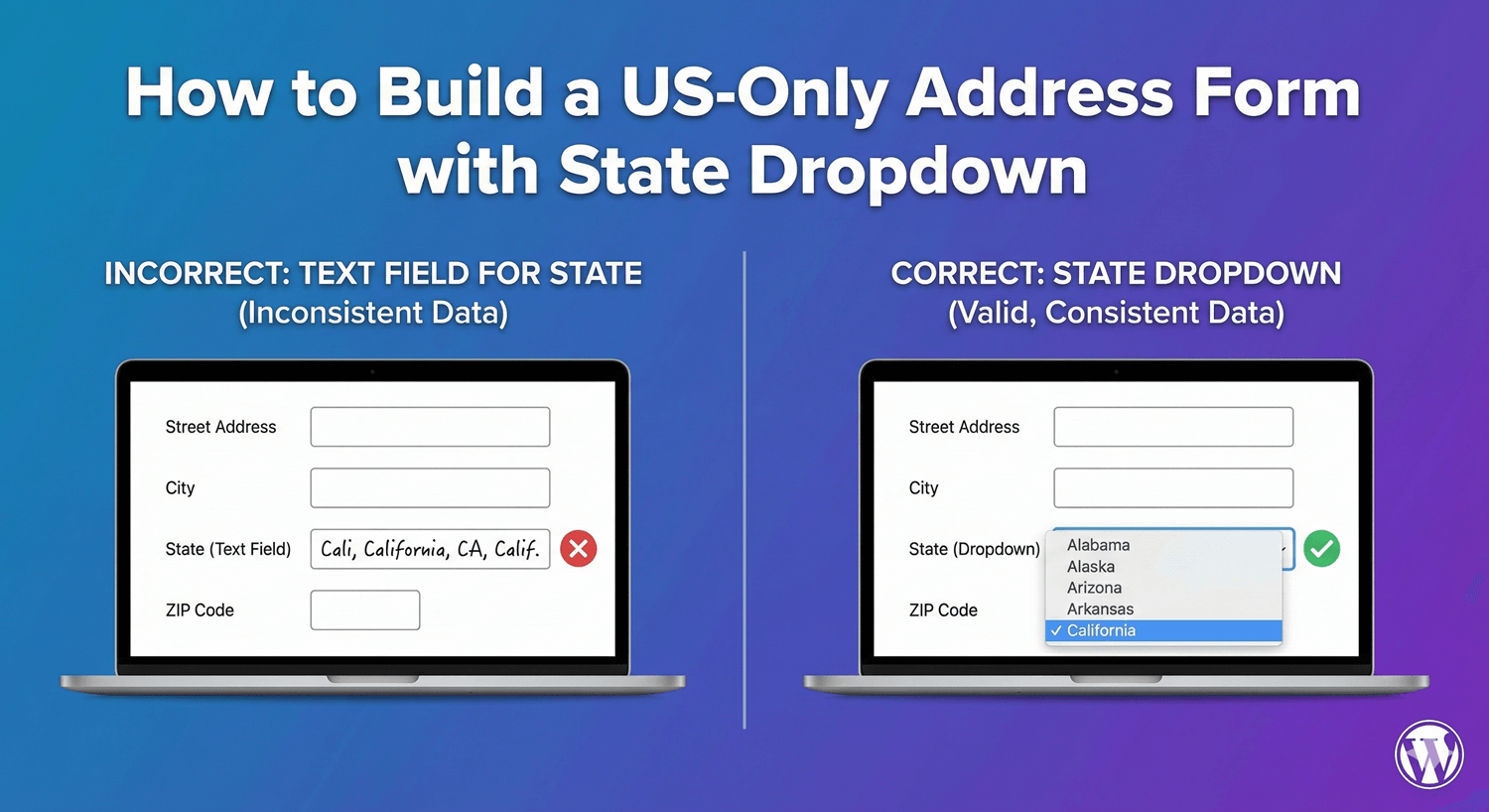
How to Build a US-Only Address Form with State Dropdown
Collecting US addresses? Here's how to build a form with a clean state dropdown and the right components, so every address comes in consistent and complete.
Read post →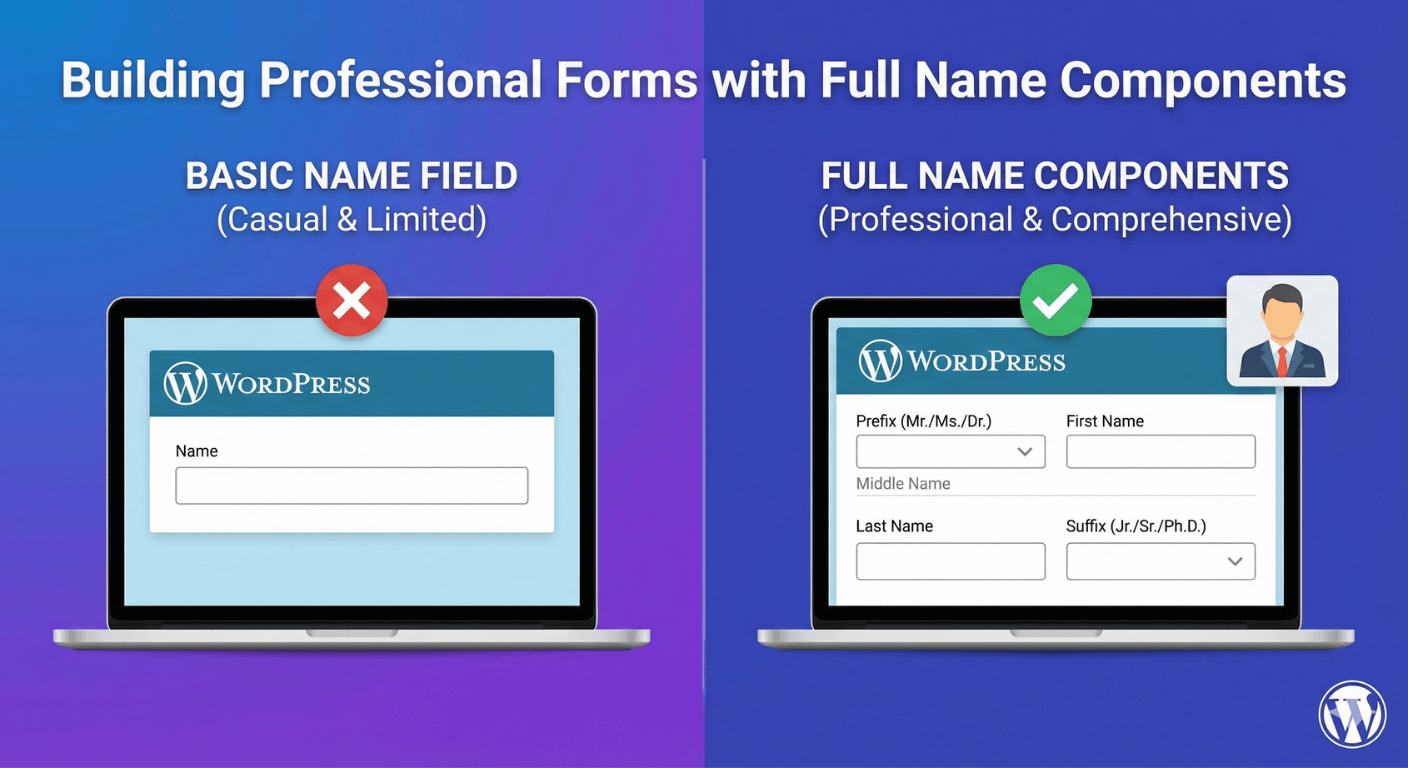
Building Professional Forms with Full Name Components
For formal and professional forms, a complete name matters. Here's how to collect prefix, first, middle, last and suffix cleanly, each ready to use.
Read post →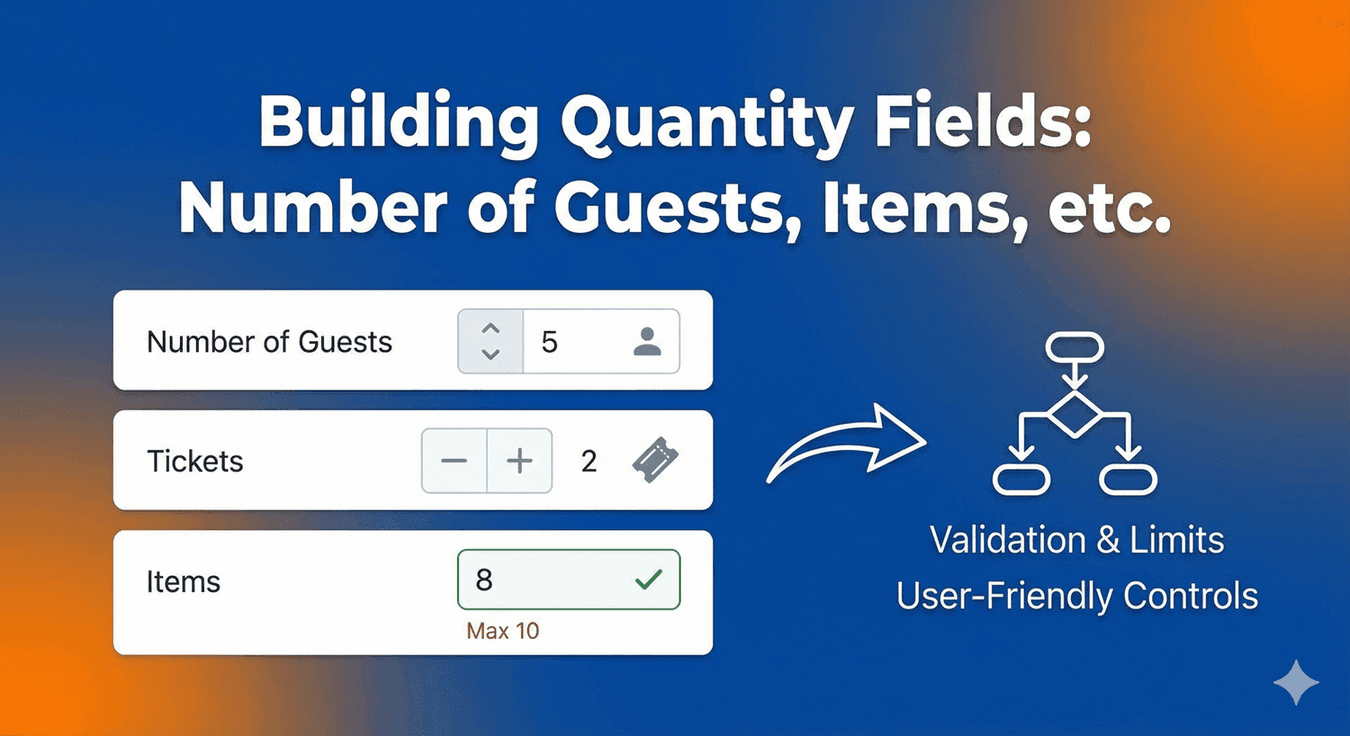
Building Quantity Fields: Number of Guests, Items, etc.
Guests, tickets, items, quantities — here's how to collect numbers cleanly with min/max limits, so you never get a booking for zero or an order for a thousand.
Read post →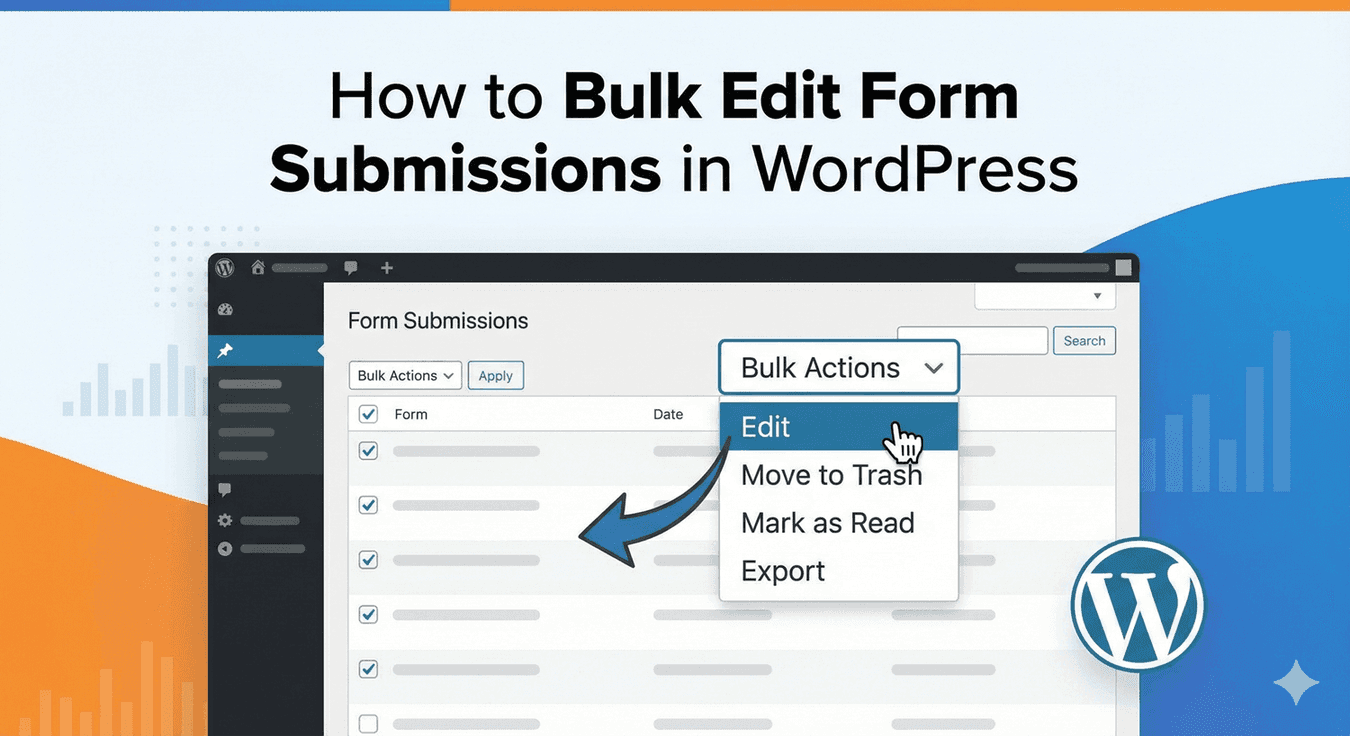
How to Bulk Manage Form Submissions in WordPress
When submissions pile up, handling them one by one is a waste of time. Here's how to bulk-manage many entries at once — mark, star, spam, trash, and more.
Read post →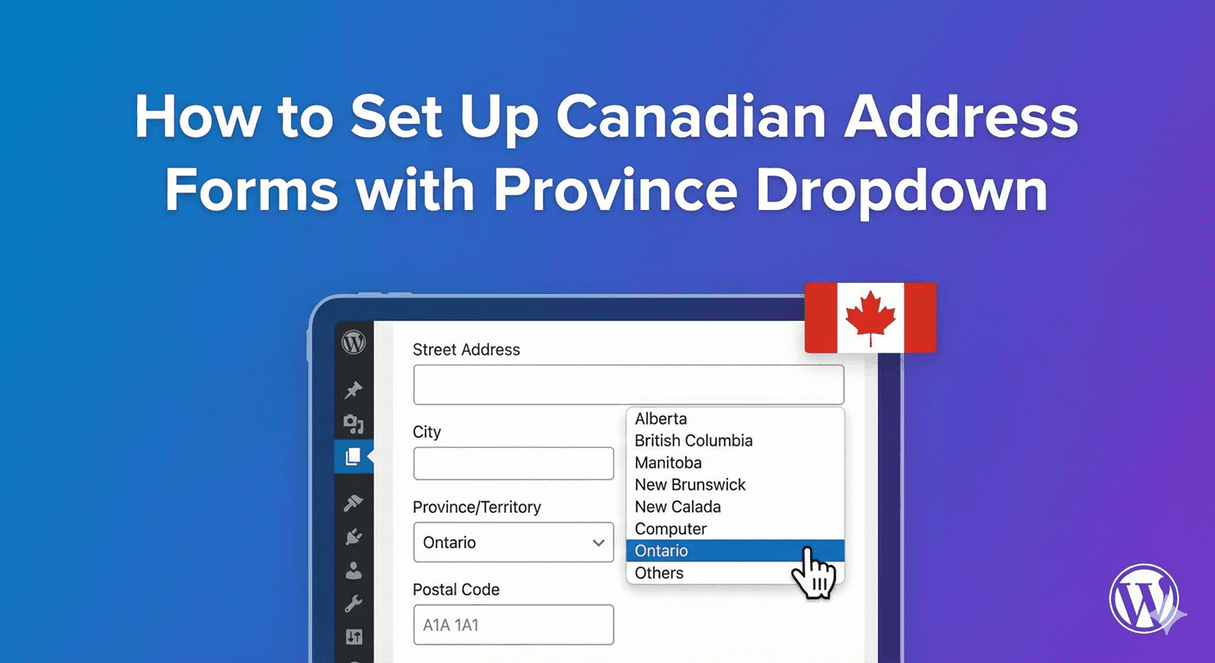
How to Set Up Canadian Address Forms with Province Dropdown
Collect Canadian addresses cleanly — provinces, postal codes and every component — using Auto Form Builder's Address field. A practical, no-code setup.
Read post →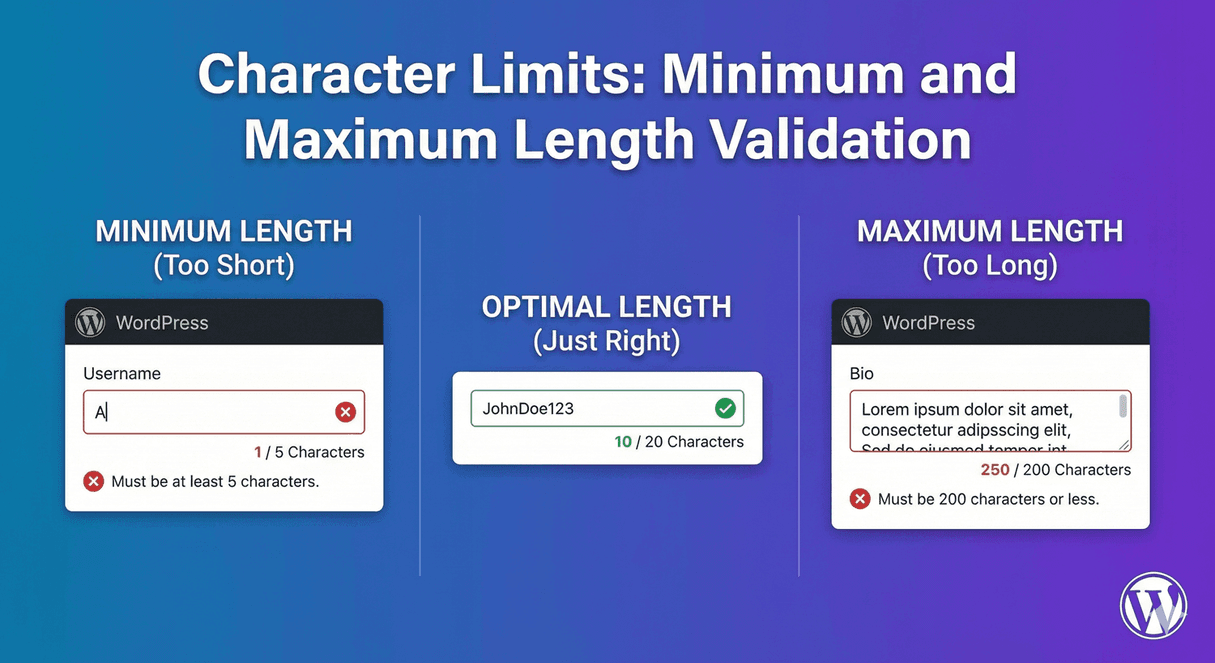
Character Limits: Minimum and Maximum Length Validation
Stop getting one-word answers or 2,000-character rambles. Set minimum and maximum length rules so every field gets input that's the right size.
Read post →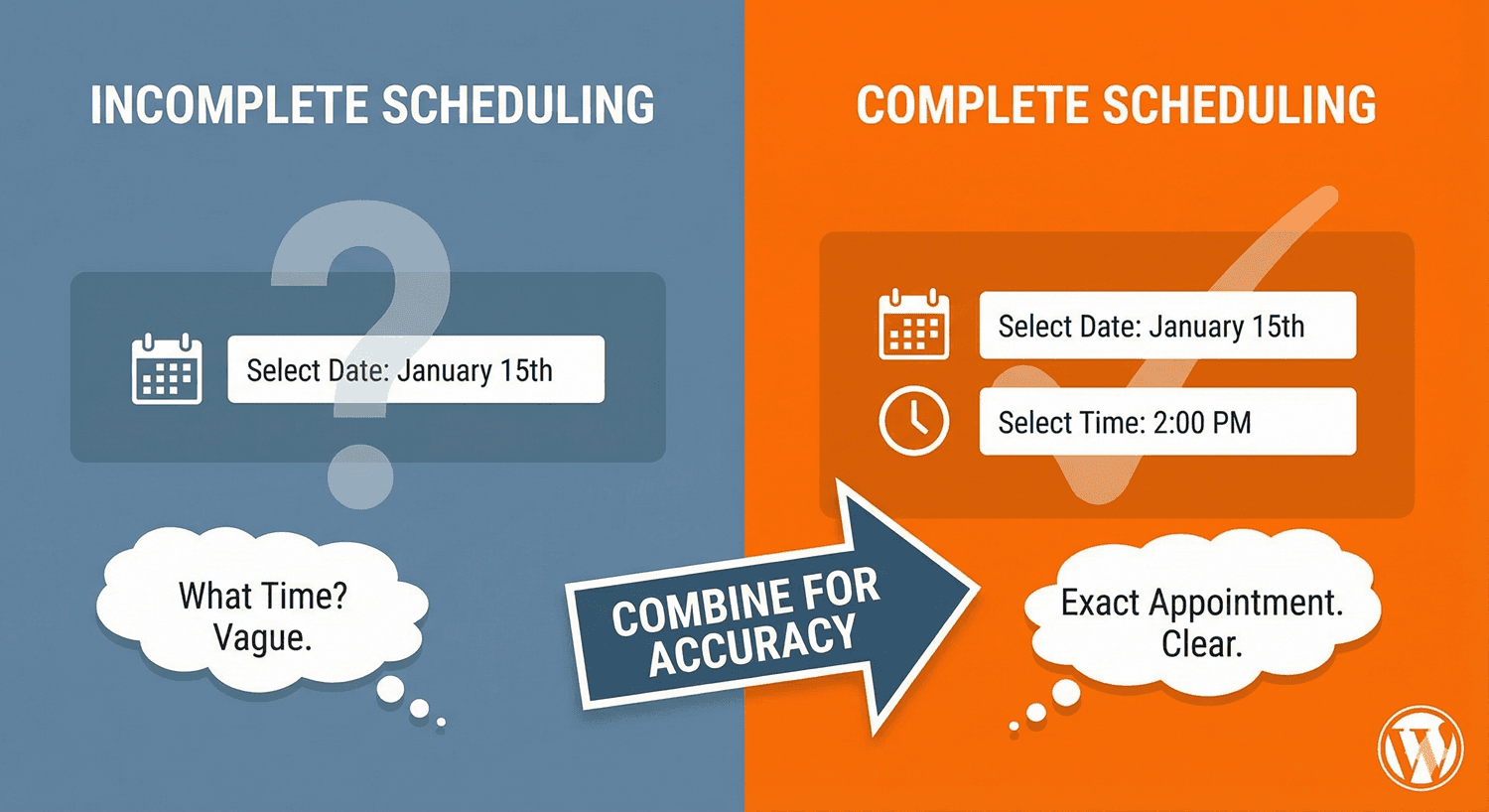
Combining Date and Time Fields for Complete Scheduling Forms
A date without a time is half a booking. Here's how to combine date and time fields — each properly restricted — into a scheduling form that just works.
Read post →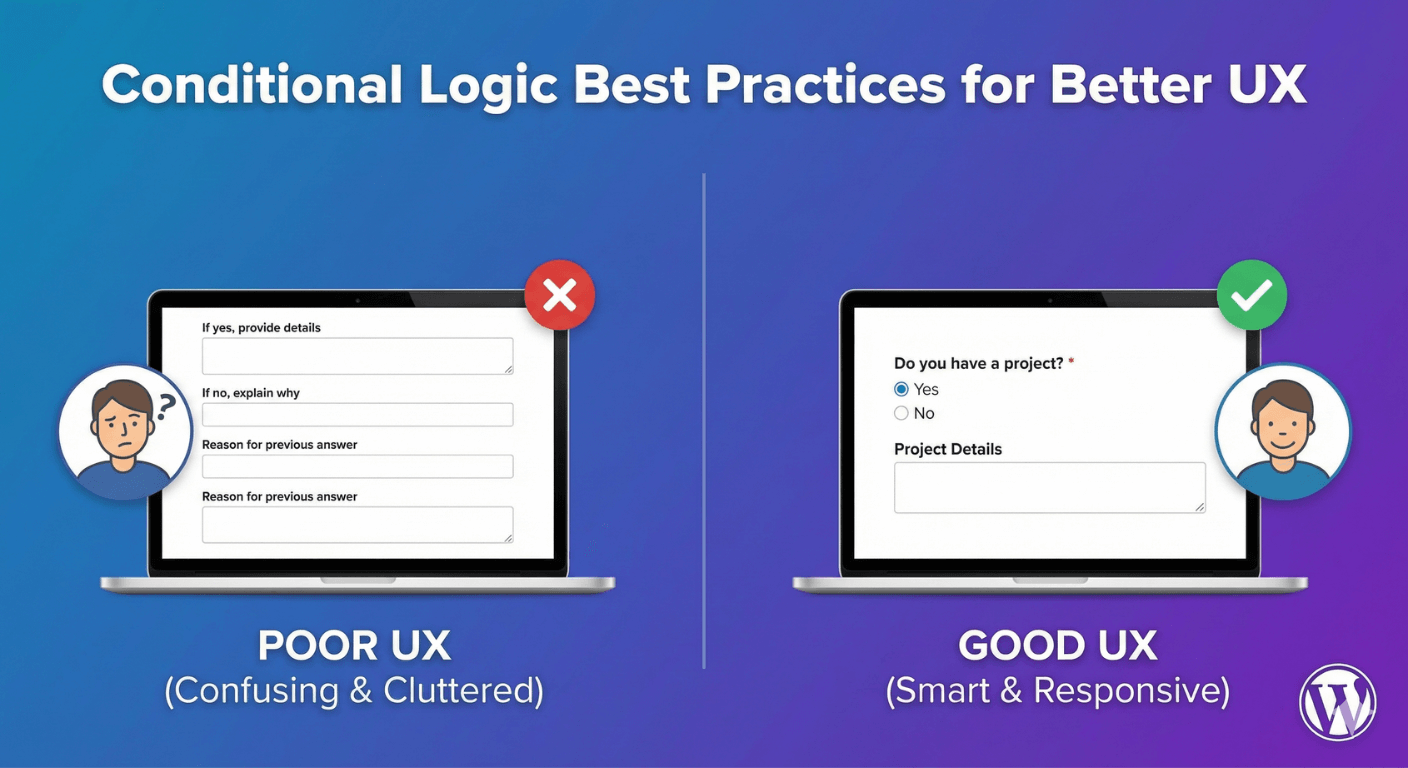
Conditional Logic Best Practices for Better UX
Conditional logic can make a form brilliant or baffling. Here are the best practices for using it to create shorter, clearer, higher-converting forms.
Read post →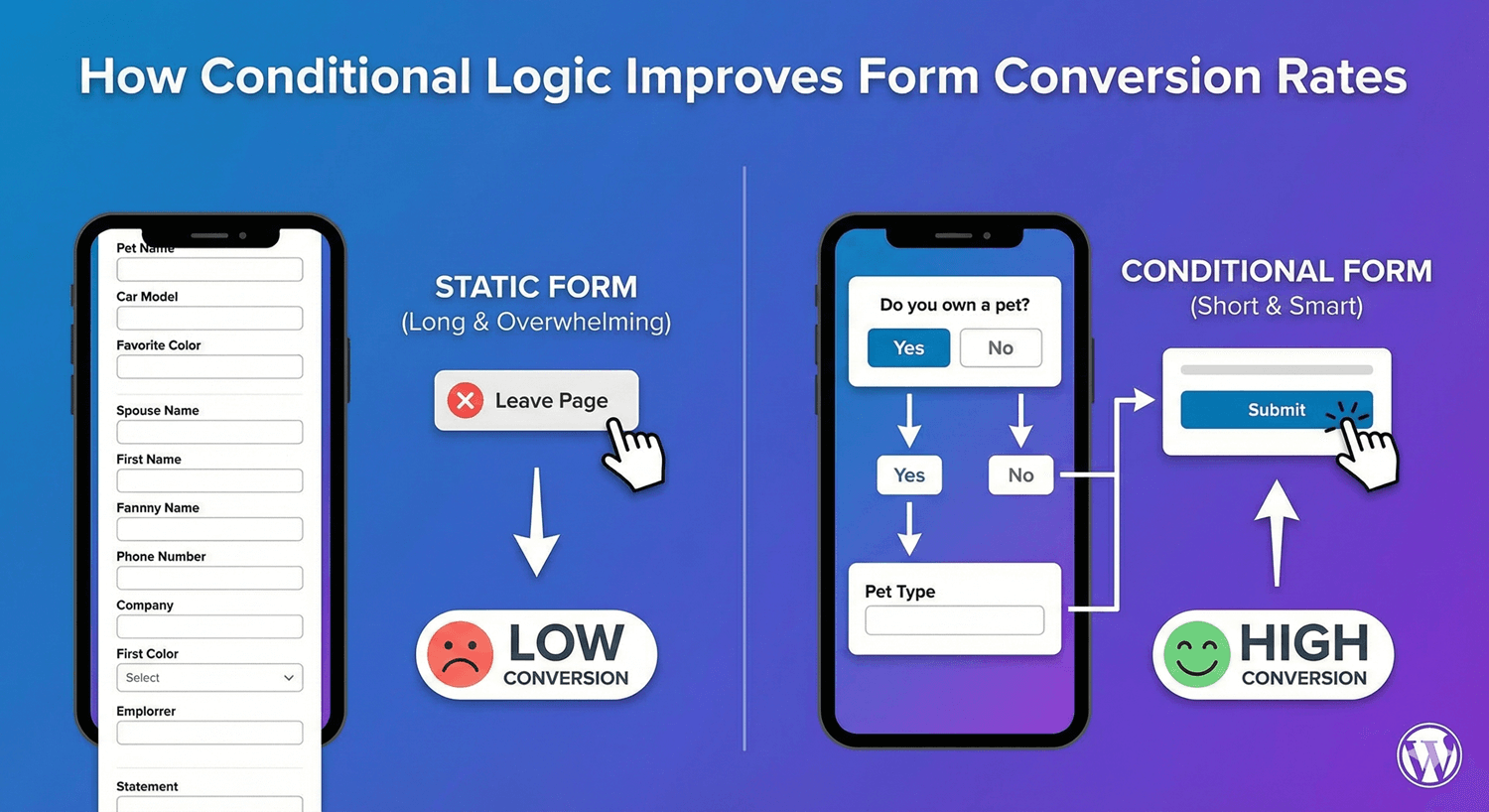
How Conditional Logic Improves Form Conversion Rates
Shorter, more relevant forms convert better — and conditional logic is how you get them. Here's the direct link between smart logic and higher completion.
Read post →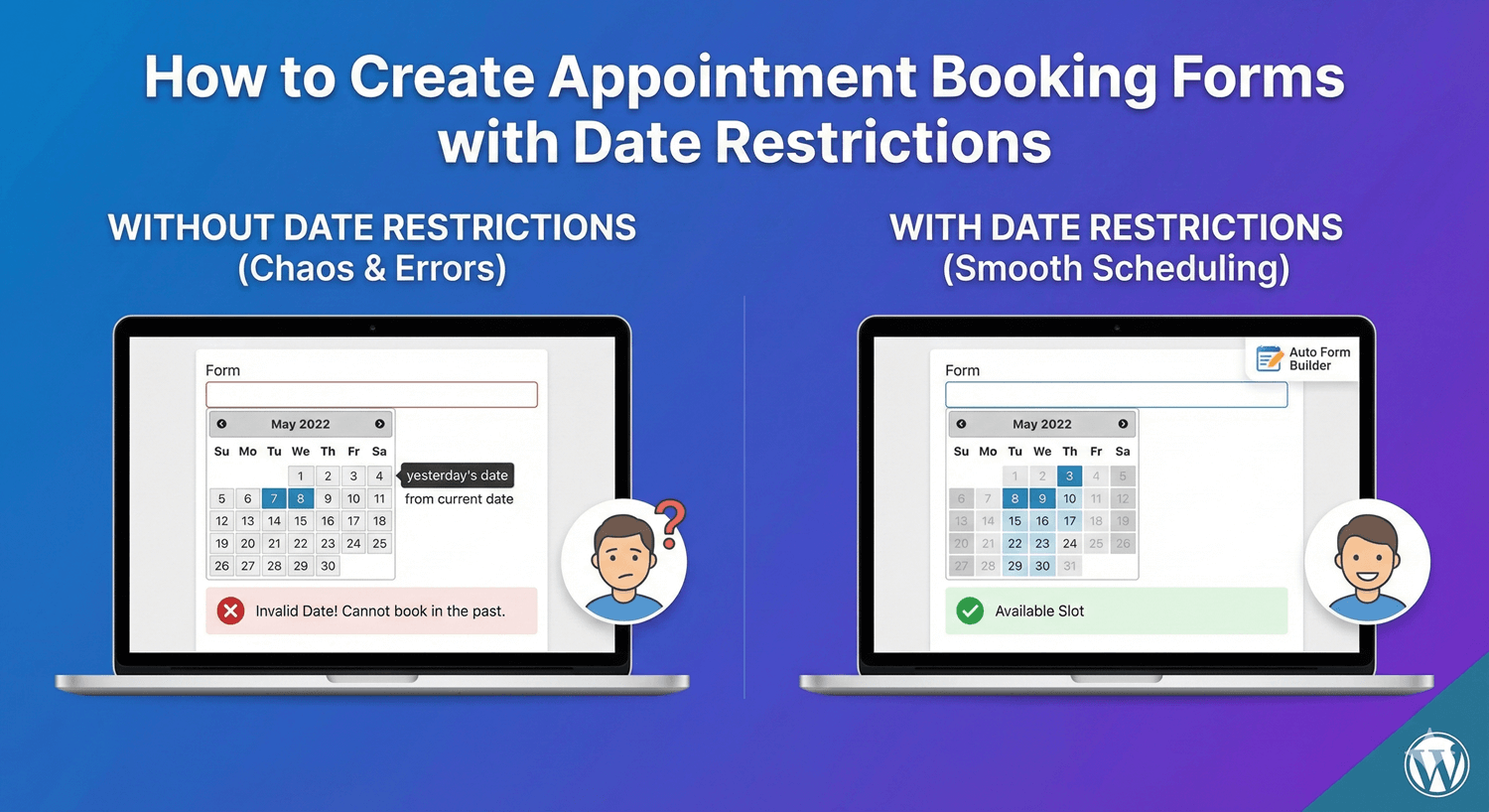
How to Create Appointment Booking Forms with Date Restrictions
The secret to a booking form that works is date restrictions — no past dates, enough notice, valid days only. Here's how to set them up.
Read post →
How to Create Dropdown Menus in WordPress Forms
Dropdown menus keep option lists tidy and forms compact. Here's how to add one — standard, searchable, or multi-select — and configure it for your list.
Read post →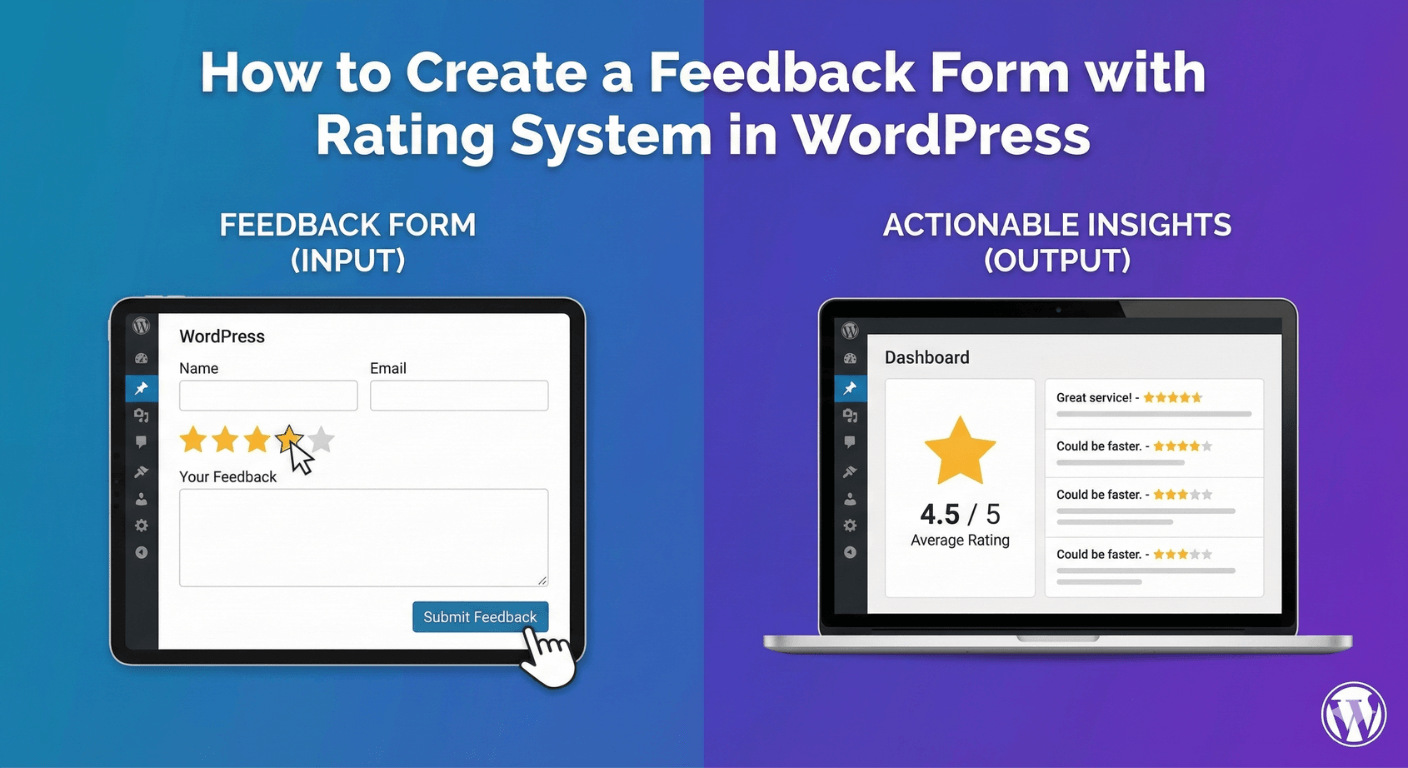
How to Create a Feedback Form with Rating System in WordPress
Pair a star rating with an open comment to capture the what and the why — a step-by-step guide to building a WordPress feedback form with visual results.
Read post →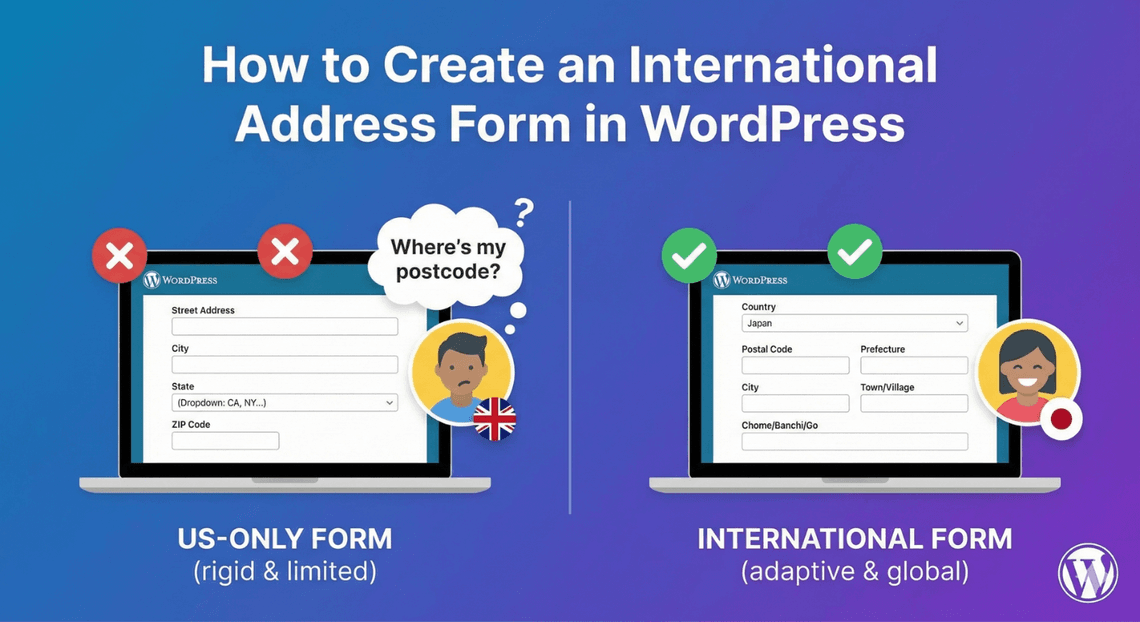
How to Create an International Address Form in WordPress
Collecting addresses worldwide means handling different formats and a country field. Here's how to build a flexible international address form that works everywhere.
Read post →
How to Create Price/Currency Input Fields in WordPress
Collecting a budget, amount, or price? Here's how to display a number field as currency — with a symbol and decimals — so money input is clear and clean.
Read post →
How to Create a Resume Submission Form in WordPress
Hiring? Here's how to build a resume submission form that collects CVs cleanly, asks the right screening questions, and keeps applicants organized.
Read post →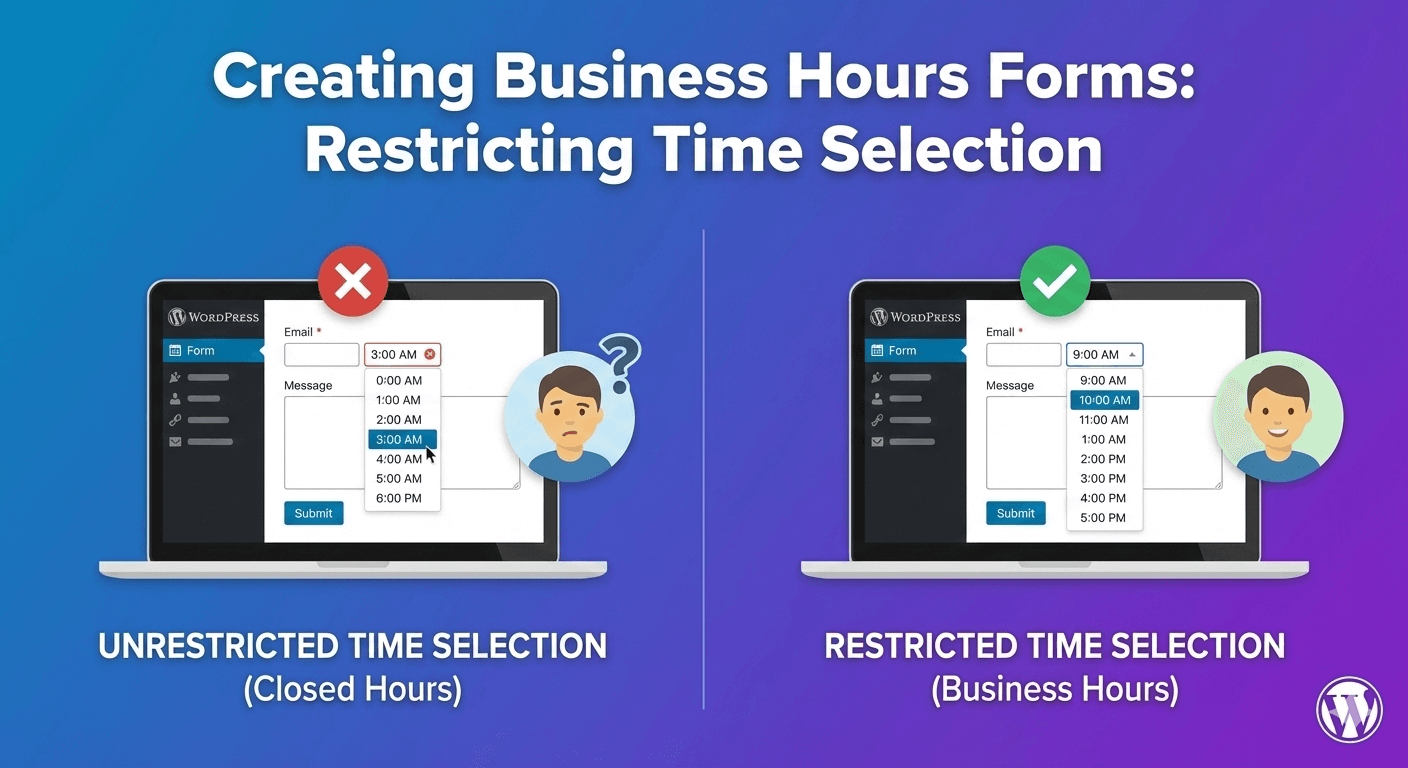
Creating Business Hours Forms: Restricting Time Selection
Stop getting booking requests for 3am. Here's how to restrict a time field to your business hours, with clean slots people can actually be served in.
Read post →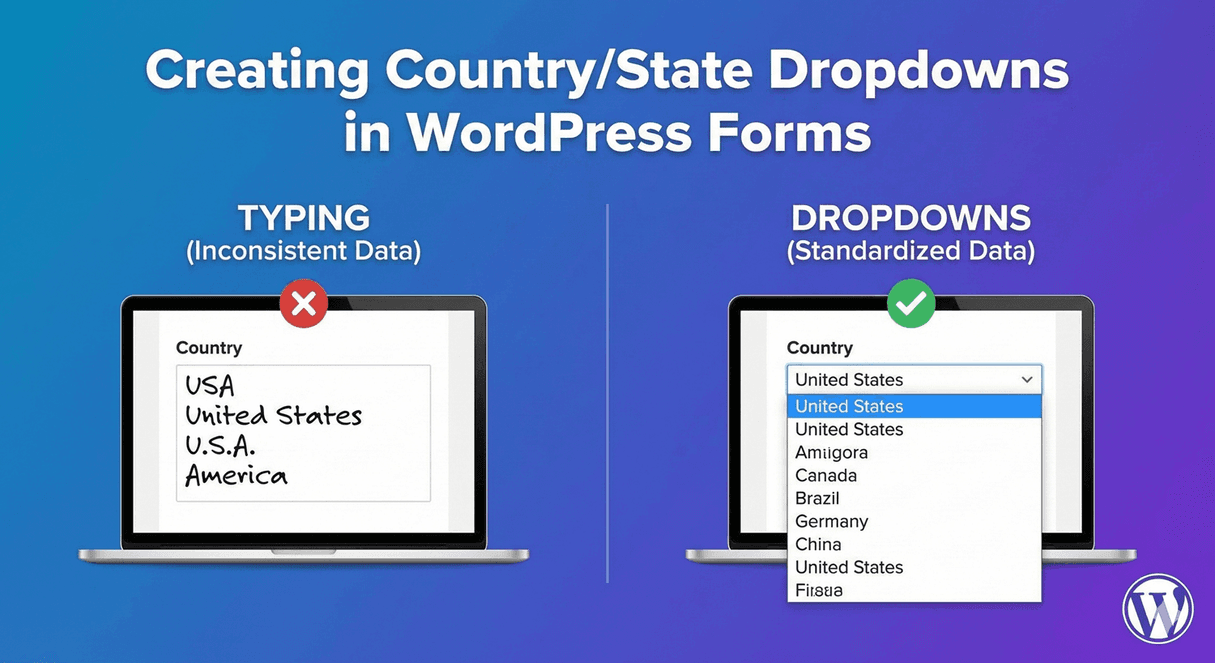
Creating Country/State Dropdowns in WordPress Forms
Typed countries and states are a data nightmare. Here's how to build clean country and state dropdowns, with search and dependent logic, for consistent location data.
Read post →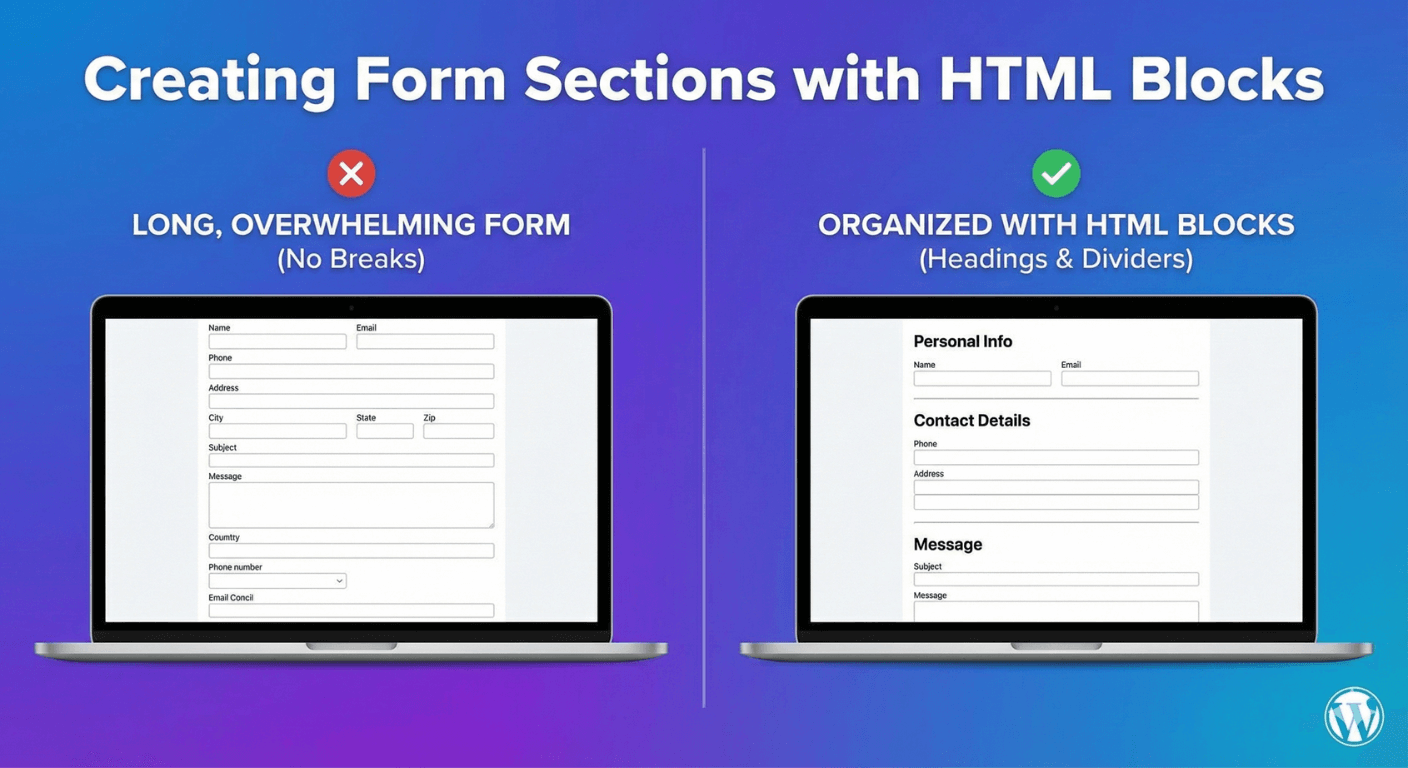
Creating Form Sections with HTML Blocks
A long form feels less daunting when it's organized into sections. Here's how to use HTML blocks to add headings and dividers that structure your form.
Read post →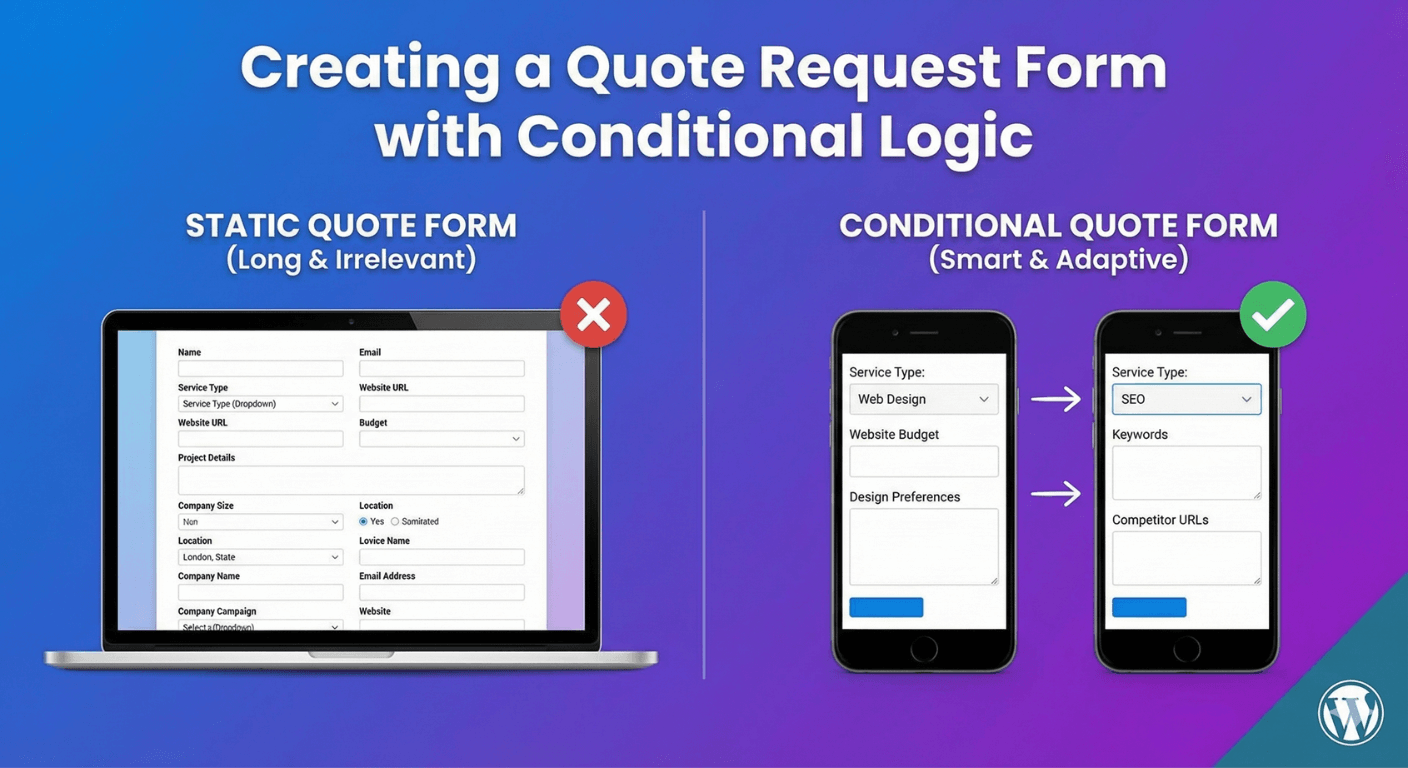
Creating a Quote Request Form with Conditional Logic
A great quote form asks each person only what's relevant to their job. Here's how to build one with conditional logic that captures exactly what you need to price accurately.
Read post →
Creating Rating Scales with Radio Buttons
Radio buttons make a clear, simple rating scale — and for richer surveys, purpose-built rating fields go further. Here's how to choose and build each.
Read post →
Creating Terms & Conditions Checkboxes in WordPress
Add a proper consent checkbox to your forms — with a clickable link to your terms or privacy policy and required validation — in a few clicks, no code.
Read post →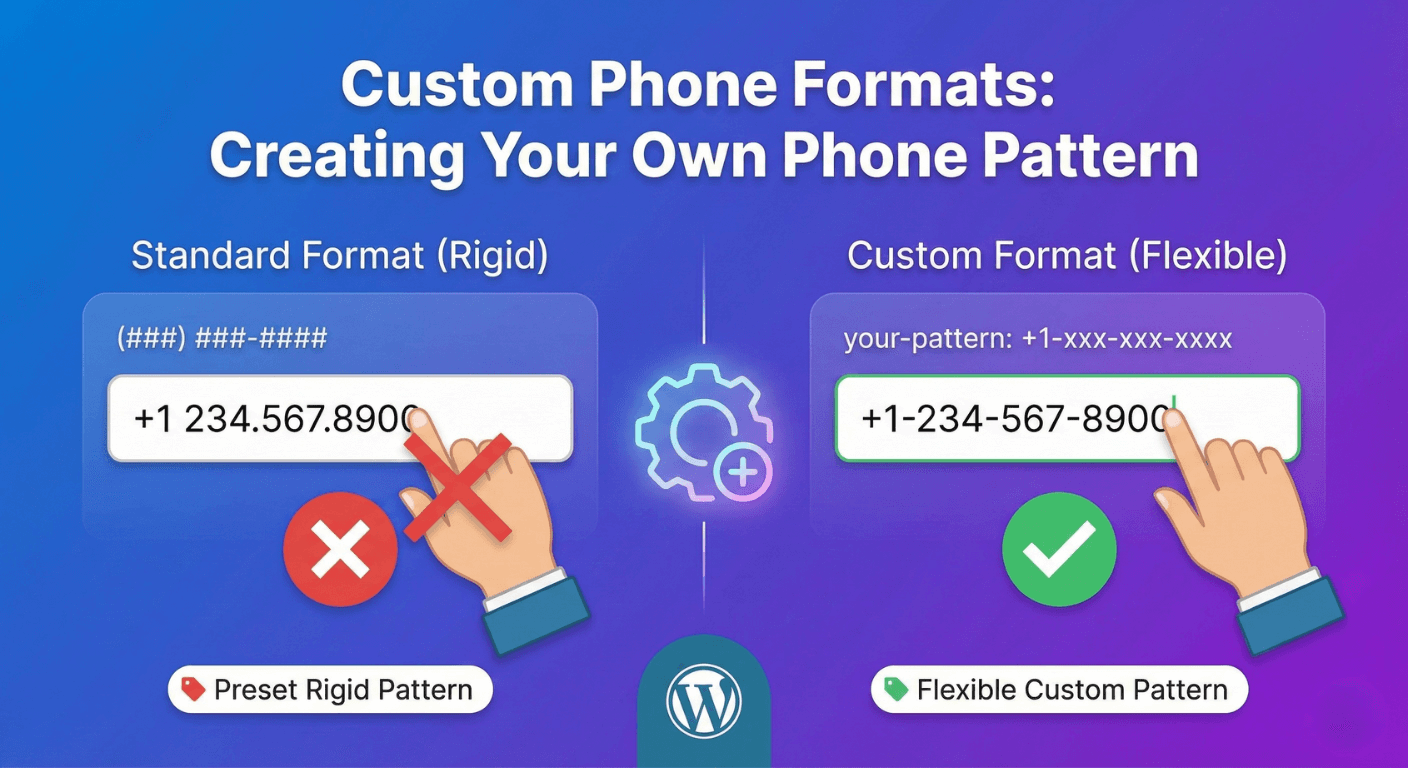
Custom Phone Formats: Creating Your Own Phone Pattern
How to get consistent phone numbers in WordPress forms using the Phone field's formats and validation — and when a Text field pattern is the right tool instead.
Read post →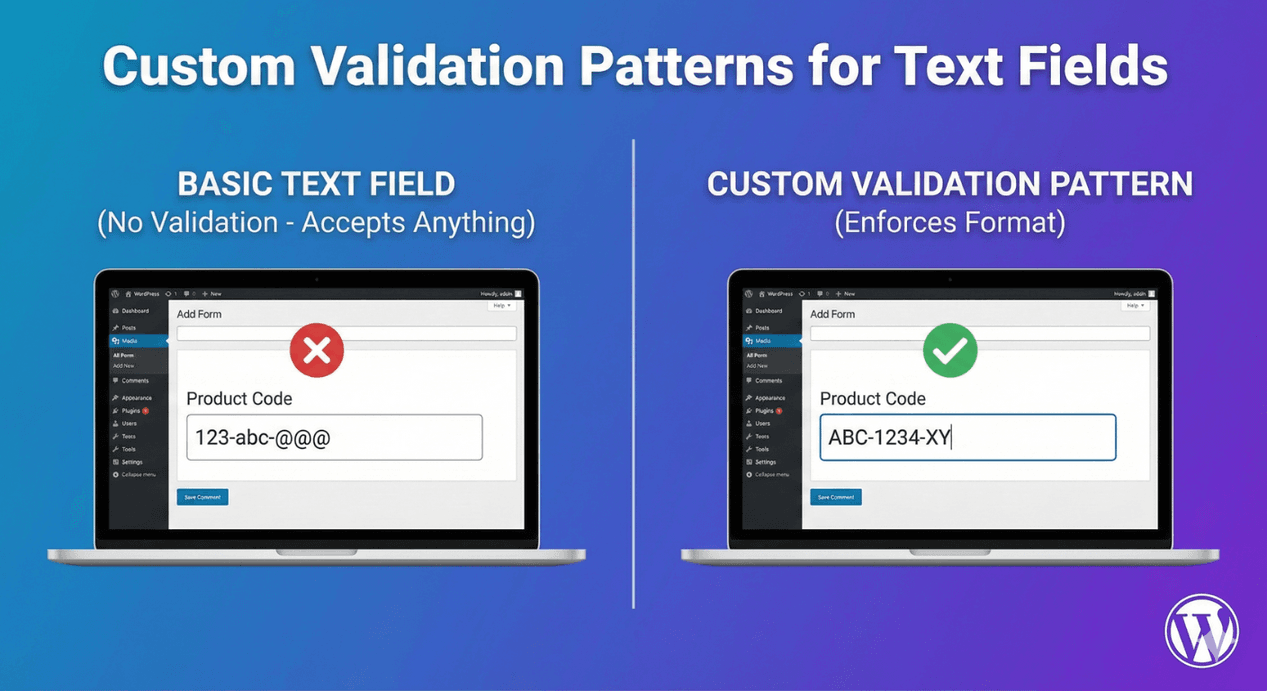
Custom Validation Patterns for Text Fields
Get input in exactly the format you need — reference codes, IDs, postcodes. Here's how validation rules on text fields catch mistakes before the form submits.
Read post →
How to Customize Address Field Components in WordPress Forms
Show only the address parts you need, require the right ones, and pre-fill from links — a practical guide to customizing the Address field, no code required.
Read post →
How to Delete Multiple Form Submissions at Once
Clearing out old or spam entries one by one is a waste of time. Here's how to delete multiple submissions at once — safely, with trash as a safety net.
Read post →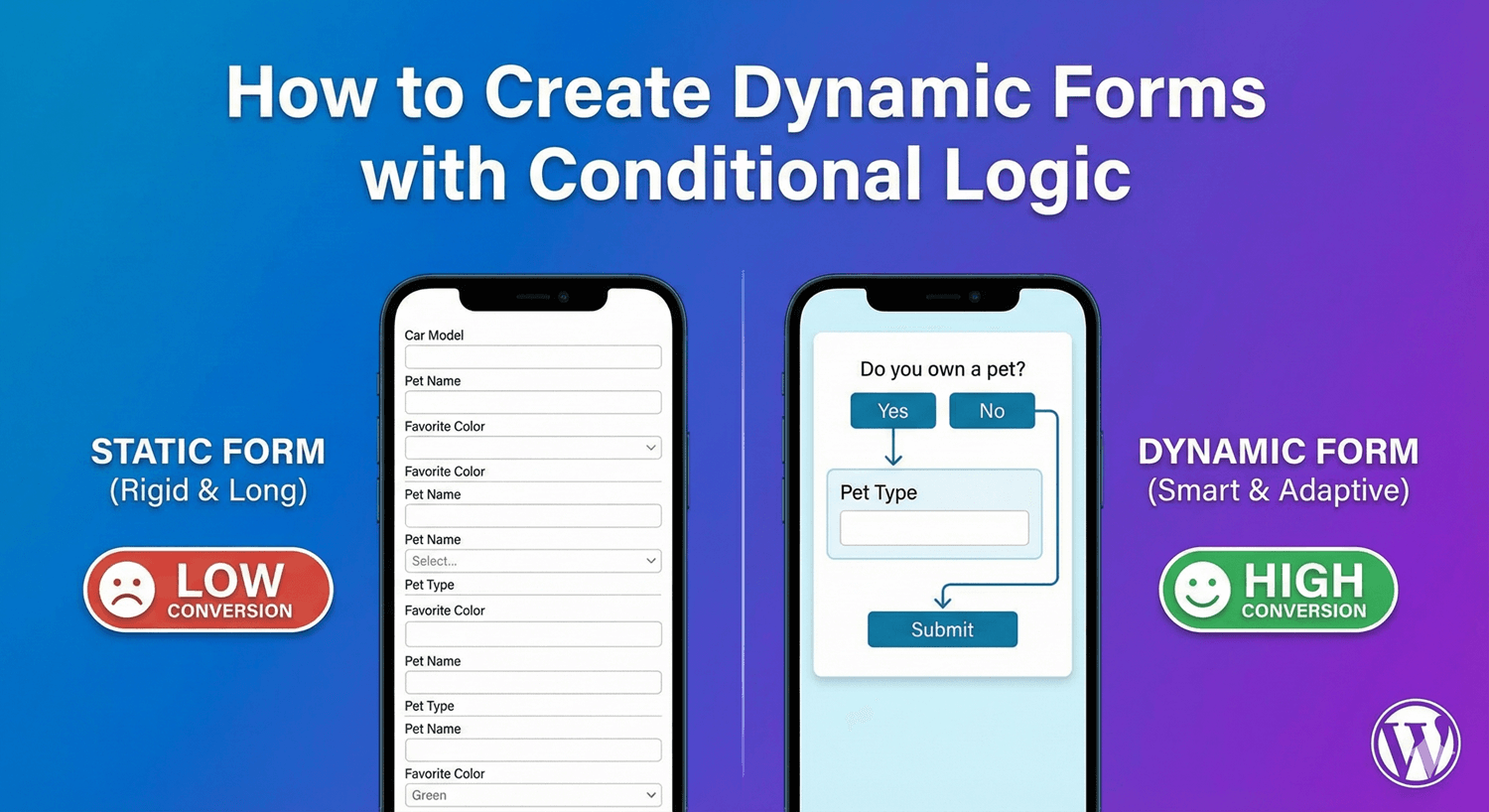
How to Create Dynamic Forms with Conditional Logic
A dynamic form reshapes itself around each person's answers. Here's how to build one with conditional logic, so a single form handles many situations.
Read post →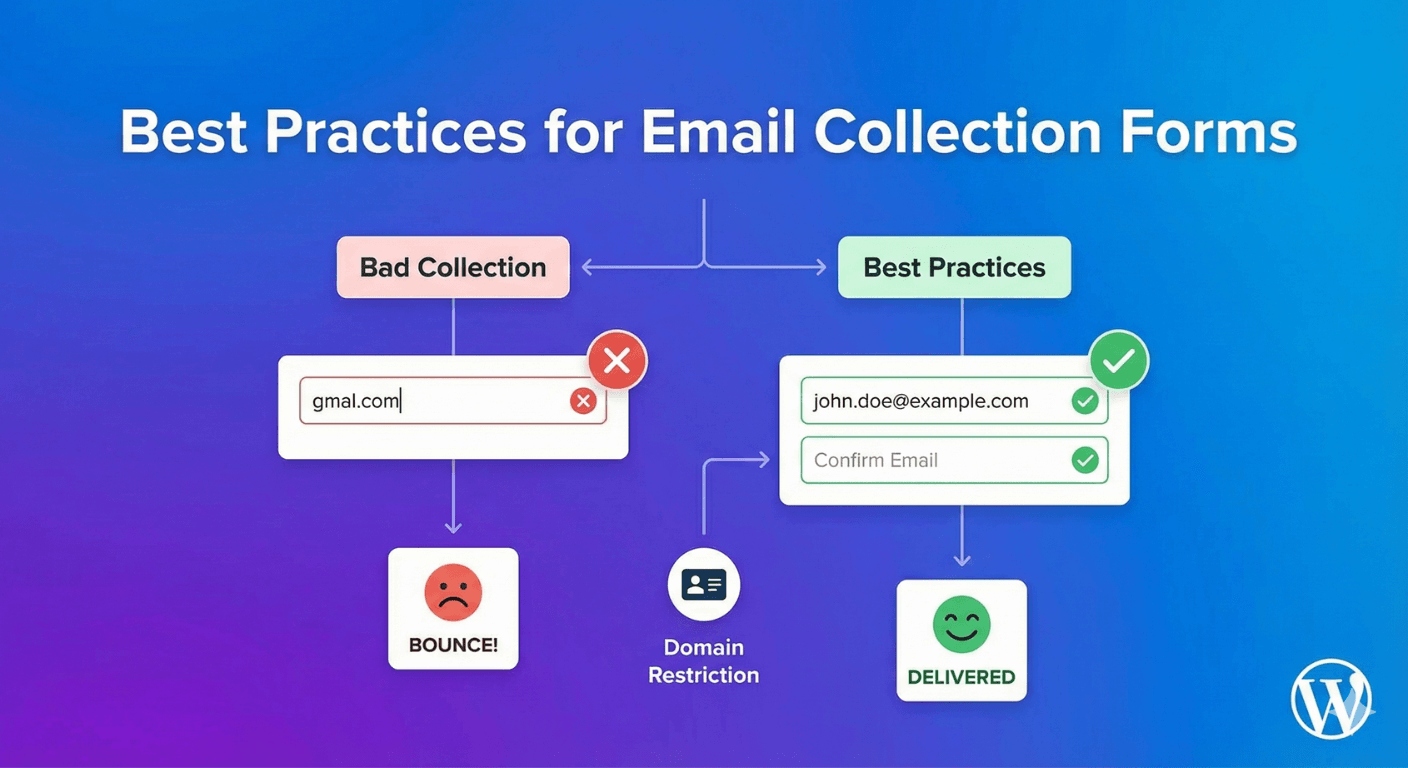
Best Practices for Email Collection Forms
An email list is only as good as the addresses in it. Here are the best practices for collecting clean, valid, consented emails that you can actually reach.
Read post →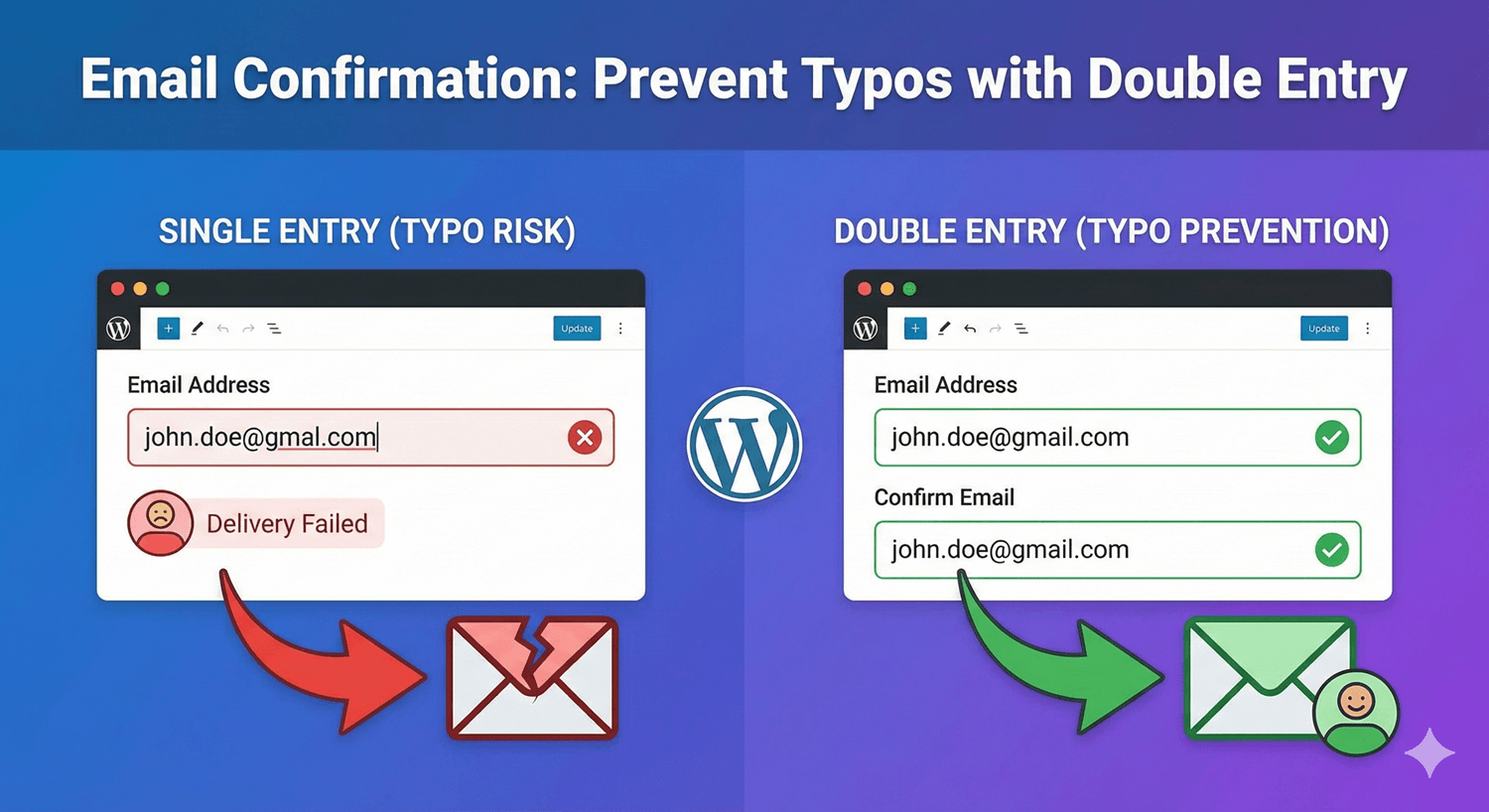
Email Confirmation: Prevent Typos with Double Entry
One mistyped email means a lead you can never reach. Add a confirmation field that makes people re-enter their email and catches the typo before it costs you.
Read post →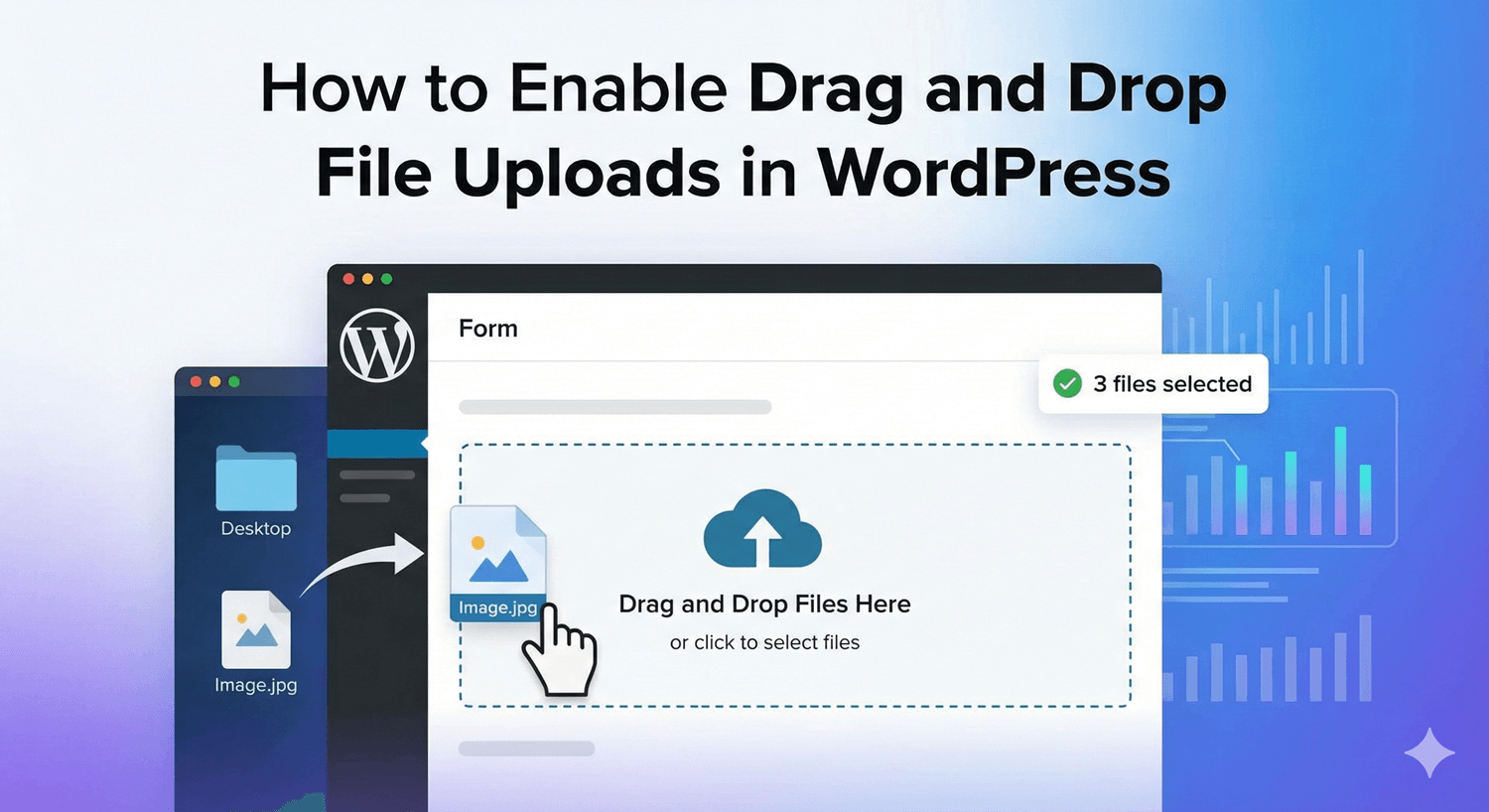
How to Enable Drag and Drop File Uploads in WordPress
Let people drop files straight onto your form instead of hunting through a file dialog. Here's how to turn on drag-and-drop uploads — a small touch that lifts completion.
Read post →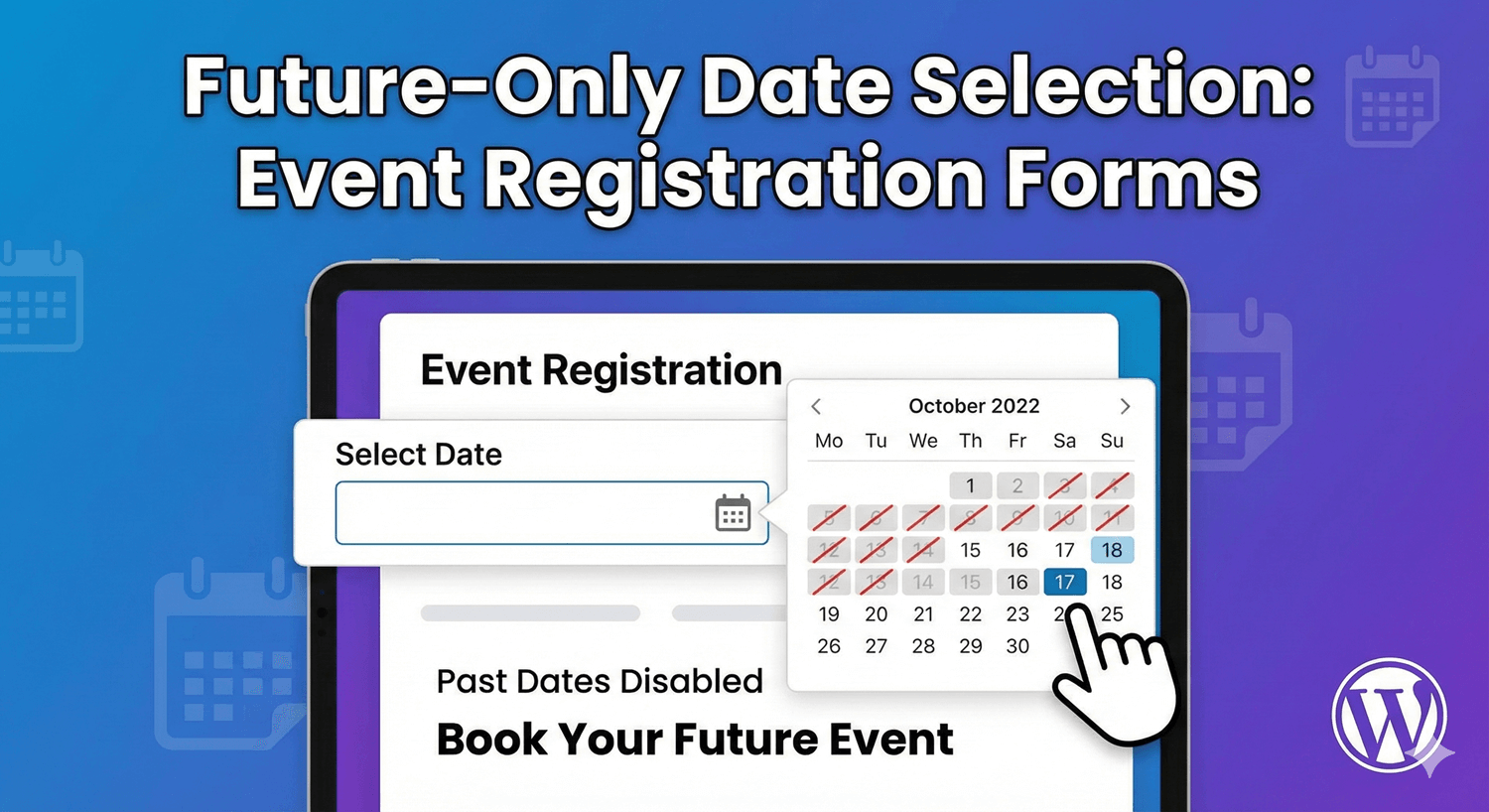
Future-Only Date Selection: Event Registration Forms
For bookings and events, past dates make no sense. Here's how to restrict a date field to future dates — and even require a minimum lead time — with no code.
Read post →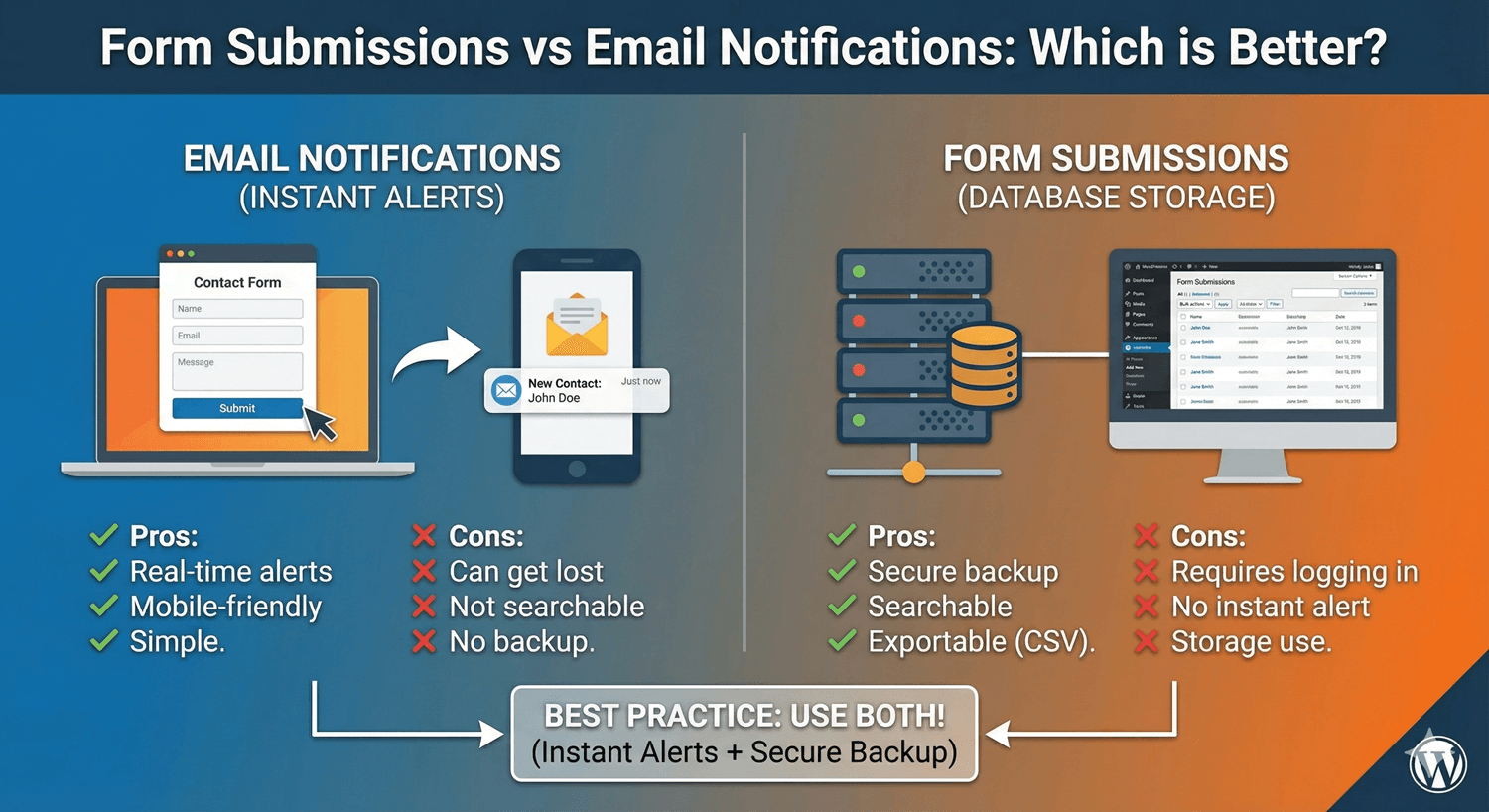
Form Submissions vs Email Notifications: Which is Better?
It's not a competition. Stored submissions and email notifications do different jobs — here's what each is best at, and why the smartest setup uses both.
Read post →
Form Templates: Speed Up Your WordPress Form Creation
Stop building every form from scratch. Use ready-made templates and reusable saved themes to create polished WordPress forms in a fraction of the time.
Read post →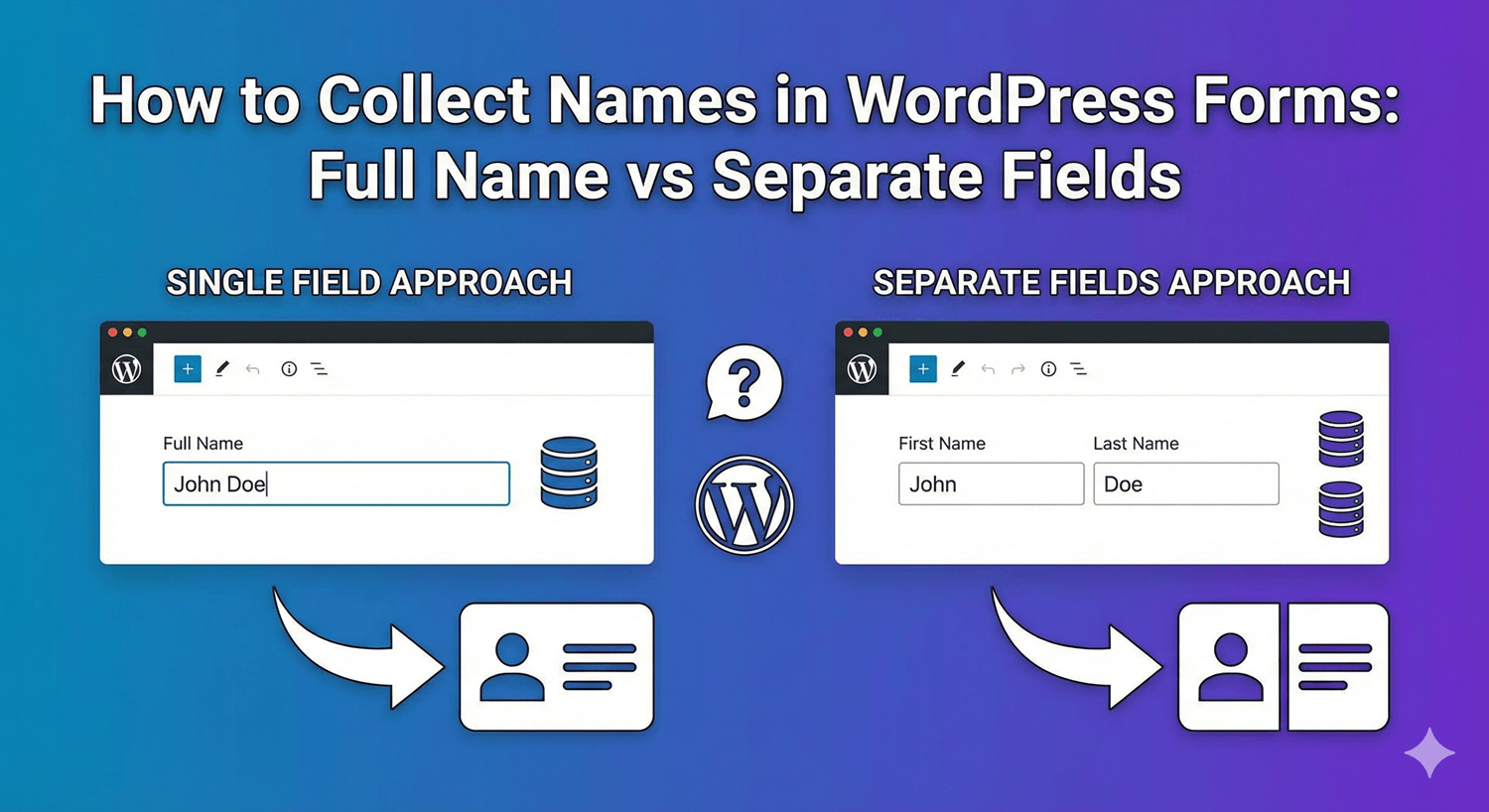
How to Collect Names in WordPress Forms: Full Name vs Separate Fields
One name box or separate first and last fields? Here's how to choose, and how to set up the Name field either way for clean, usable data.
Read post →
GDPR-Friendly Form Plugins: Keep Data on Your Server
Where your form data lives matters for GDPR. Here's why a self-hosted, privacy-first form plugin — one that keeps submissions on your own server — makes compliance simpler.
Read post →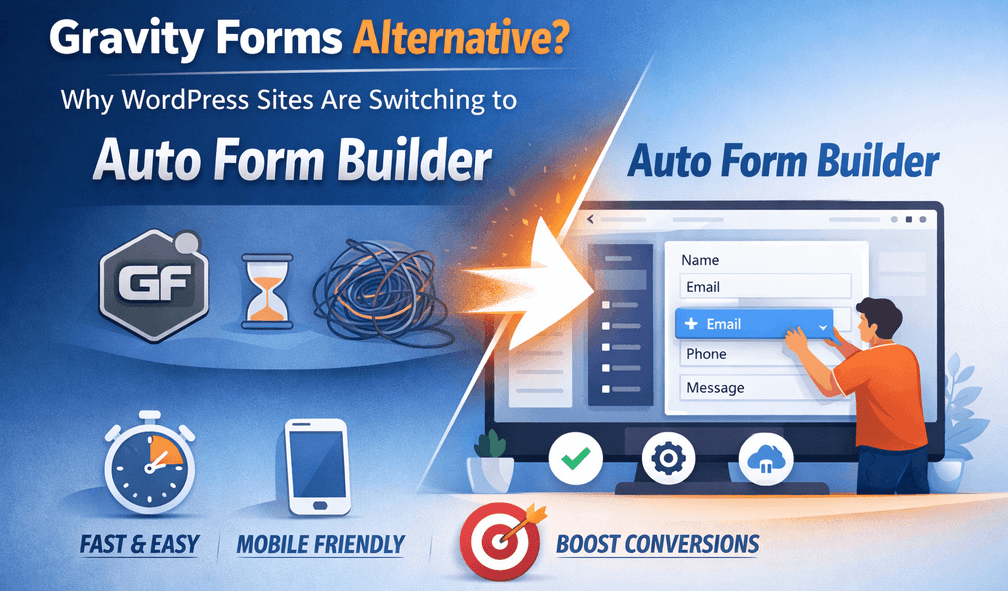
Gravity Forms Alternative: Why Sites Are Switching to Auto Form Builder
Gravity Forms is powerful but requires a paid license. Here's an honest look at why WordPress sites are switching to Auto Form Builder — and who each suits.
Read post →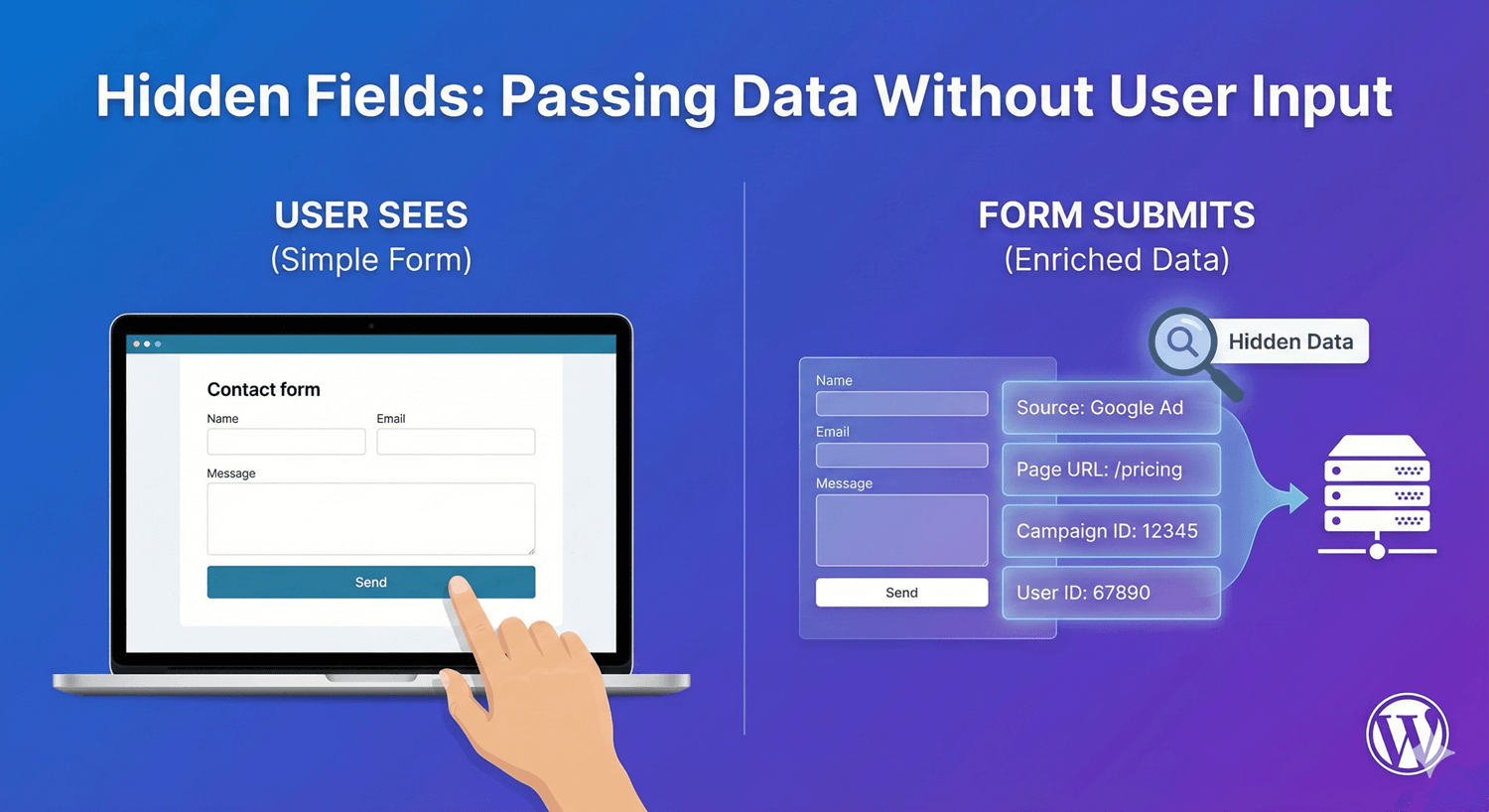
Hidden Fields: Passing Data Without User Input
Hidden fields carry data through a form without the visitor ever seeing them — perfect for tracking source, campaign, or context with every submission.
Read post →
How to Add a Newsletter Signup Form to Your WordPress Site
Grow your list with a signup form that's easy to find and quick to complete — inline or as a popup — and pipe new subscribers straight to your email tool.
Read post →
How to Add Checkboxes to WordPress Forms
Checkboxes do two very different jobs — single consent and multi-select choices. Here's how to add both correctly, with links, required rules, and logic.
Read post →
How to Add a Date Picker to WordPress Forms
Never make people type a date by hand. Here's how to add a proper date picker with the right format and sensible limits, for clean, unambiguous dates every time.
Read post →
How to Add File Upload to Your WordPress Forms
Let visitors attach documents and images to your forms — securely, with type and size limits, and every file saved to its submission. No code required.
Read post →
How to Add Number Fields to WordPress Forms
The number field does far more than accept digits — sliders, currency, percentages, limits. Here's how to add one and use its full range of options.
Read post →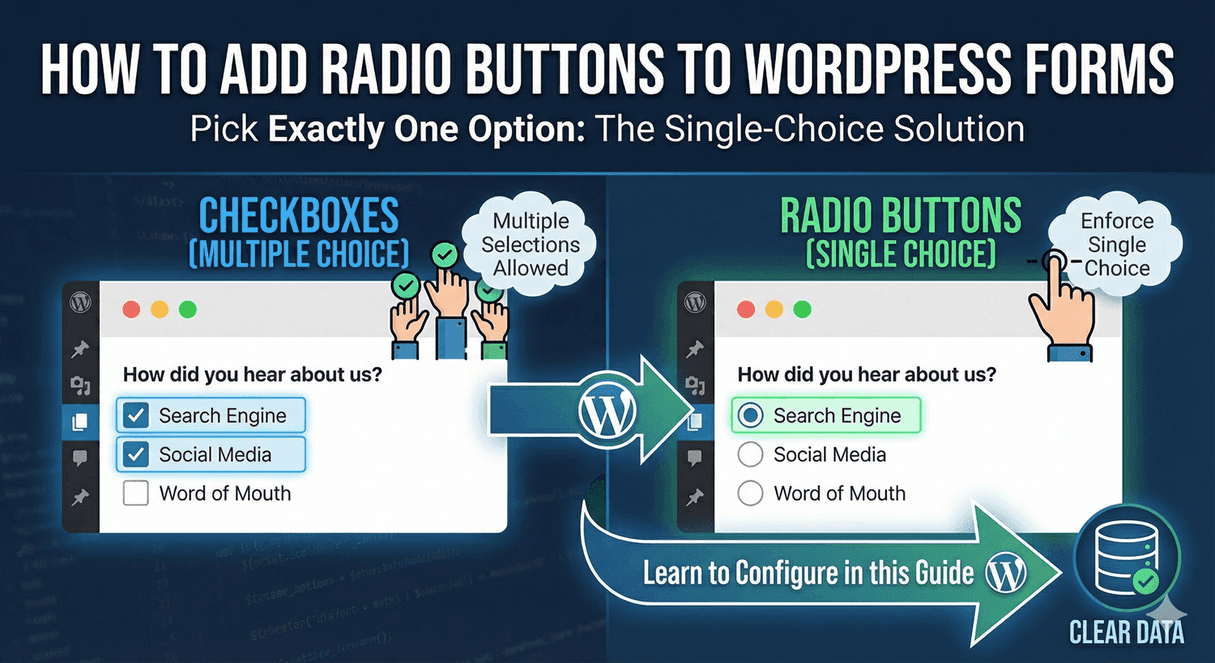
How to Add Radio Buttons to WordPress Forms
When people should pick exactly one option, radio buttons are the clearest choice. Here's how to add them and use them to drive smart form logic.
Read post →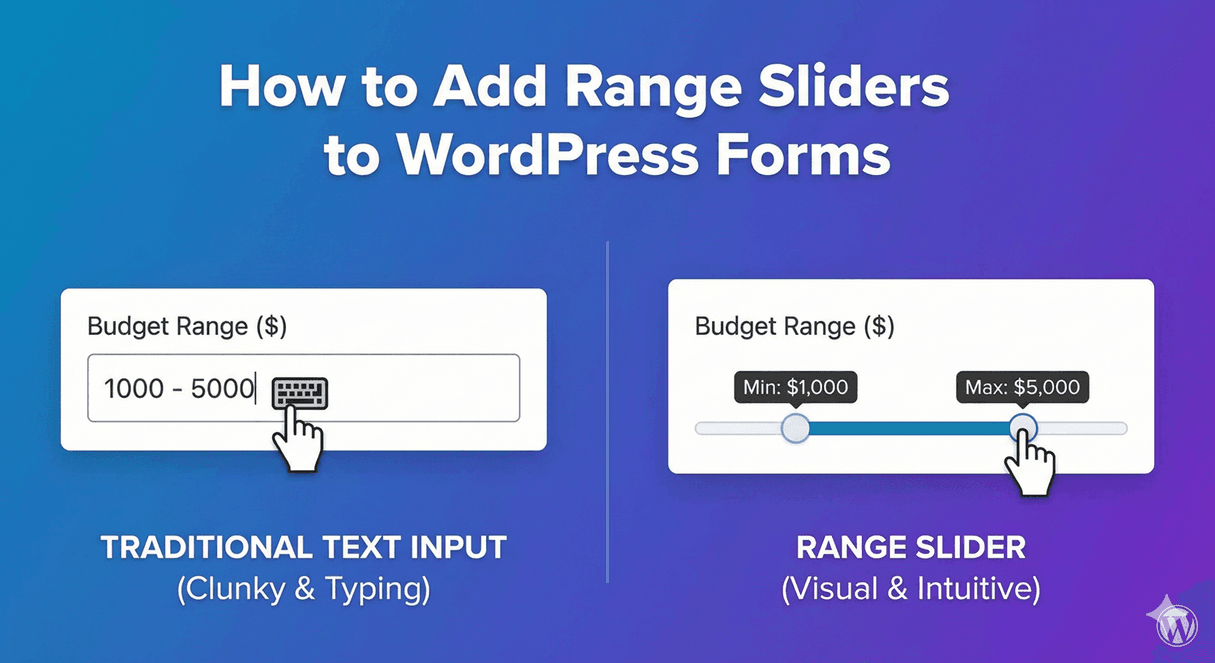
How to Add Range Sliders to WordPress Forms
A slider makes picking a number quick and visual — great for budgets, ratings, and ranges. Here's how to turn a number field into a slider, no code.
Read post →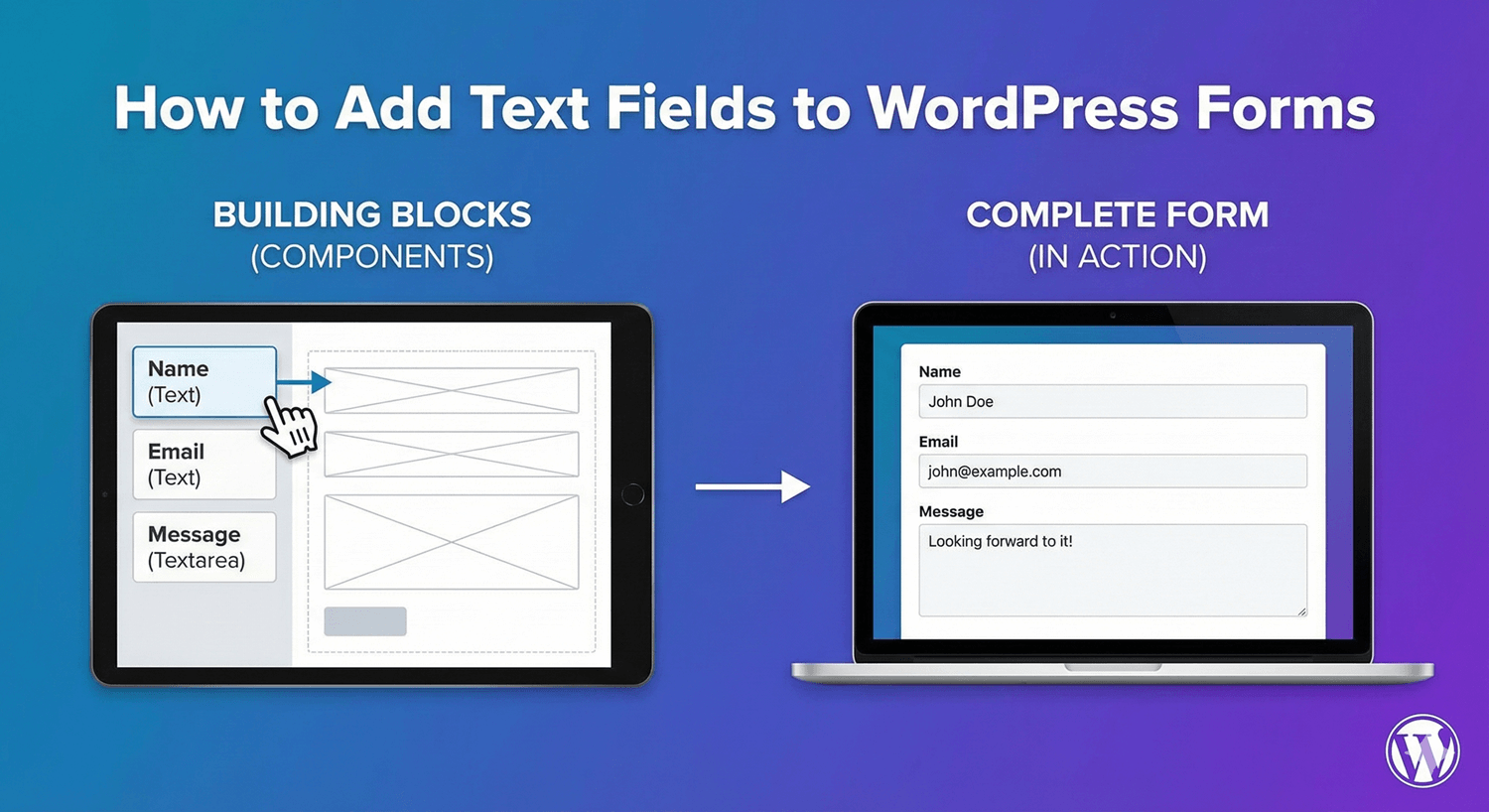
How to Add Text Fields to WordPress Forms
The text field is the workhorse of every form. Here's how to add one and use its options — placeholders, validation, length limits and more — to collect clean input.
Read post →
How to Add a Time Picker to WordPress Forms
Never make people type a time. Here's how to add a proper time picker with clean slots and sensible limits, for bookings, appointments, and scheduling.
Read post →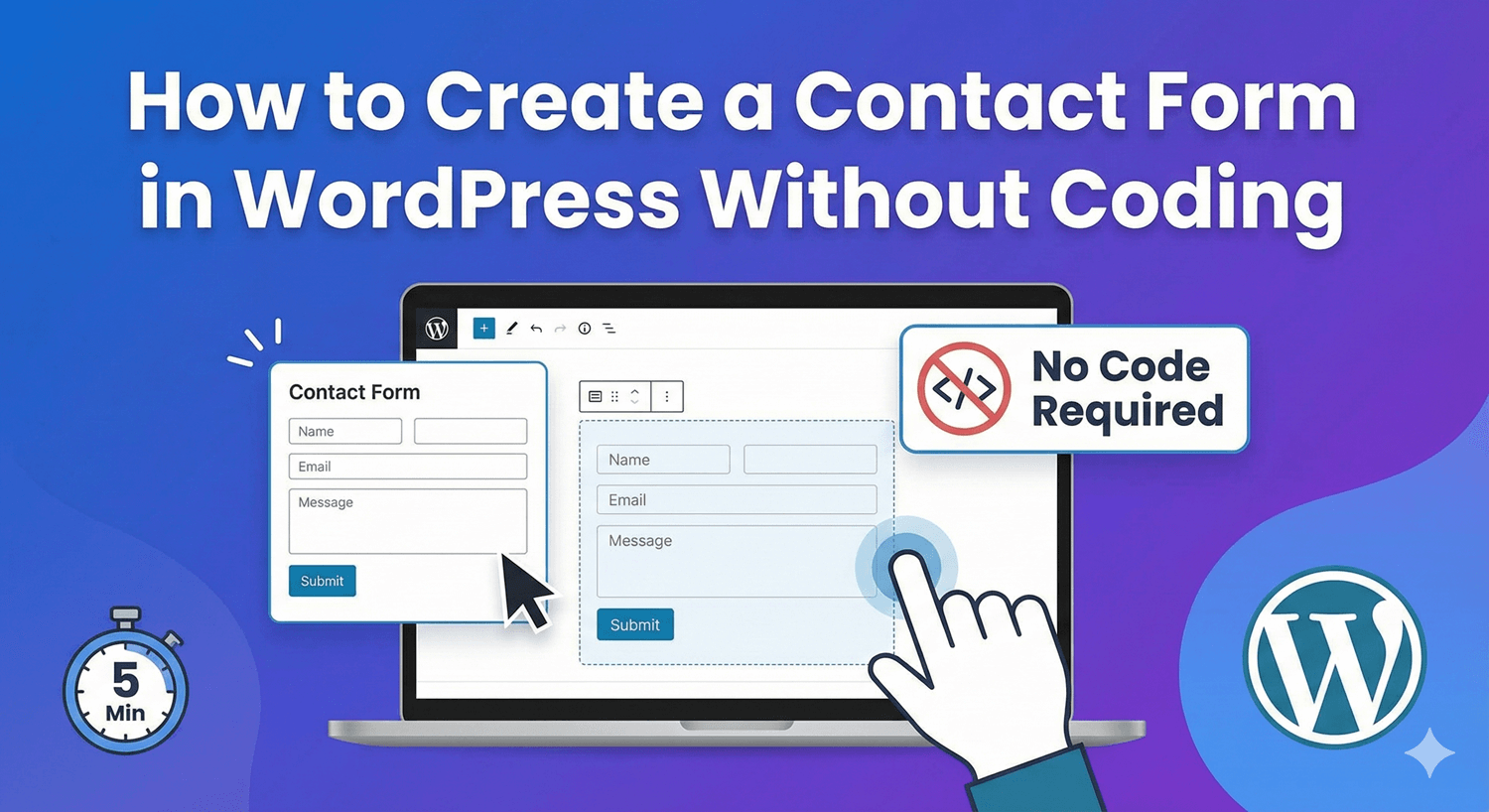
How to Create a Contact Form in WordPress Without Coding
A step-by-step, no-code guide to building a professional WordPress contact form that blocks spam, emails you instantly, and saves every message.
Read post →
How to Create an Event Registration Form in WordPress
Sign attendees up and confirm them automatically — a step-by-step guide to building a WordPress event registration form, free and without code.
Read post →
How to Create Password Fields in WordPress Forms
Need to collect a password or any masked, sensitive value? Turn a text field into a password field in one click. Here's how, and when to use it.
Read post →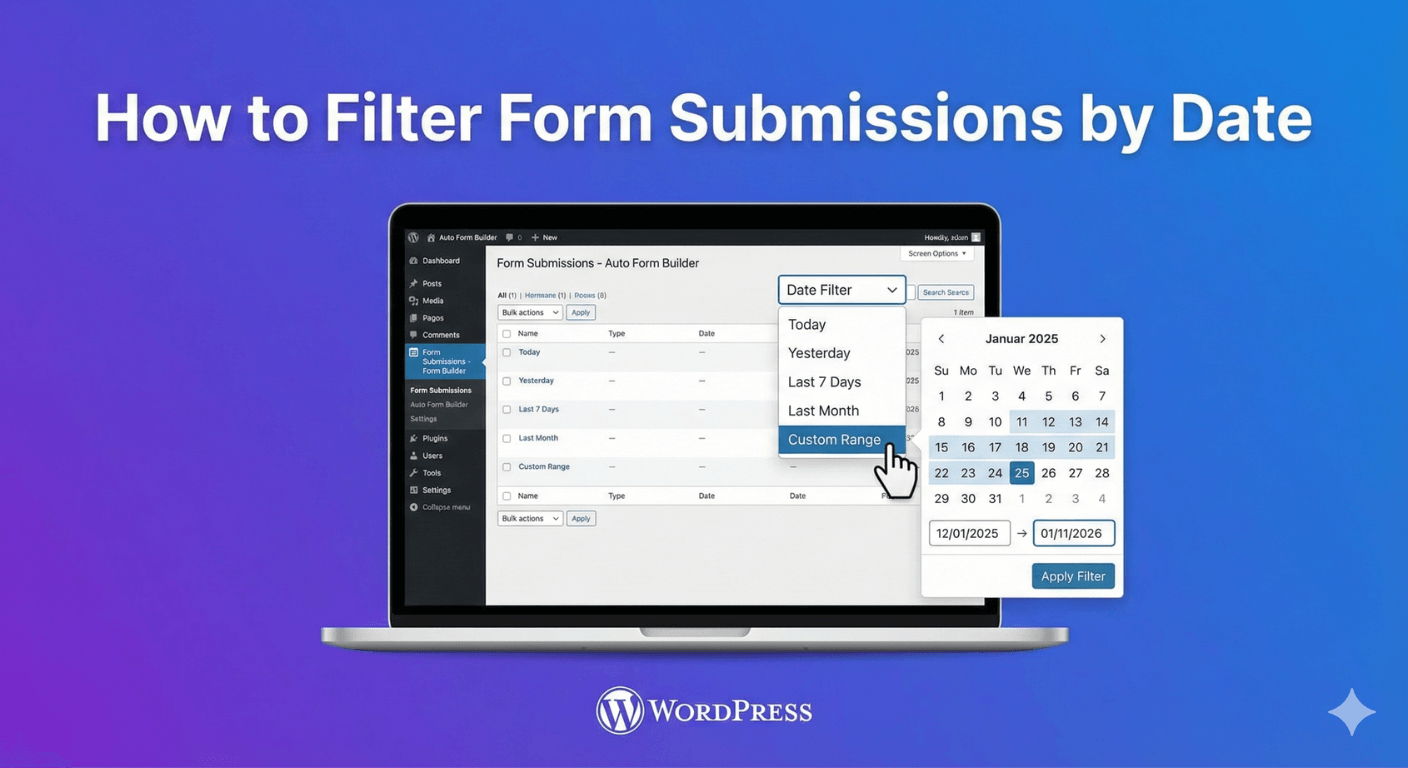
How to Filter Form Submissions by Date
Need every submission from last week, or a launch period? Here's how to filter your entries by date to zero in on exactly the right ones, fast.
Read post →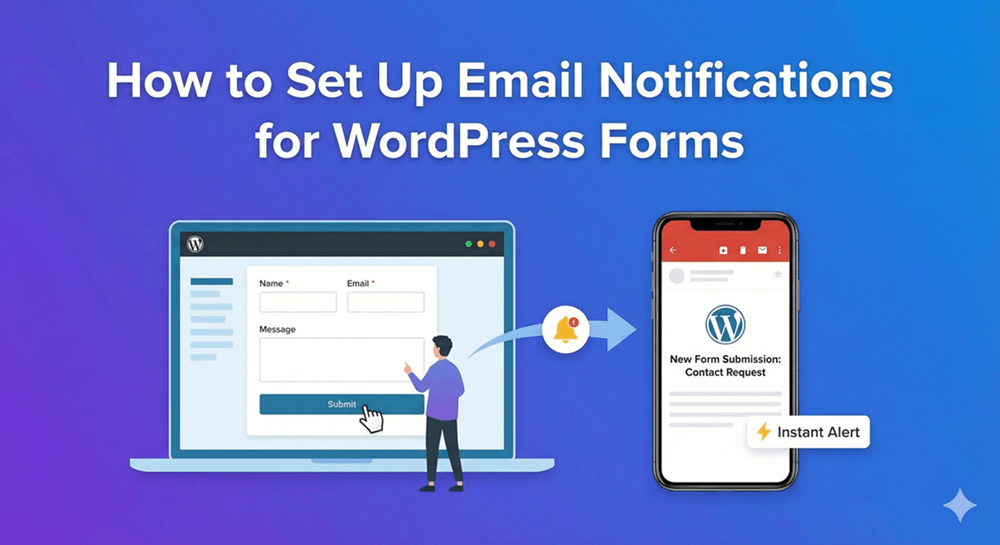
How to Set Up Email Notifications for WordPress Forms
Get an email the moment a form is submitted, and send confirmations to your visitors — a complete guide to Auto Form Builder's notification settings.
Read post →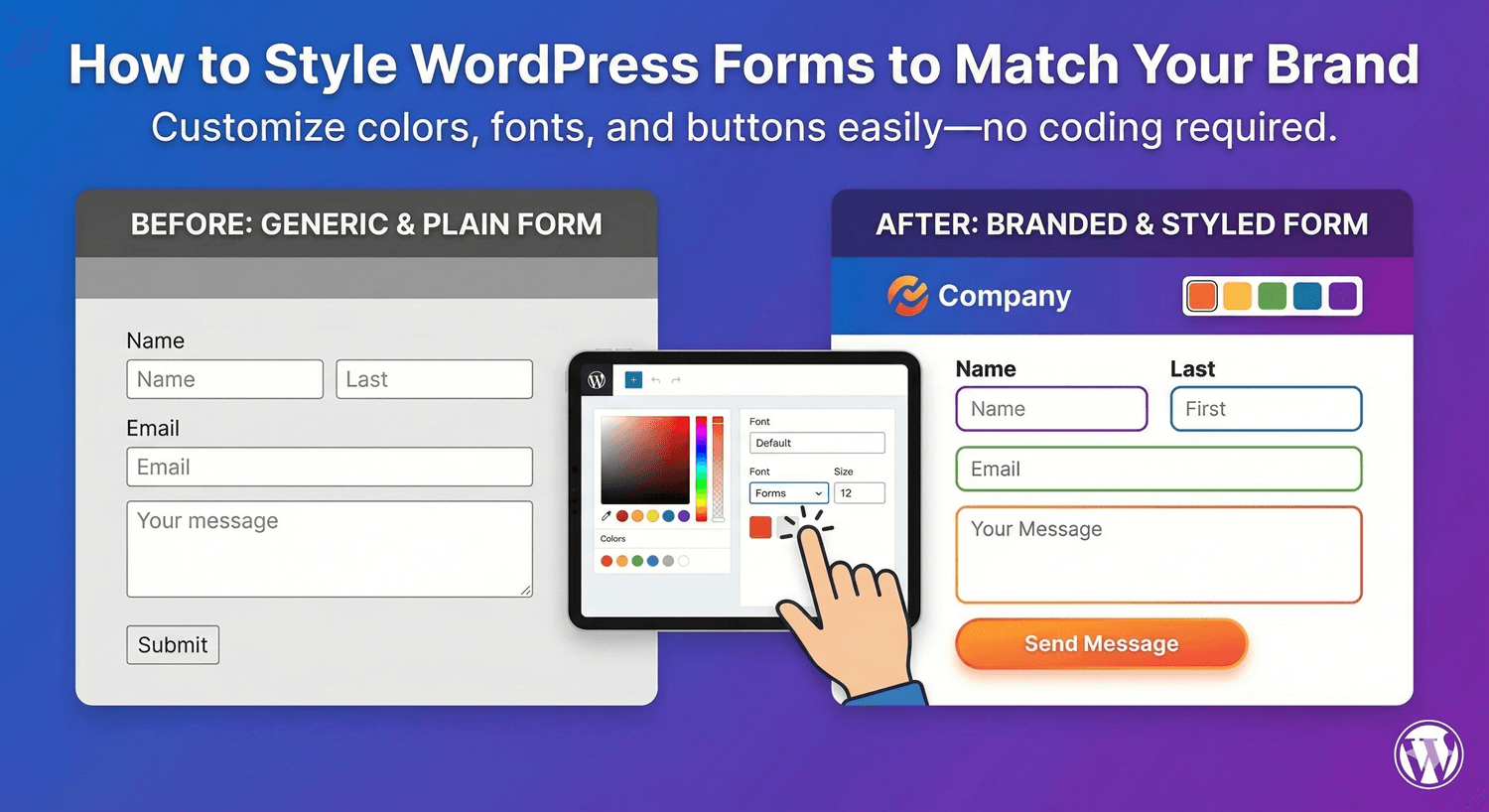
How to Style WordPress Forms to Match Your Brand
Make every form look like it belongs on your site — colors, fonts, buttons and layout, with live preview and reusable themes. No CSS required.
Read post →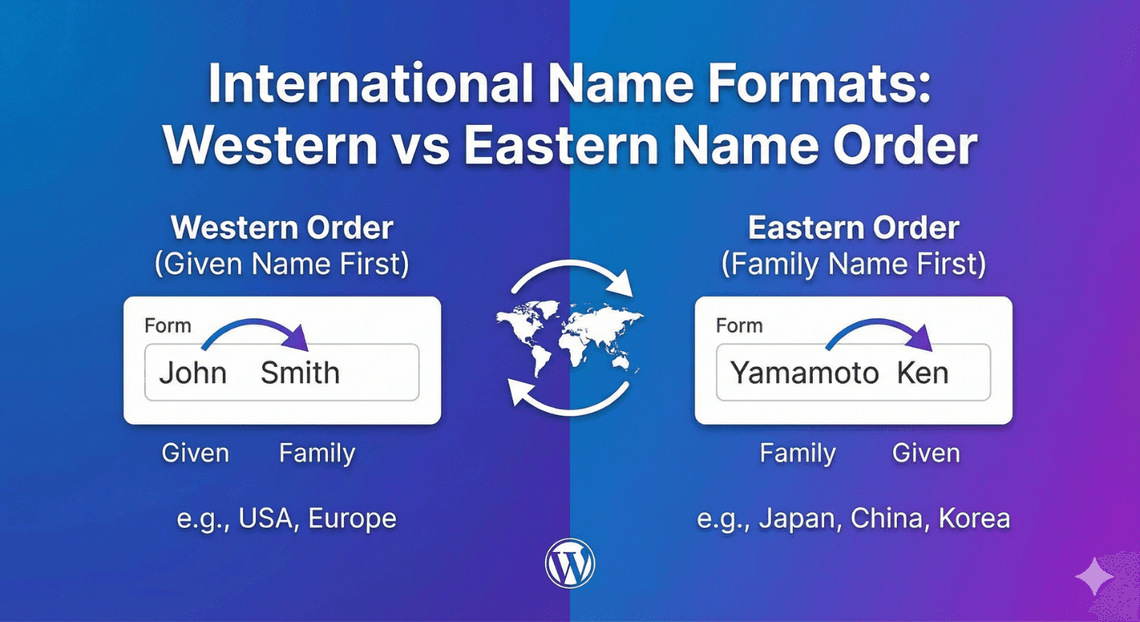
International Name Formats: Western vs Eastern Name Order
Not everyone's name fits a 'first name / last name' box. Here's how to collect names respectfully from a global audience, whatever their name order or structure.
Read post →
International Phone Numbers: Best Practices for Global Forms
How to collect phone numbers from a global audience without messy data — formats, UK mobile support, and format-as-you-type in Auto Form Builder.
Read post →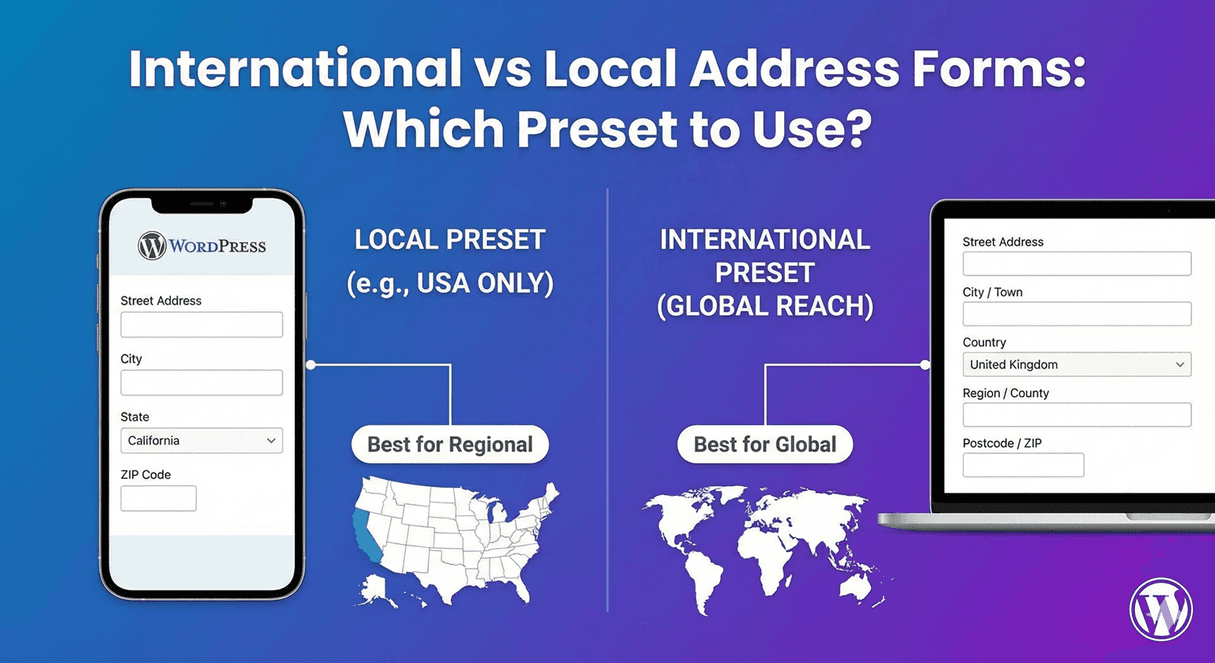
International vs Local Address Forms: Which Setup to Use?
Local or international address form? The right setup depends on your audience. Here's a decision guide to configuring the address field either way.
Read post →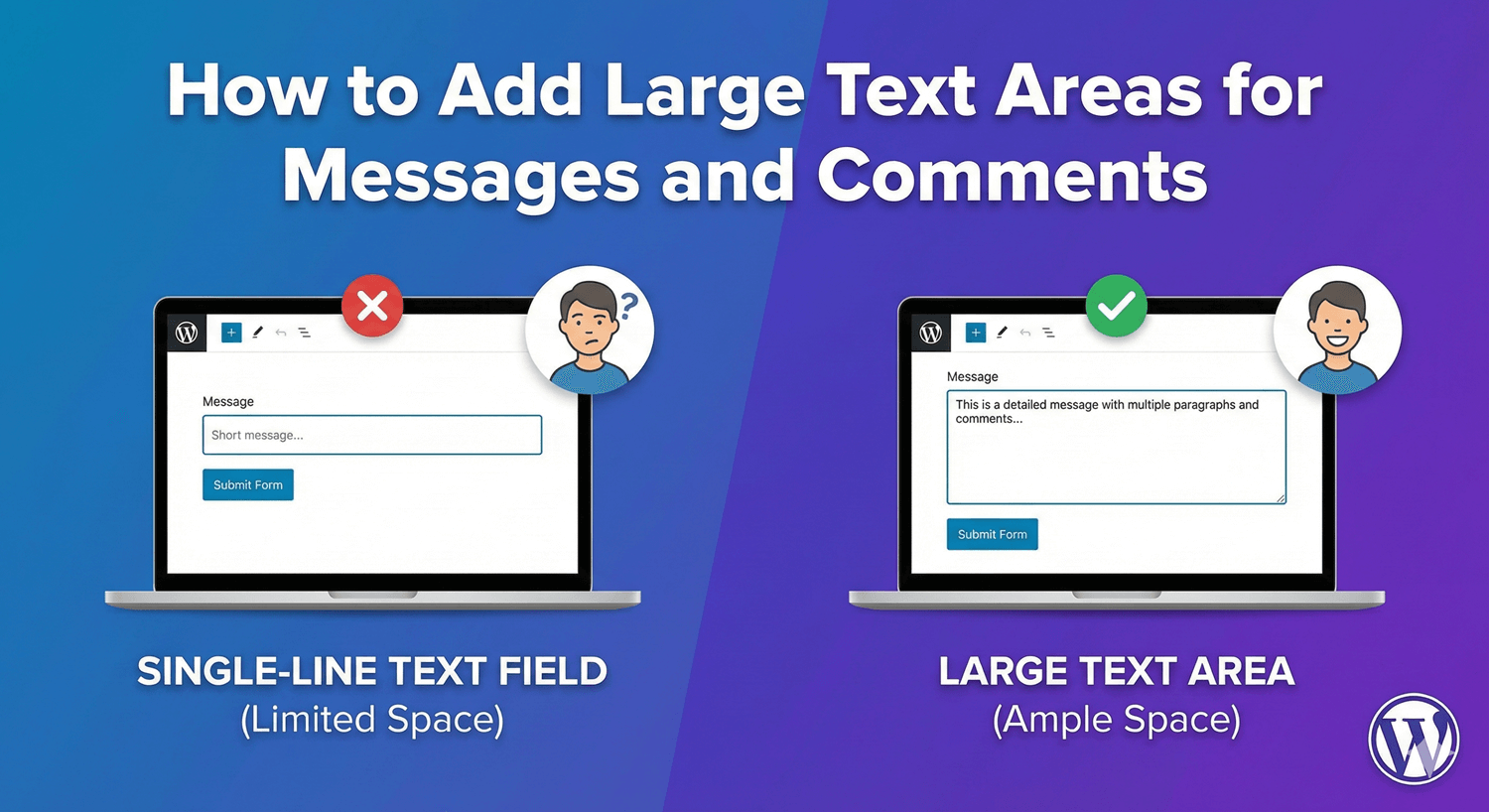
How to Add Large Text Areas for Messages and Comments
When a single line won't do, a textarea gives people room to write. Here's how to add one for messages and comments, sized and bounded just right.
Read post →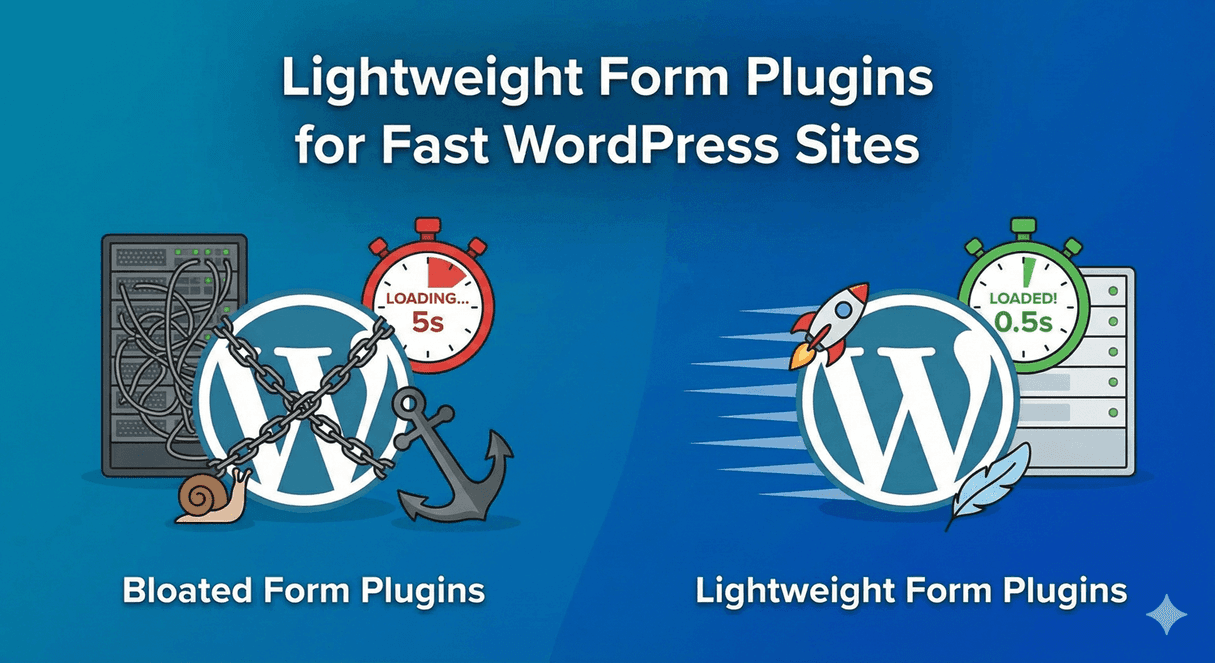
Lightweight Form Plugins for Fast WordPress Sites
A heavy form plugin drags down your whole site's speed — and your SEO. Here's what 'lightweight' really means and how to keep forms fast without giving up features.
Read post →
Limiting Checkbox Selections: Min and Max Options
Need people to pick exactly three, or at least one? Here's how to set minimum and maximum selection limits on a checkbox group, so choices stay in range.
Read post →
Managing Contact Form Submissions in WordPress
Stop losing leads in your inbox. Manage every form submission in a proper dashboard — search, filter, mark, export — instead of scrolling through email.
Read post →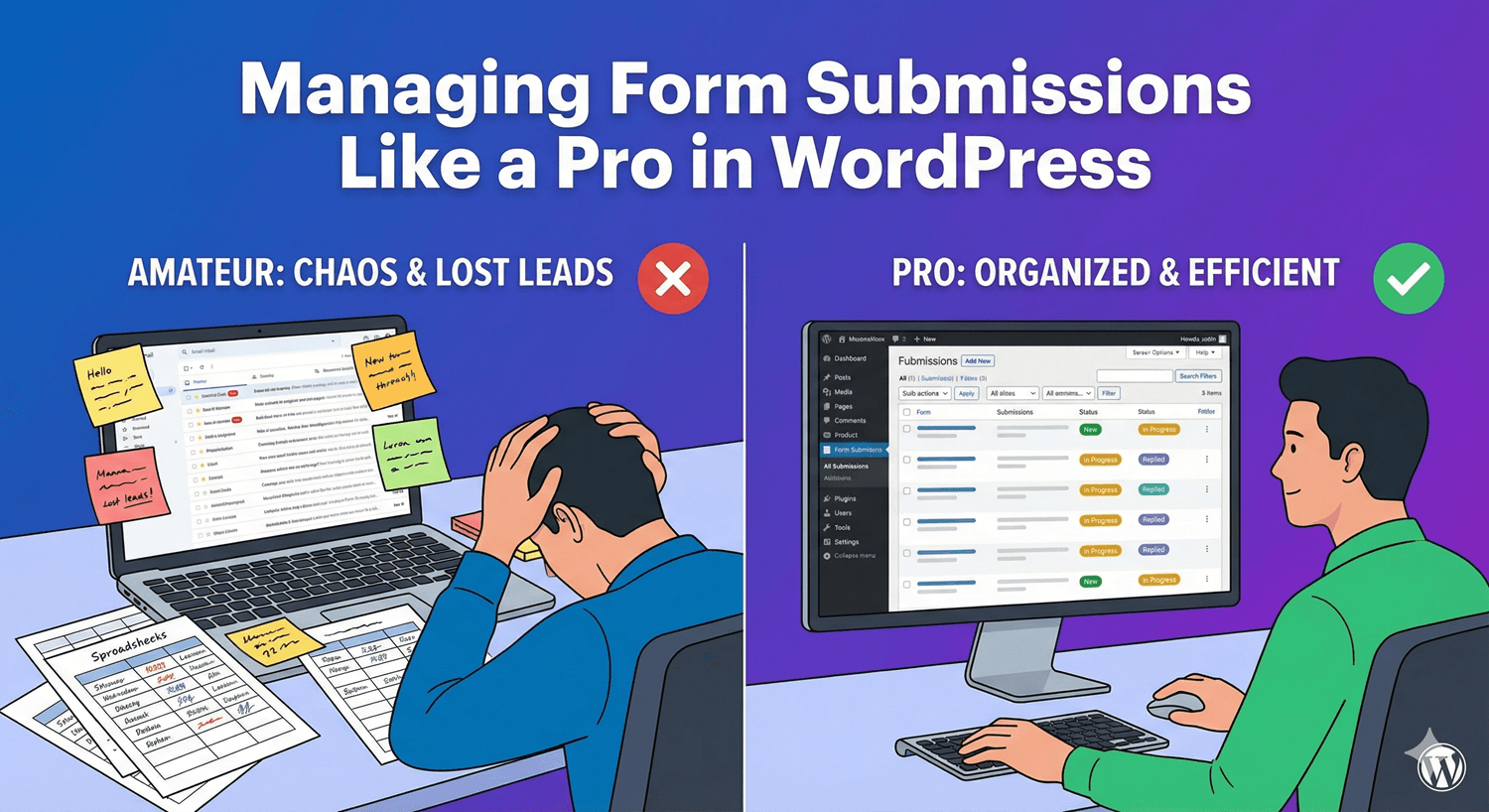
Managing Form Submissions Like a Pro in WordPress
Anyone can collect submissions; handling them well is a system. Here's a pro workflow for triaging, organizing, and never losing a lead in a busy submissions inbox.
Read post →
The Complete Guide to Managing WordPress Form Submissions
Everything about managing form submissions in one place — from storage and triage to search, tags, bulk actions, and export. Your complete reference.
Read post →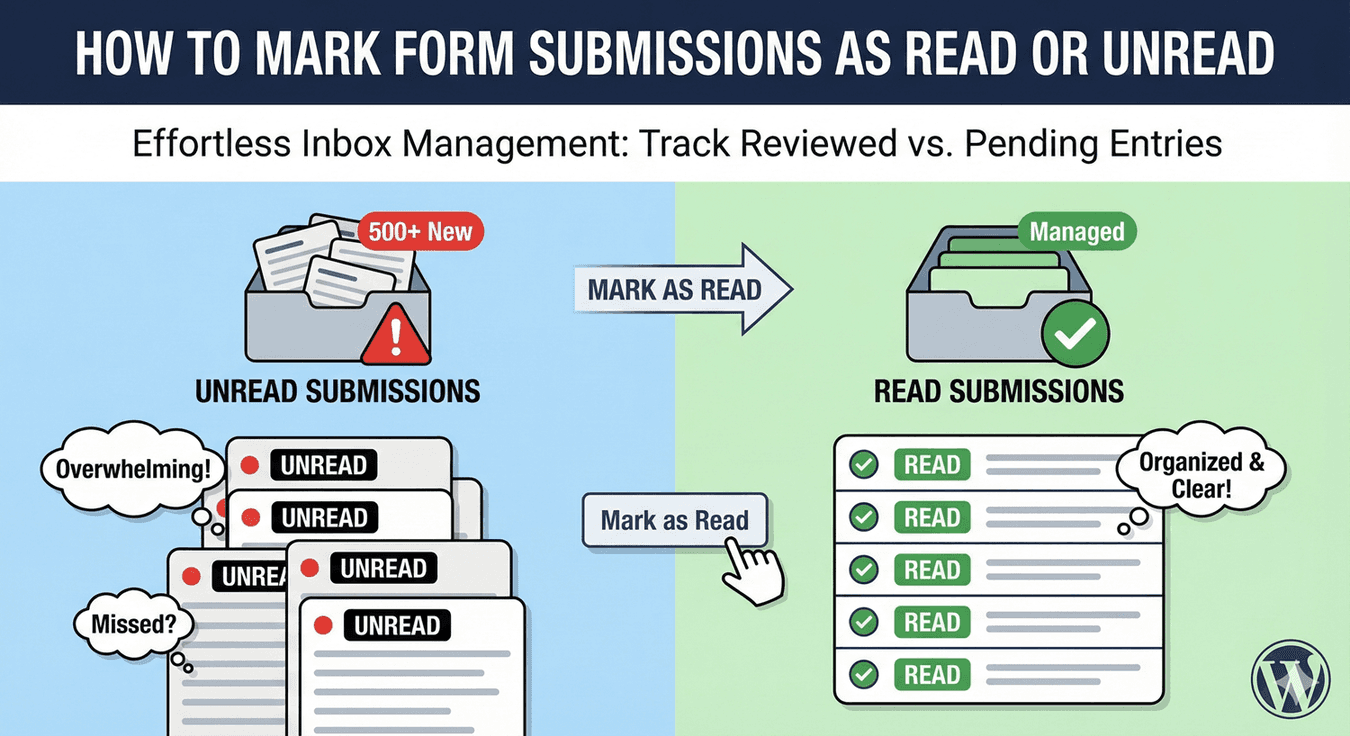
How to Mark Form Submissions as Read or Unread
Read/unread turns your submissions into a to-do list. Here's how to use it to always know exactly which entries still need your attention.
Read post →
Multi-Select Checkbox Lists: Let Users Choose Multiple Options
When one answer isn't enough, a multi-select list lets people choose several options. Here's how to build one — and when a multi-select dropdown works better.
Read post →
Multi-Select Dropdowns: Choose Multiple Options
When people need to pick several options from a long list, a multi-select dropdown keeps it tidy — choices show as chips, and search makes long lists quick.
Read post →
Adding an 'Other' Option with Text Field to Checkboxes
Give people an 'Other' option that lets them explain — here's how to reveal a text field when someone picks Other, using conditional logic, on any choice field.
Read post →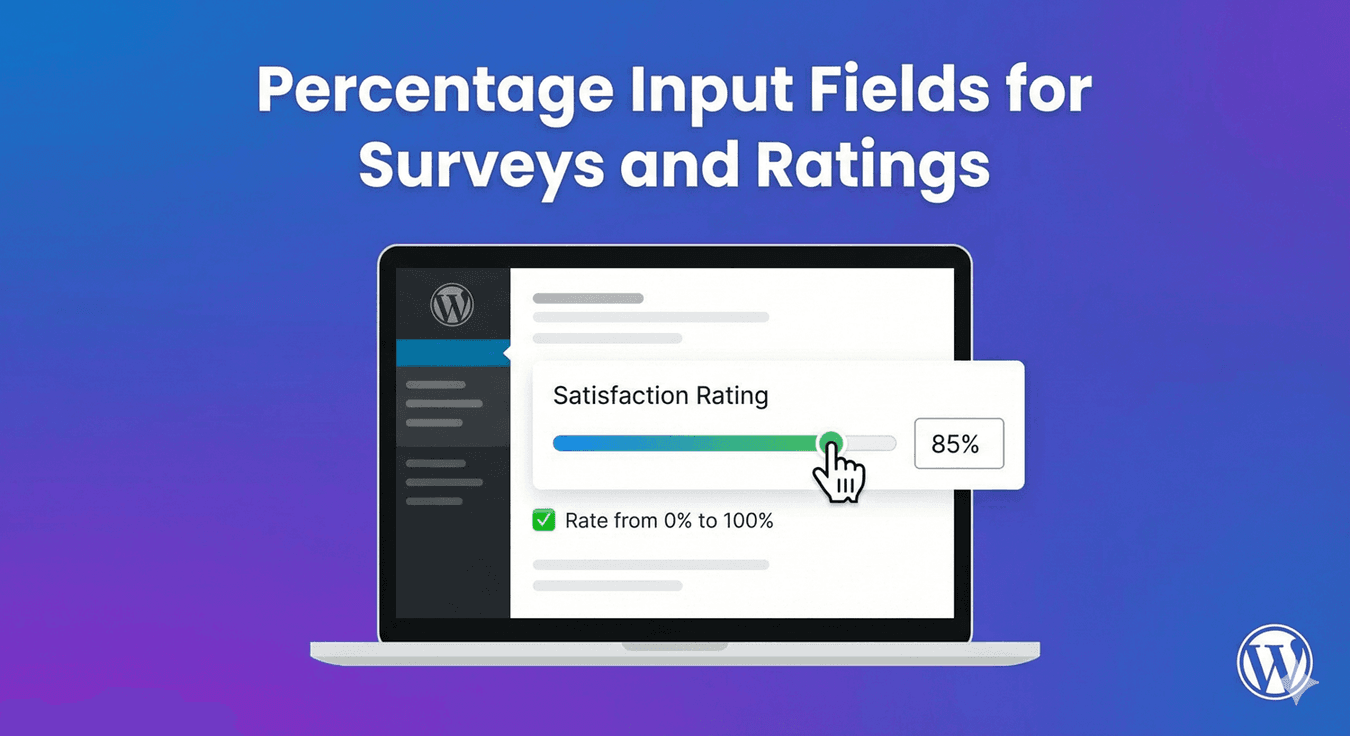
Percentage Input Fields for Surveys and Ratings
Collecting an allocation, a confidence level, or a proportion? Here's how to display a number field as a percentage, so people enter values clearly.
Read post →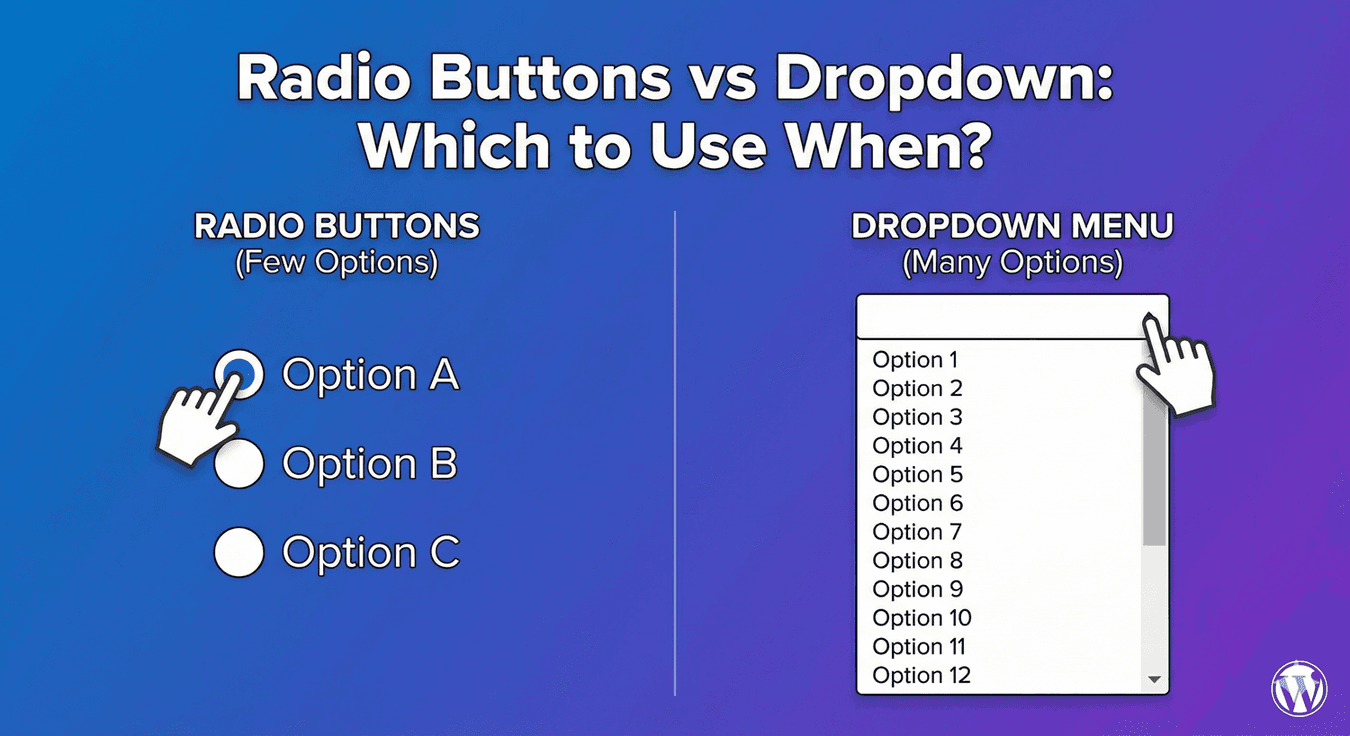
Radio Buttons vs Dropdown: Which to Use When?
Both collect a single choice, but they're not interchangeable. Here's a clear rule for when to use radio buttons and when a dropdown is better.
Read post →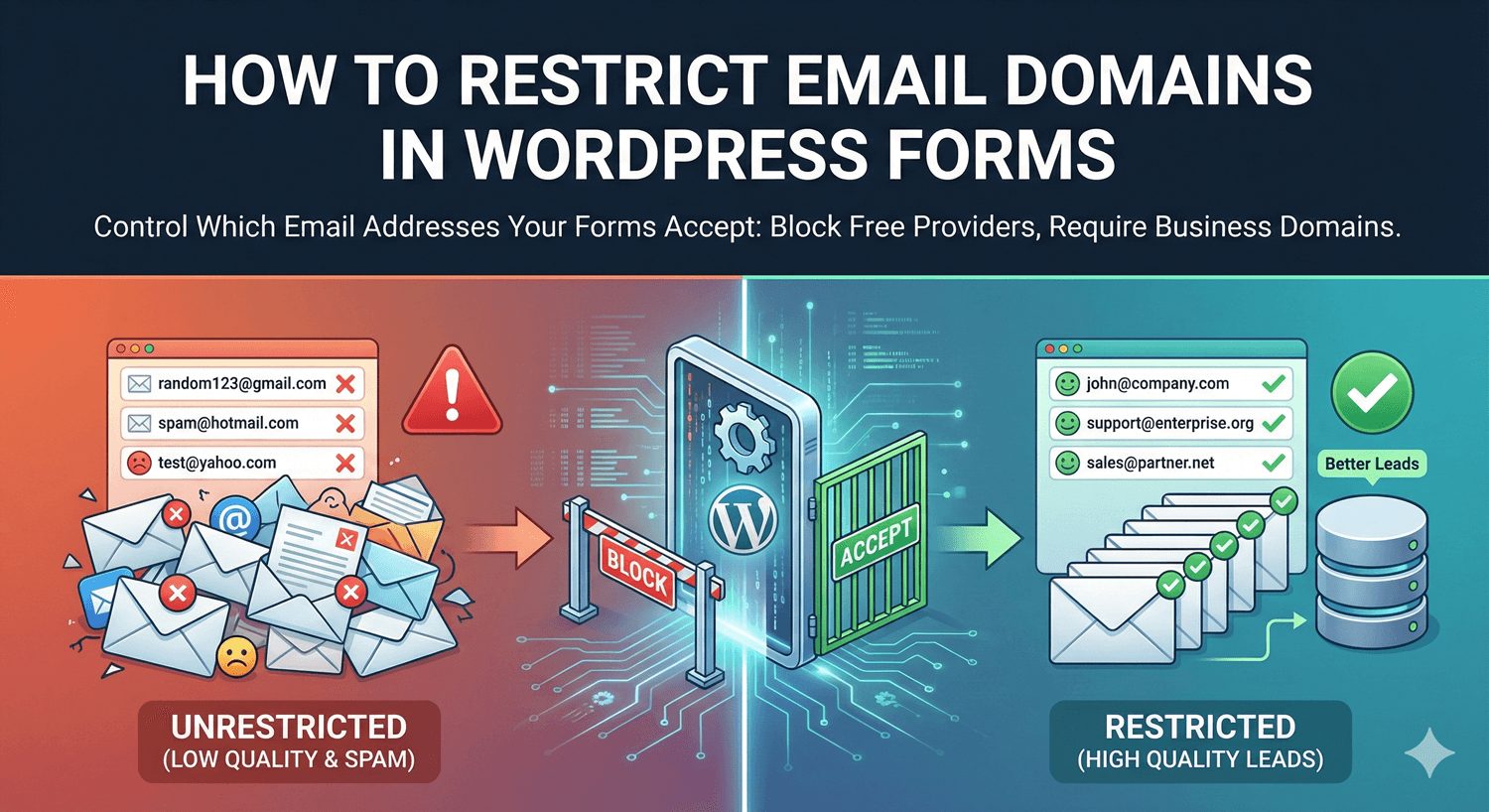
How to Restrict Email Domains in WordPress Forms
Only want work emails, or addresses from specific domains? Here's how to restrict which email domains your form accepts, so off-target signups are blocked.
Read post →
How to Search Form Submissions in WordPress
When submissions pile up, finding the one you need shouldn't mean endless scrolling. Here's how to search and filter your entries to find any submission in seconds.
Read post →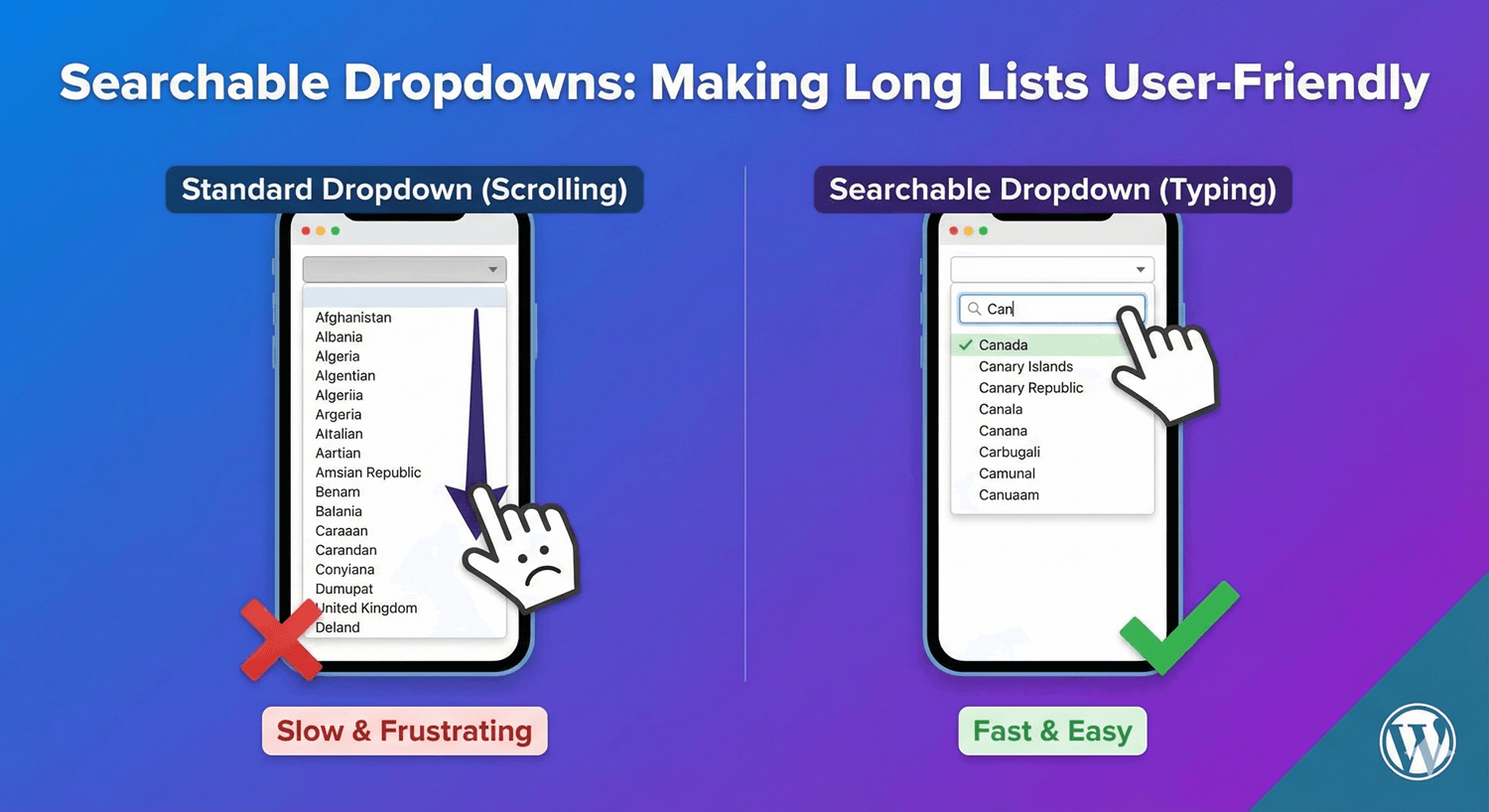
Searchable Dropdowns: Making Long Lists User-Friendly
A 200-item dropdown is a usability nightmare. Make it searchable so people type to find their option in seconds — here's how, plus when to use multi-select.
Read post →
Secure File Uploads: Restricting File Types in WordPress Forms
An open upload field is a security risk. Here's how to lock it down by restricting file types and sizes, so only the files you want ever reach your site.
Read post →
How to Show and Hide Form Fields Based on User Answers
A form that shows everyone every field feels long and irrelevant. Here's how to show and hide fields based on answers, so each person sees only what applies.
Read post →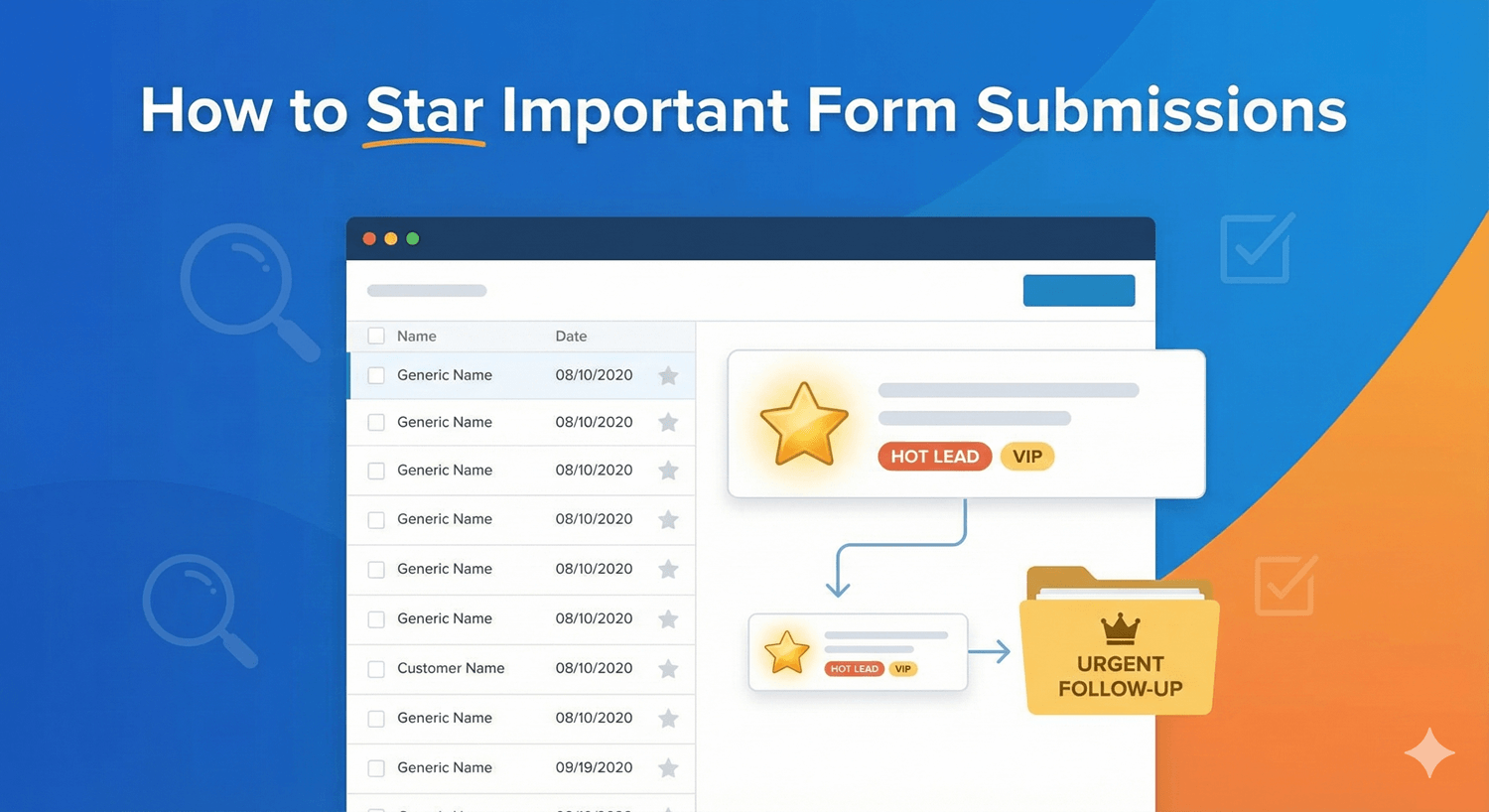
How to Star Important Form Submissions
Not every submission is equal. Here's how to star your most important entries so hot leads and priority requests never get lost in a busy inbox.
Read post →
Text Transformation: Auto-Uppercase, Lowercase, Title Case
Stop getting names in ALL CAPS and codes in mixed case. Here's how to automatically transform text input to a consistent case as it's submitted.
Read post →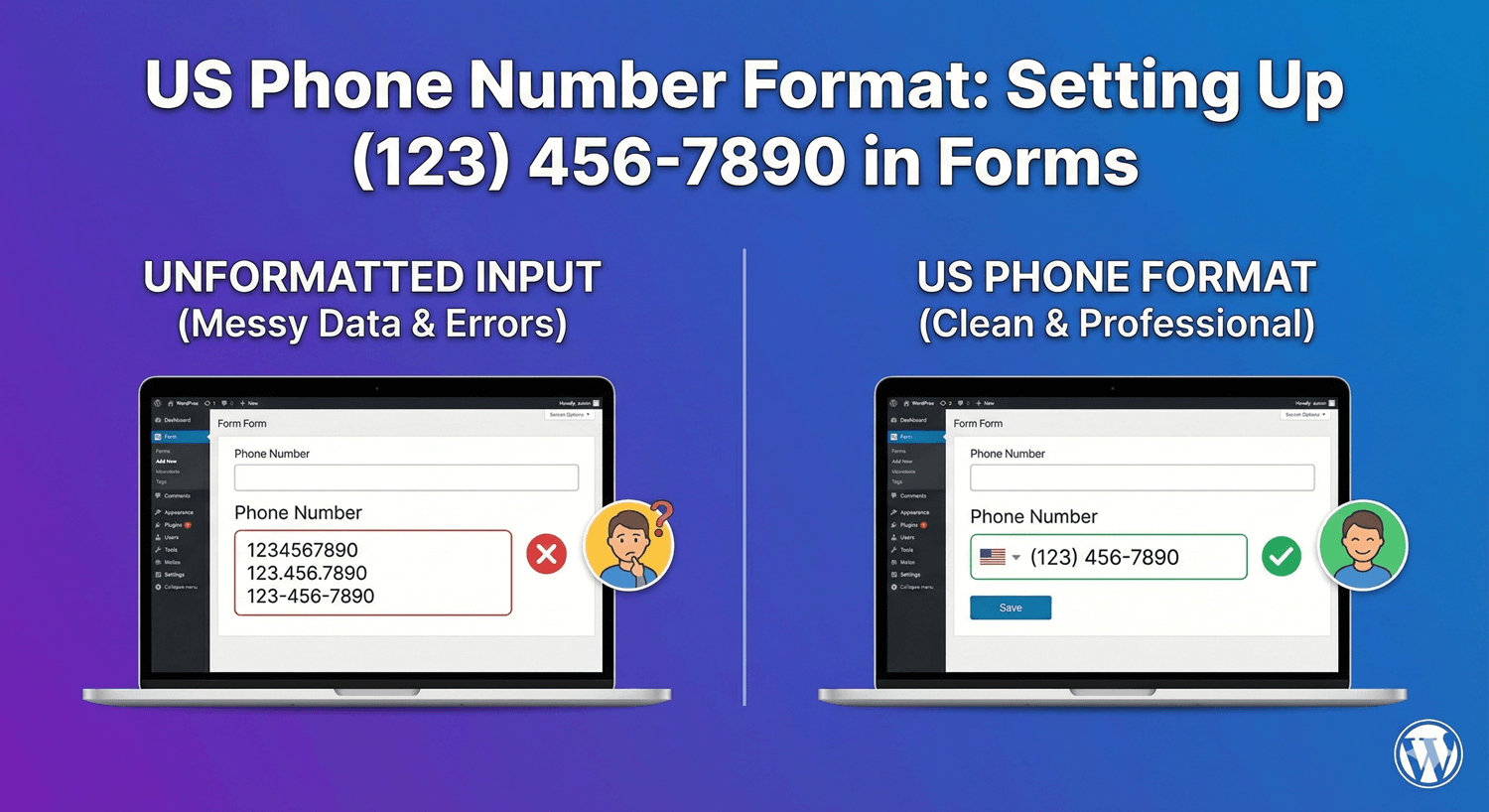
US Phone Number Format: Setting Up (123) 456-7890 in Forms
Get US phone numbers in a clean, consistent (123) 456-7890 format — here's how to set up the phone field so numbers arrive dialable and tidy.
Read post →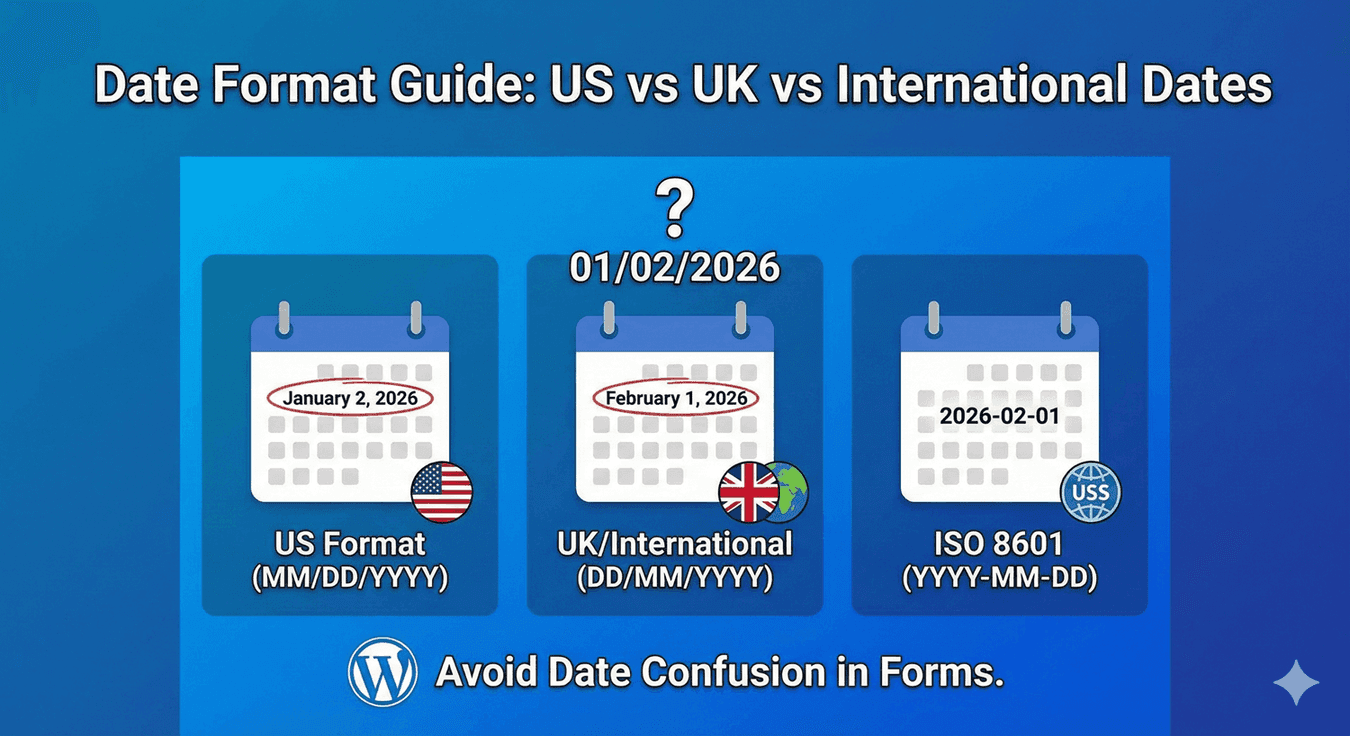
Date Format Guide: US vs UK vs International Dates
03/04/2026 means two different days depending on where you are. Here's how to choose the right date format for your audience and keep your date data unambiguous.
Read post →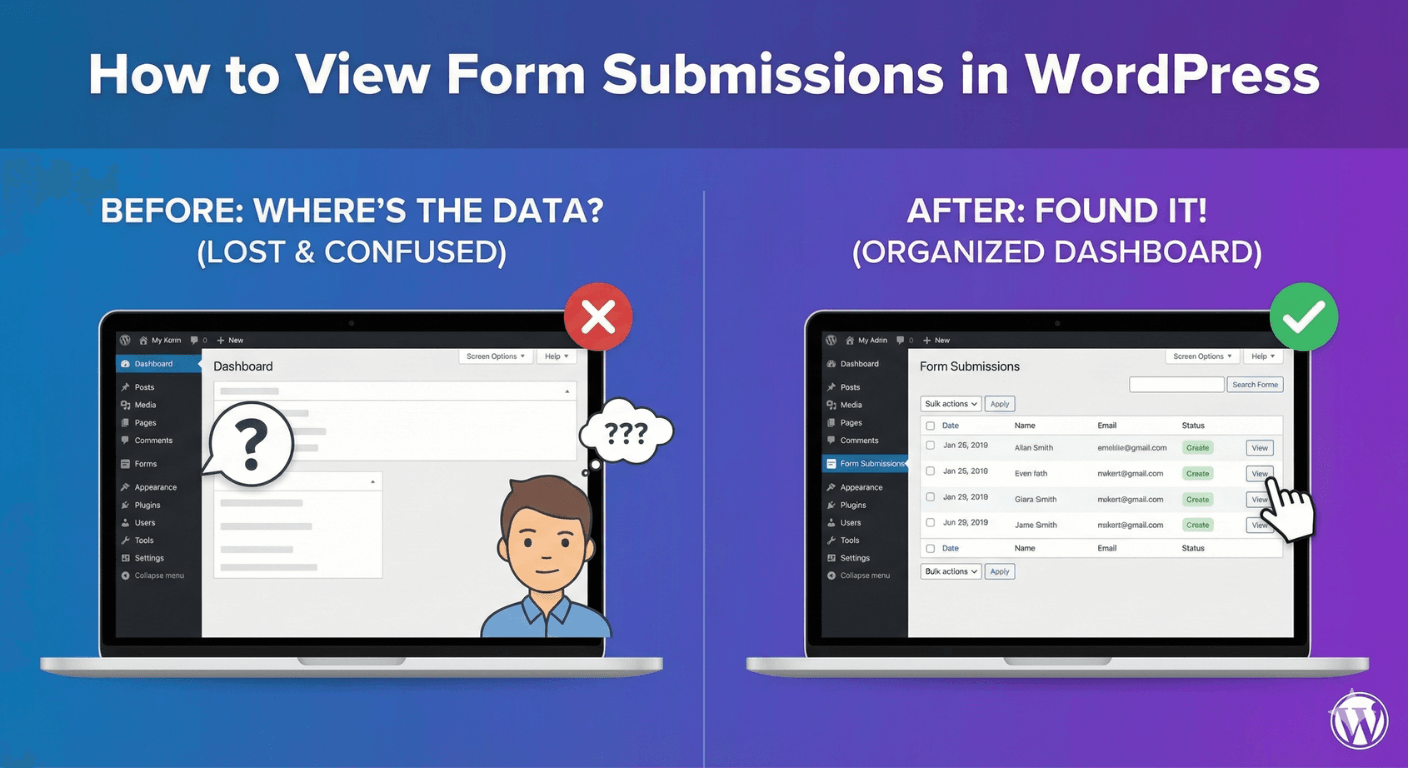
How to View Form Submissions in WordPress
Where do form submissions go? Here's how to view every entry and its full details in your WordPress dashboard, instead of hunting through email.
Read post →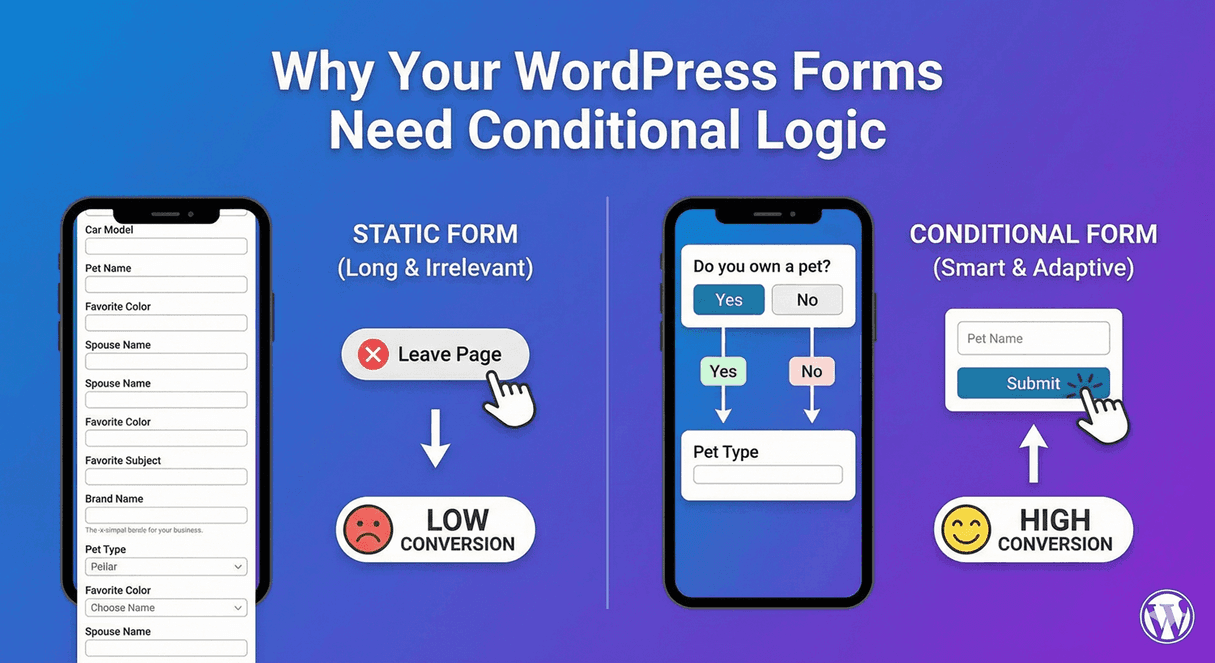
Why Your WordPress Forms Need Conditional Logic
If your forms don't use conditional logic, they're longer and less relevant than they should be. Here's why it's a feature every serious form needs.
Read post →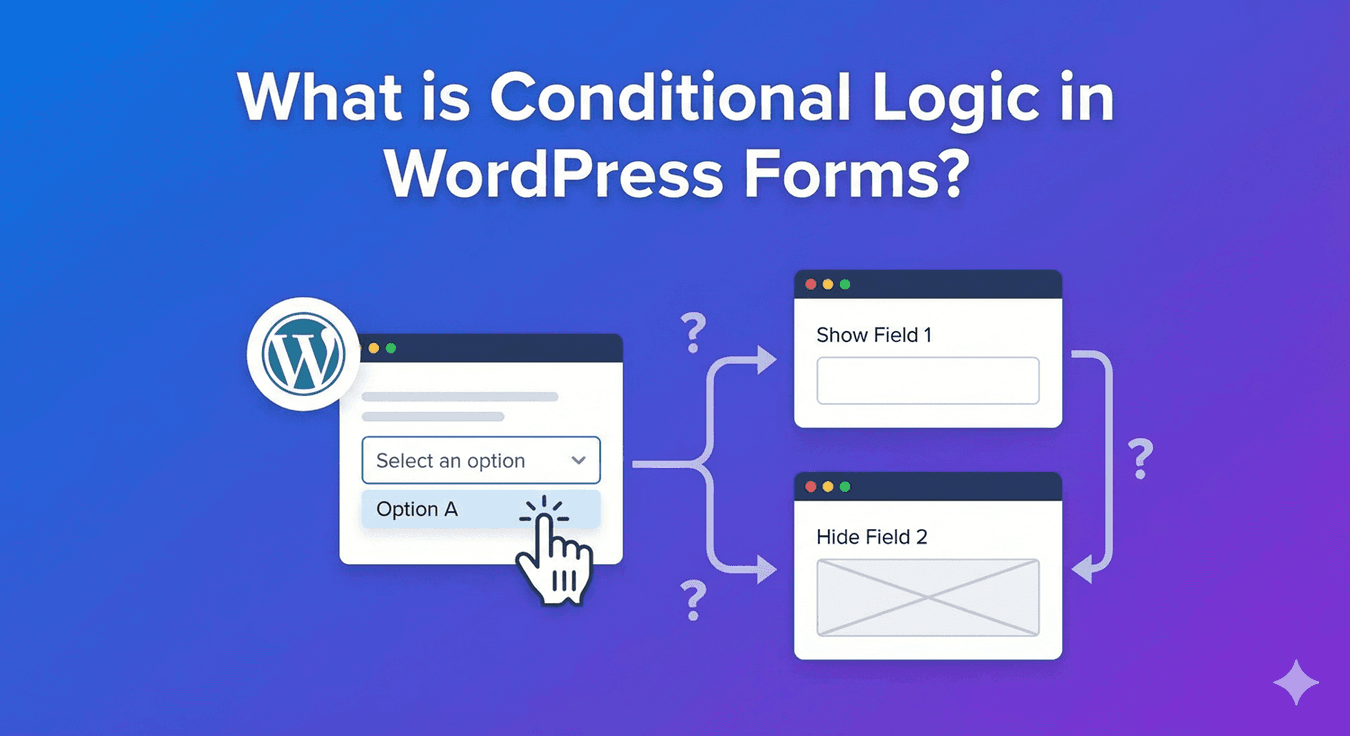
What is Conditional Logic in WordPress Forms?
Conditional logic is what makes a form feel smart instead of static. Here's a plain-English explanation of what it is, what it does, and why it matters.
Read post →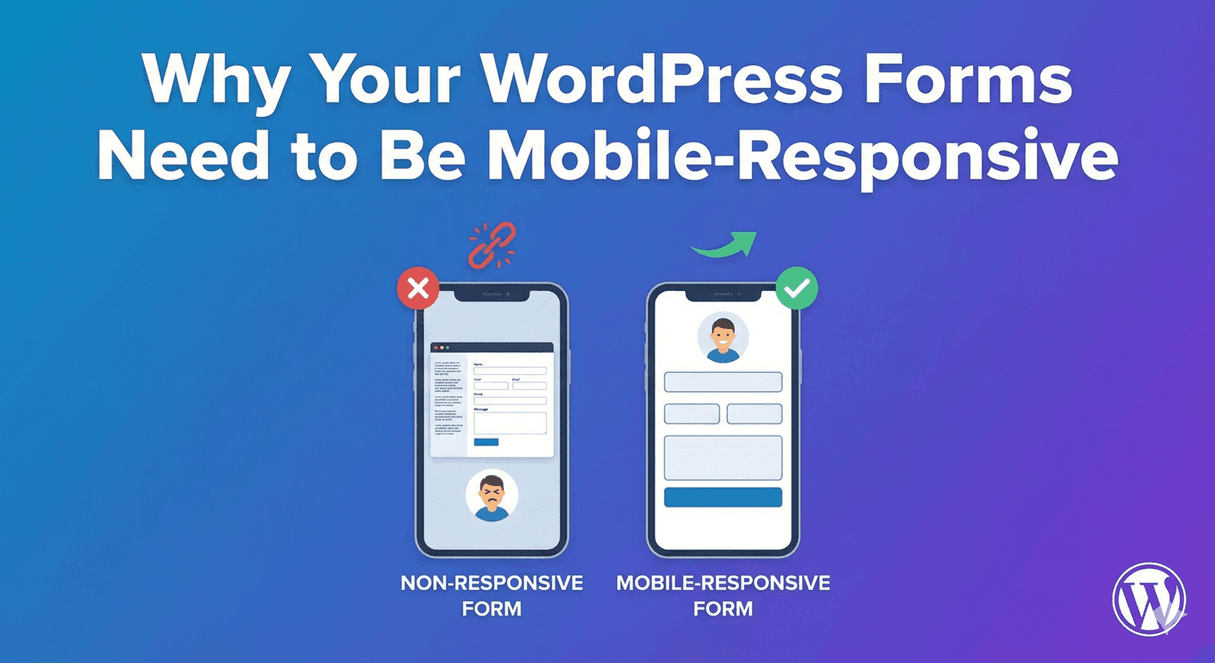
Why Your WordPress Forms Need to Be Mobile-Responsive
More than half your visitors are on a phone. If your form is hard to use on mobile, you're losing them — here's why responsiveness matters and how to get it right.
Read post →
Build your first form — free
Install from WordPress.org and start with any post above — every core feature included.